Professional Headshot Dimensions for Every Platform
Exact headshot dimensions and file sizes for LinkedIn, email signatures, company websites, business cards, press kits, and social media platforms.
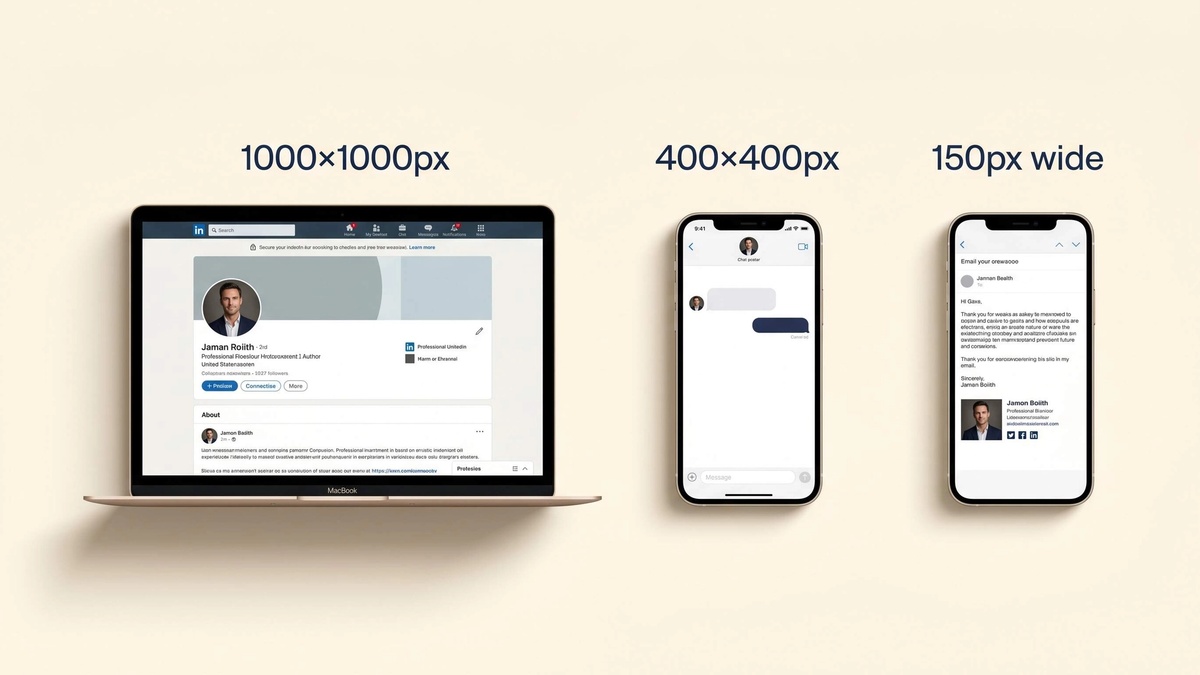
Table of Contents
Every platform has specific requirements. Here are the exact dimensions and file specs so you don't waste time guessing.
LinkedIn is the most important platform for most professional headshots.
Profile photo specs:
- Minimum: 400 × 400 pixels
- Recommended: 1000 × 1000 pixels
- Maximum: 20,000 × 20,000 pixels
- File size: Under 8 MB
- Formats: JPG, GIF, PNG
- Display shape: Circular crop
Because LinkedIn displays your photo as a circle, keep your face centered with space above the crown of your head. Tight crops where hair touches the frame edges will get clipped.
👉 See what makes an AI LinkedIn headshot look credible for everything beyond just file size.
LinkedIn headshots explains what else makes a profile photo work at this specific format.
📧 Email Signatures
Email signature photos appear small. You don't need high resolution here, but you do need a clean, lightweight file.
Specs:
- Width: 100–150 pixels
- Format: JPG (smaller file) or PNG
- File size: Under 100 KB
- DPI: 72 (screen resolution)
👉 Keep the file size small. Large images in email signatures slow delivery and cause display issues on some mail clients.
🏢 Company Websites
Website headshots display larger than email or LinkedIn thumbnails, so they need more resolution.
Specs:
- Width: 400–800 pixels minimum
- Shape: Square or 3:4 ratio is most common for team pages
- Format: JPG or WebP
- File size: Under 500 KB
👉 Check with your web team for the exact crop dimensions. Different site templates crop differently and an off-spec photo will look misaligned.
📎 Business Cards
Print is a completely different standard. You need much higher resolution for any photo that goes on a physical card.
Specs:
- Resolution: 300 DPI minimum (600 DPI preferred)
- Color mode: CMYK, not RGB (RGB is for screens only)
- Format: TIFF or high-quality JPG
⚠️ Most AI headshot generators output 72–96 DPI screen images. These are not suitable for print without professional upscaling.
📰 Press Kits and Speaker Pages
Press and speaker use requires the highest quality files, because event organizers and publications will resize as needed.
Specs:
- Width: 1200 pixels minimum
- Resolution: 300 DPI
- Format: JPG or PNG
- File size: 1–5 MB
👉 Provide both a high-resolution version for print and a web-optimized version. Event organizers will thank you.
📱 Social Media Platforms
| Platform | Recommended Size | Display Shape |
|---|---|---|
| 1000 × 1000 px | Circle | |
| Twitter / X | 400 × 400 px | Circle |
| 320 × 320 px | Circle | |
| 170 × 170 px | Circle | |
| Slack | 512 × 512 px | Circle |
| Google Meet | 1000 × 1000 px | Circle |
All major platforms display profile photos as circles. ✅ The safe zone for your face is the center 75% of the frame. Anything near the edges may get cropped.
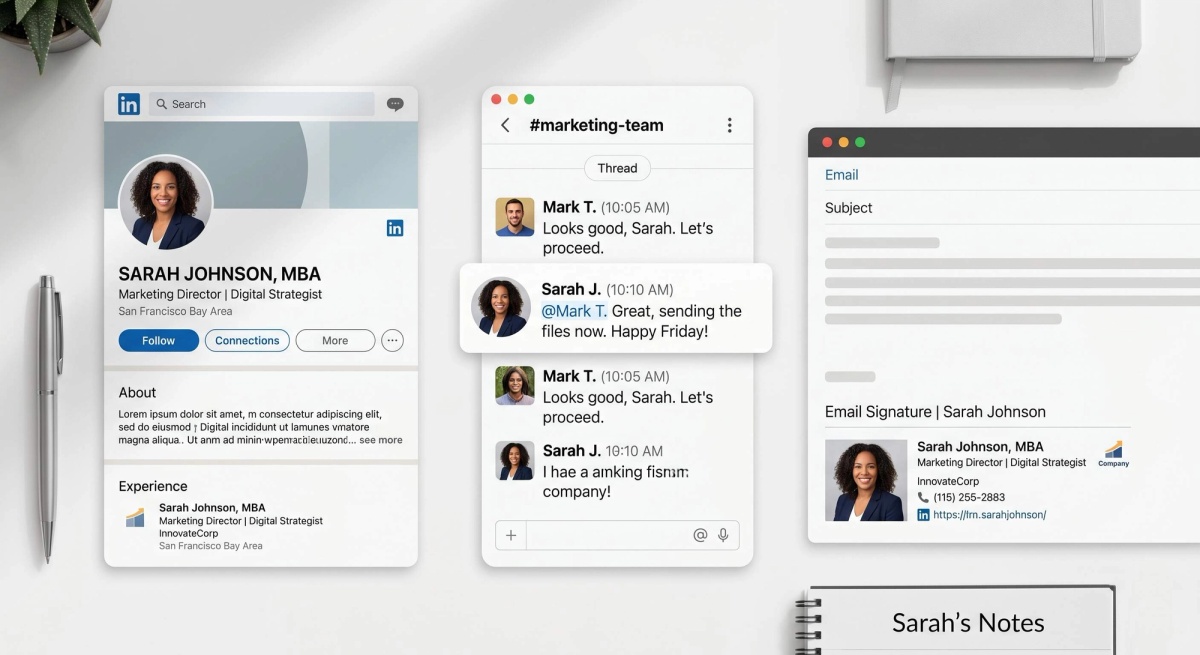
See professional headshot examples for context on how well-shot headshots translate across platforms. For company team photo standards, see company headshots.
Your headshot should work everywhere without thinking about it. Proshoot delivers high-resolution output that scales cleanly from LinkedIn to print.
Frequently Asked Questions

Fazil
Content Writer