Best AI Headshot Generators in 2026: 8 Tools Tested and Compared
Two independent reviewers tested 8 AI headshot generators for realism, face likeness, pricing, and professional use. See which tools actually look like you.
Table of Contents
After two independent reviewers tested eight AI headshot generators, Proshoot came out ahead on realism and face resemblance. Sarah Gillam and Sarwar Baker both ranked it first for natural-looking results that still look like the person in the source photos. DreamWave AI is the strongest paid alternative if you want a simpler workflow and polished styling. Aragon AI leads on speed, editing, and glamour. HeadshotMaster and Canva are the best free options to test the category. PhotoPacks suits creative social variety, not strict professional likeness.
Best AI headshot generators at a glance:
| Tool | Best for | Face likeness | Starting price | Tested by | Verdict |
|---|---|---|---|---|---|
| Proshoot | LinkedIn, corporate, realism | Strong | From $35 | Sarah + Sarwar | Best overall |
| DreamWave AI | Simple workflow + editing | Average | $35 to $99 | Sarwar | Best paid alternative |
| Aragon AI | Polish, speed, styling | Moderate | From $35 | Sarah + Sarwar | Best for styled headshots |
| BetterPic | 4K volume, fast support | Mixed | $35/$39/$79 | Sarah | Solid if results land |
| PhotoPacks | Social and creative variety | Low | Paid | Sarah | Niche use only |
| PortraitPal | Simple setup, minimal features | Variable | ~$35 | Sarwar | Simple, mixed batch quality |
| HeadshotMaster | Free testing, no signup | Low | Free | Sarwar | Best free baseline |
| Canva | Existing Canva users | Low | Free (credits) | Sarwar | Convenient, not best-in-class |
Most AI headshot reviews show you a sharp thumbnail and skip the part that matters: does the full-size image still look like you?
This guide answers that question using real independent tests, not marketing pages. All eight tools were tested in early 2026.
Sarah Gillam, a Lead Instructional Designer, paid for four tools herself and published her results on Medium. Sarwar Baker, founder of AI Headshot Co., paid for six more tools and tested them on the same photo dataset across every review on his site. We have permission from both to reference their findings here.
A quick disclosure: Proshoot is our product. Putting it in a "best AI headshot generator" list on the Proshoot blog is a bit like a bakery ranking its own croissants. We still say plainly when another tool is the better fit for a specific use case. The screenshots and verdicts below come from Sarah's and Sarwar's tests, not from our marketing team.
TLDR
- 👉 Most realistic overall: Proshoot (strongest face resemblance and natural results in both tests)
- 👉 Best paid alternative: DreamWave AI (simple workflow, strong editor)
- 👉 Best for polish and styling: Aragon AI
- 👉 Best for 4K volume: BetterPic (results vary by photo set)
- 👉 Best for creative social shots: PhotoPacks
- 👉 Best free (no signup): HeadshotMaster
- 👉 Best free (if you use Canva): Canva
- 👉 Simplest paid workflow: PortraitPal (same starting price as rivals, fewer features, mixed batch quality)
How these tools were tested
Two reviewers. Two photo sets. Same evaluation standards.
Sarah Gillam's test (4 tools)
Sarah tested Proshoot, Aragon AI, BetterPic, and PhotoPacks using her own selfies and candid photos. No studio prep. She judged each tool on face likeness, realism, expression quality, professional usability, and support responsiveness.
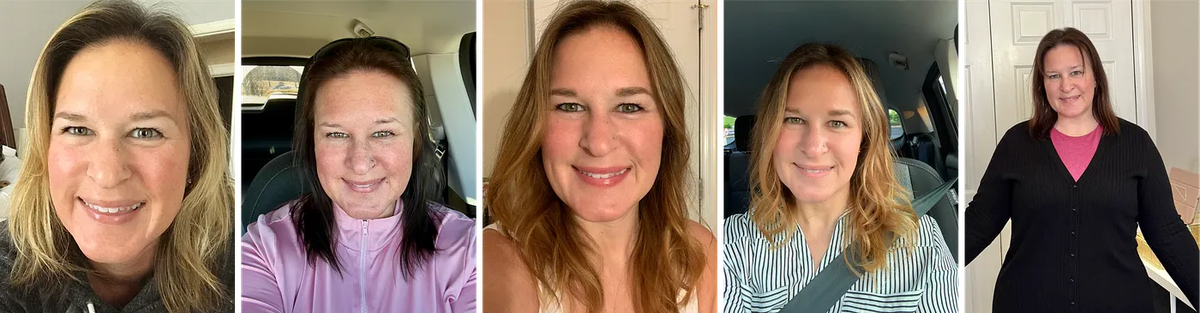
Read her full write-up: Which AI headshot generator is the best?
Sarwar Baker's test (6 tools)
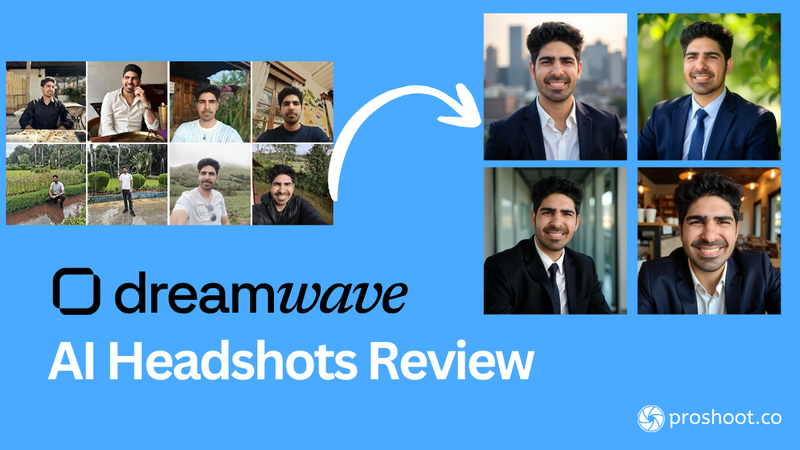
Sarwar tested Proshoot, DreamWave AI, Aragon AI, PortraitPal, HeadshotMaster, and Canva on AI Headshot Co. using the same Jason dataset (eight everyday photos) across every review. That keeps comparisons fair.
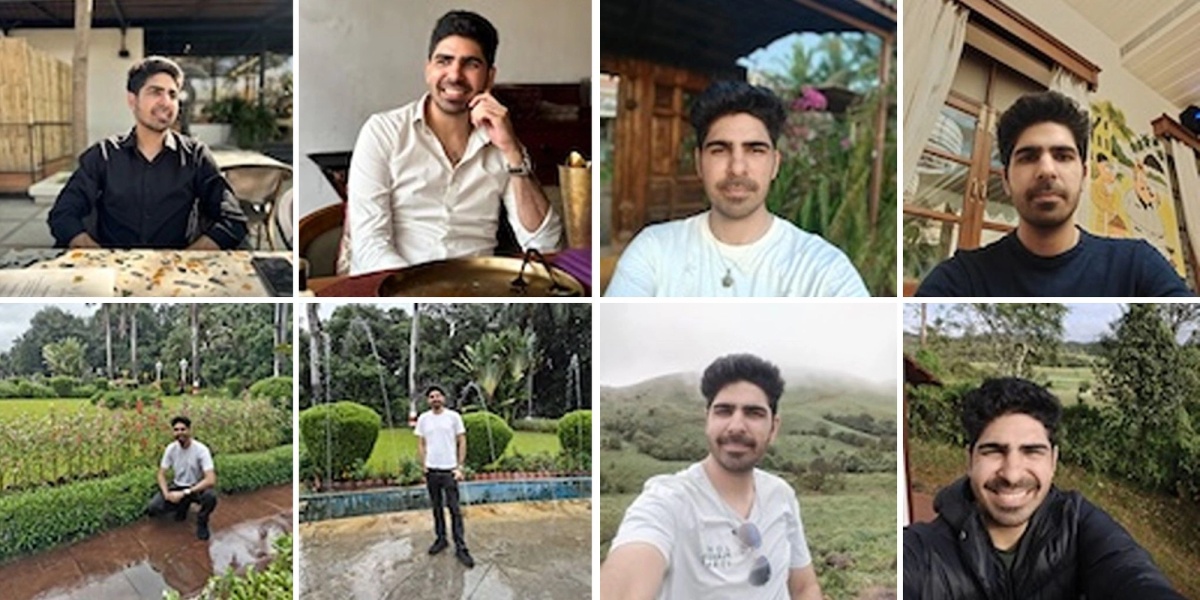
Sarwar scored each tool on face likeness (25 points), realism (20), professionalism (15), privacy (5), and pricing (10). Higher weight went to likeness and realism.
What we looked for in every tool
- Face likeness - Does someone who knows you recognise you instantly?
- Realism - Skin, eyes, teeth, hair edges, clothing details at full size
- Professional usefulness - Would you use this on LinkedIn, a company page, or a client bio?
- Pricing clarity - What you pay, what you get, refund terms (pricing guide)
- Privacy and trust - How clearly the tool explains data handling
Tip: Both reviewers found that input photo quality matters more than variety. Consistent hairstyle, expression, and lighting beat a large mixed bag of selfies.
Five things to know before you upload
Sarah learned these the hard way across her four-tool test:
- Only upload photos you actually like. Weak expressions in your inputs show up in outputs.
- Keep hairstyles and facial features consistent across all training photos.
- Use hair and eye colour inputs when a tool offers them.
- Body type can vary even with waist-up source photos.
- Expect to like only a few images from each batch. A 100-headshot package is not 100 keepers.
Overall scores from Sarwar's weighted test
Sarwar scored six tools on AI Headshot Co. BetterPic and PhotoPacks were tested by Sarah only, so they are not in this chart.
Overall AI Headshot Generator Scores (Sarwar's Weighted Test)
- Weighted total score (max 75)
Total score (out of 75)
caption: Scoring weights face likeness (25), realism (20), professionalism (15), privacy (5), and pricing (10). Source: Sarwar Baker, AI Headshot Co., 2026.
Face likeness and realism compared across all 8 tools
Face likeness and realism are the two factors that matter most for professional headshots. This chart combines Sarwar's scored results with Sarah's qualitative ratings for BetterPic and PhotoPacks.
Face Likeness and Realism by AI Headshot Generator
- Face likeness (out of 25)
- Realism (out of 20)
caption: Proshoot through PortraitPal scores from Sarwar Baker's weighted test on AI Headshot Co. BetterPic and PhotoPacks face likeness and realism scores reflect Sarah Gillam's qualitative ratings from her Medium review, mapped to the same scale.
Paid tool starting prices
Starting Price for Paid AI Headshot Generators
- Starting package price
caption: Starting prices at time of testing. Packages differ in headshot count, resolution, and extras. Check each site before ordering.
Quick comparison table
| Tool | Face likeness | Realism | Best use case | Starting price | Full review |
|---|---|---|---|---|---|
| Proshoot | Strong | Strong | LinkedIn, corporate | $35 | Below |
| DreamWave AI | Average | Good | Low-friction paid workflow | $35 | DreamWave review |
| Aragon AI | Moderate | Good | Polish, speed, editing | $35 | Aragon review |
| BetterPic | Mixed | Mixed | 4K volume | $35 | BetterPic review |
| PhotoPacks | Low | Stylized | Social, creative variety | Paid | Below |
| PortraitPal | Variable | Variable | Simple setup, fewer features | ~$35 | Below |
| HeadshotMaster | Low | Basic | Free category test | Free | Below |
| Canva | Low | Basic | Canva users, quick test | Free | Canva review |
1. Proshoot
Tested by: Sarah Gillam + Sarwar Baker
Short verdict: The most realistic results in both independent tests. Strongest face resemblance and natural skin texture at full size. Best pick for LinkedIn, corporate bios, and anywhere people need to recognise you.
✅ What works: Consistent face likeness, natural skin texture, preserved distinguishing features, clear refund policy with watermarked preview
❌ What to watch for: More upfront setup than minimal-input tools; occasional outfit or body composition polish misses
👉 Best for: Professionals who need headshots that still look like them
Sarah's test:
"I was looking for headshots that actually look like me on a good day, not an enhanced version of me. And Proshoot was best for that." - Sarah Gillam
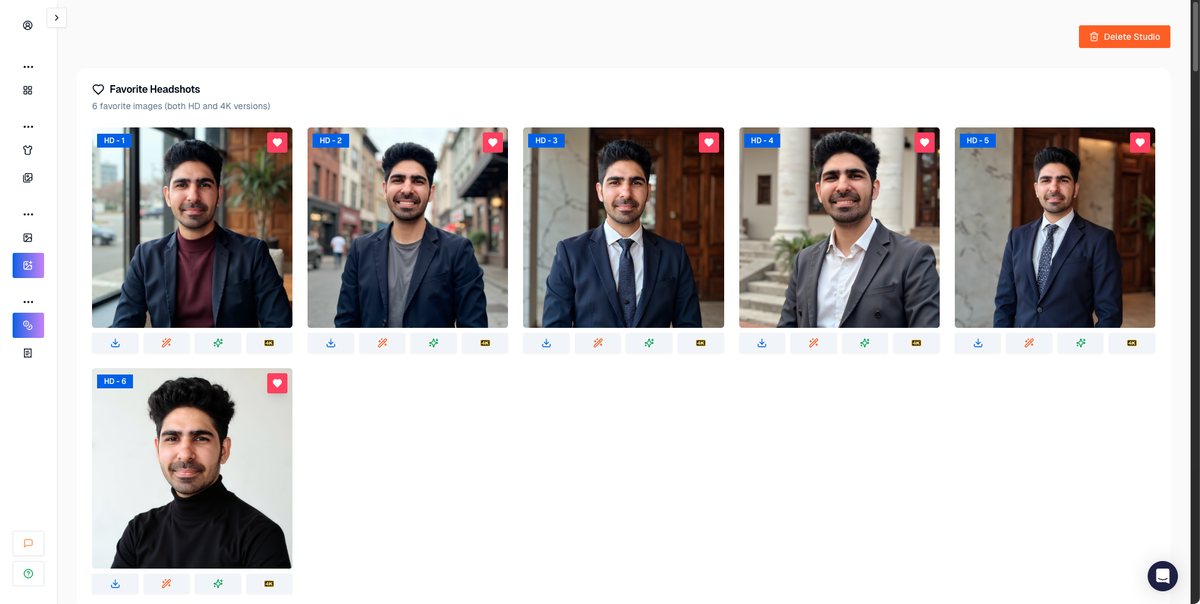
She also noted that Proshoot did not try to "repair" her widow's peak, chin dimples, or other features that other tools smoothed away. Sarwar ranked Proshoot highest overall (68/75), including the top realism and face likeness scores on the Jason dataset.
Sarah's first look came through watermarked previews. Even before downloading, the expressions looked natural and engaged.
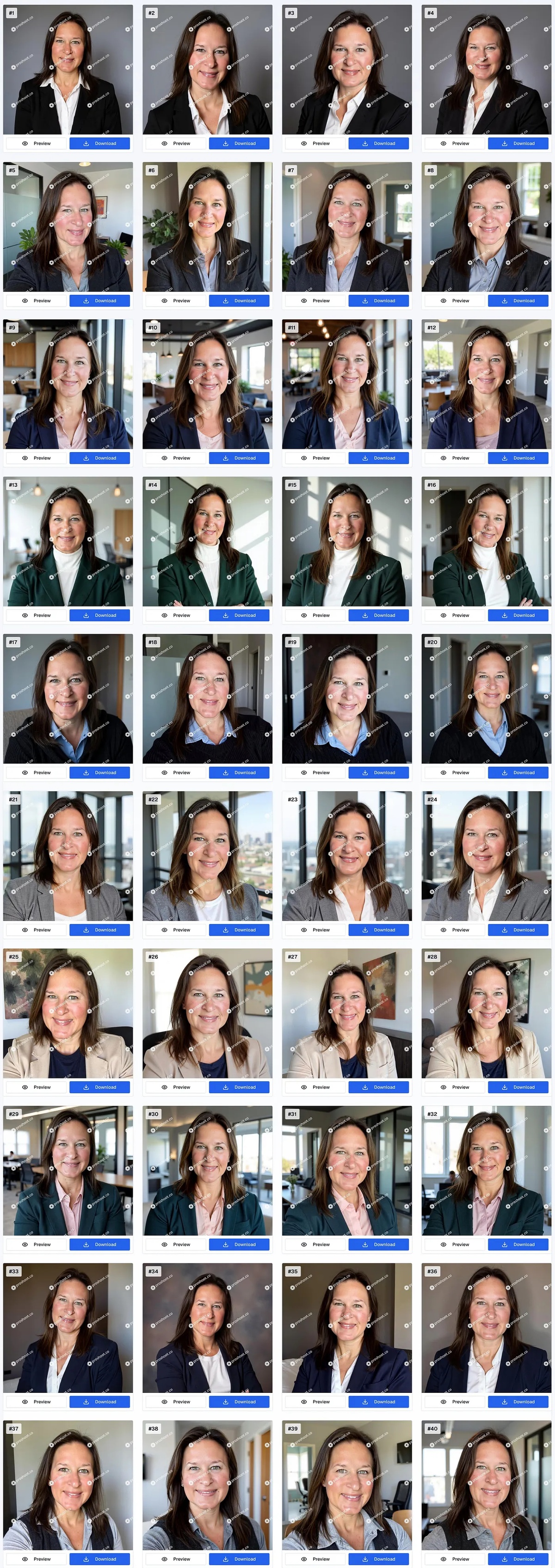
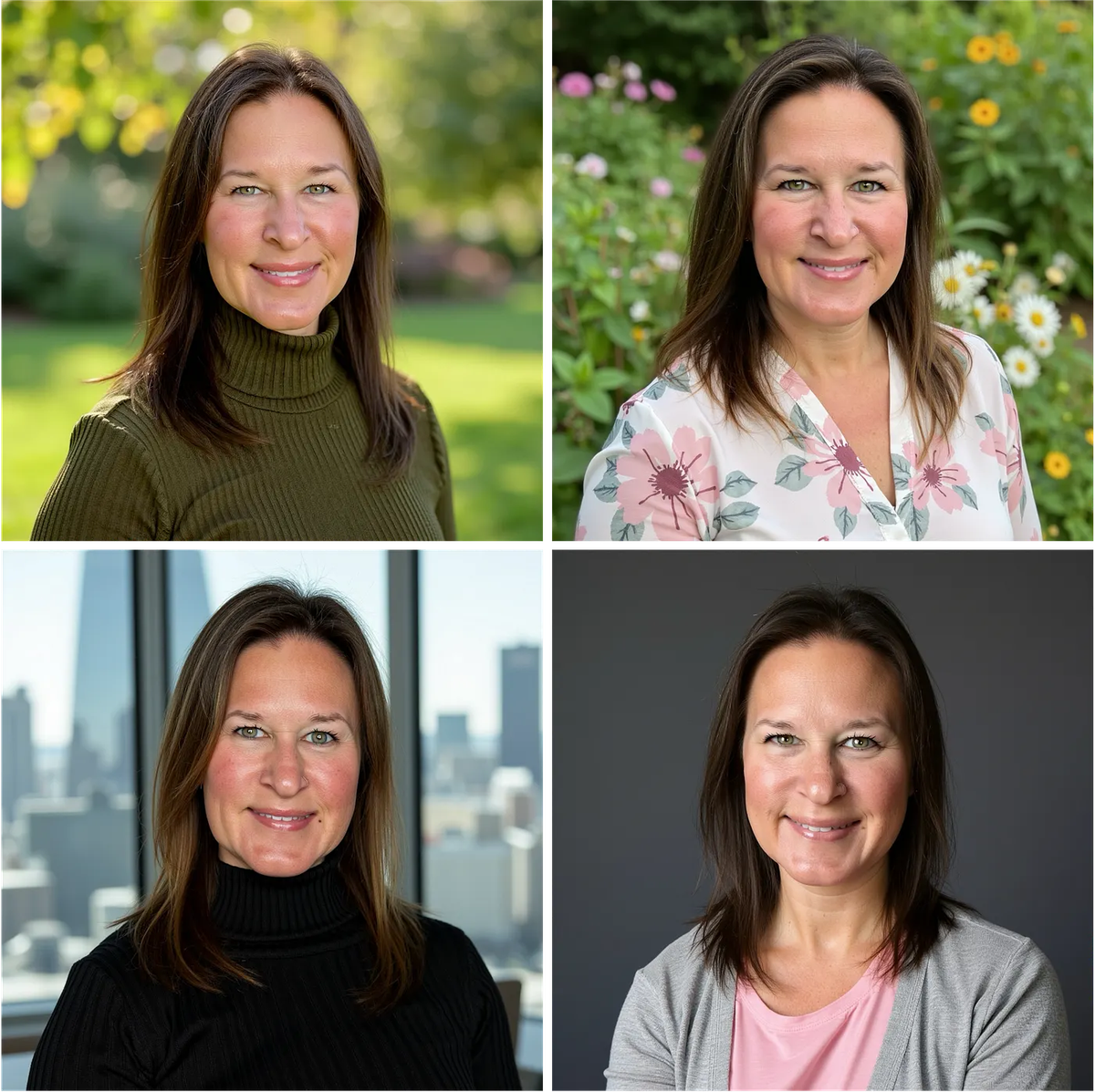
Sarwar's Jason dataset test produced similarly strong identity accuracy across the batch:
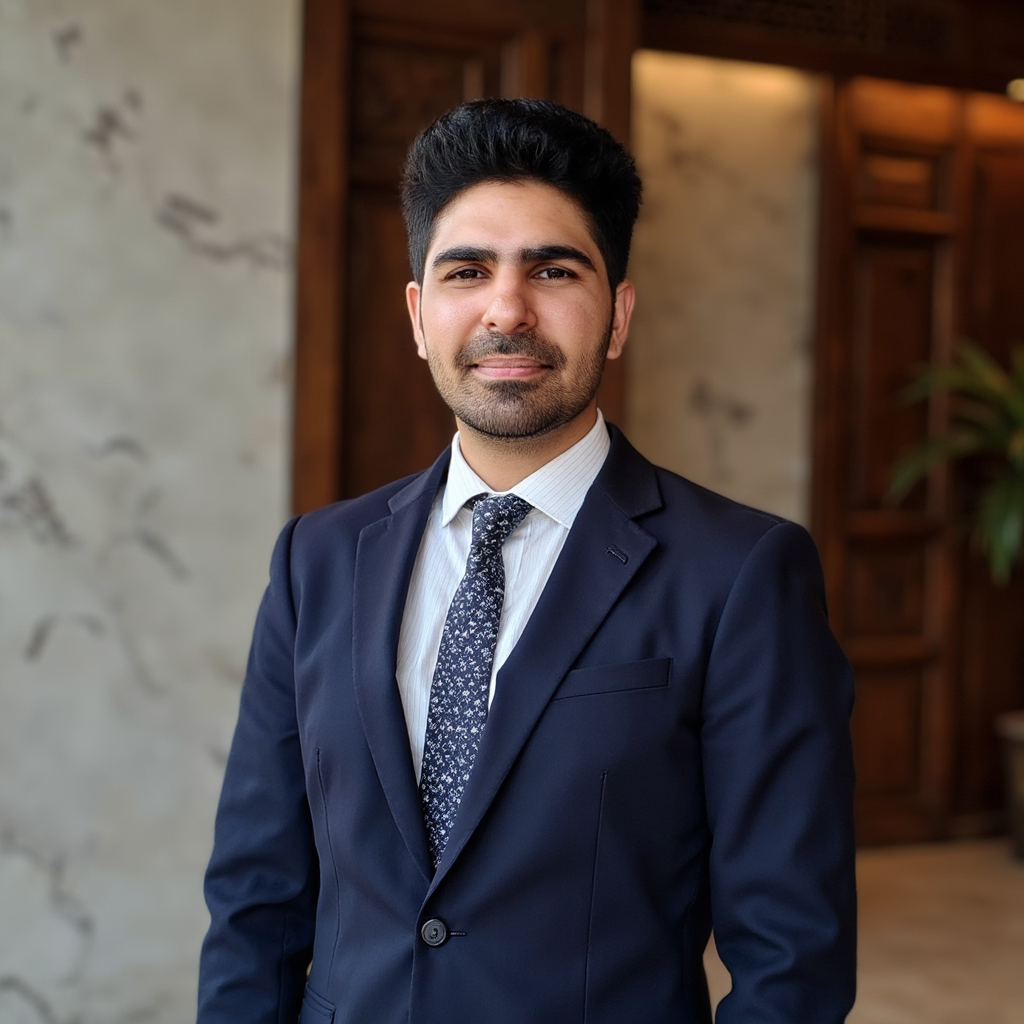
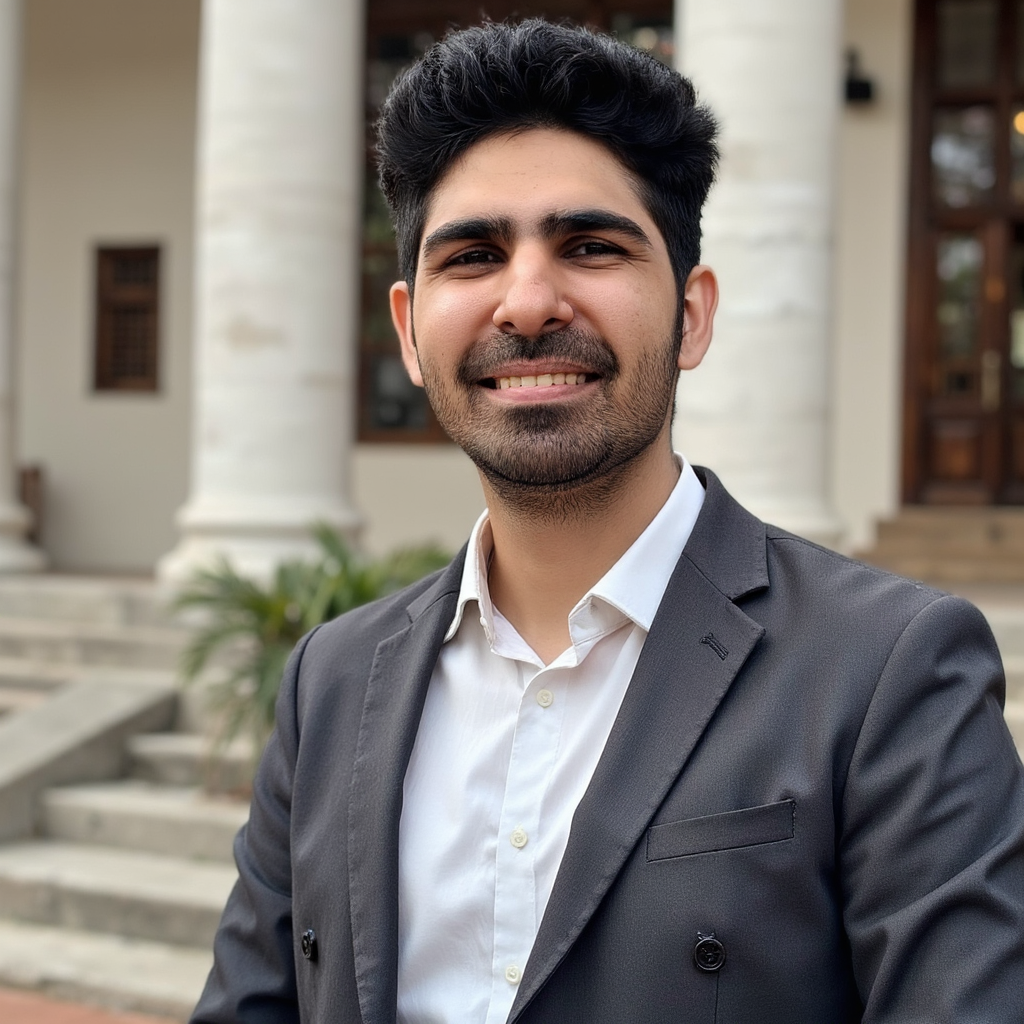
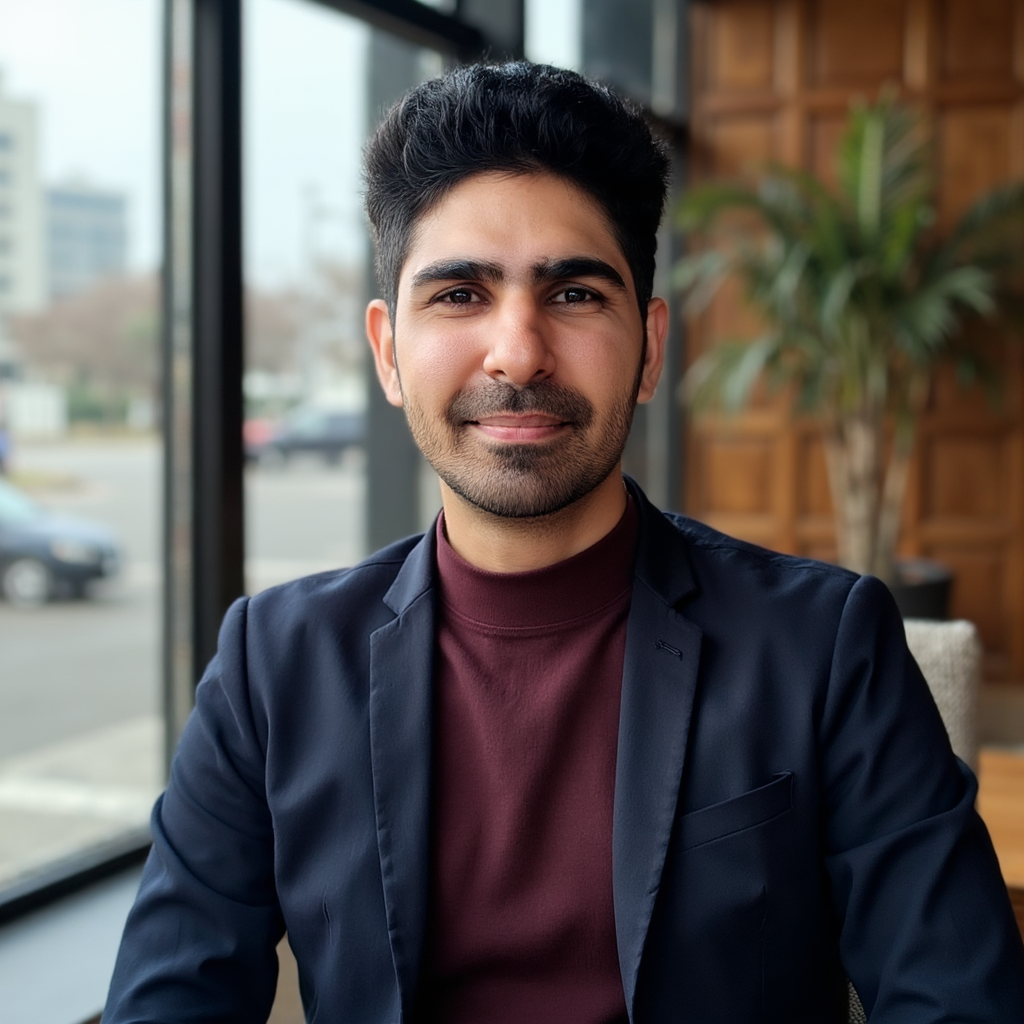
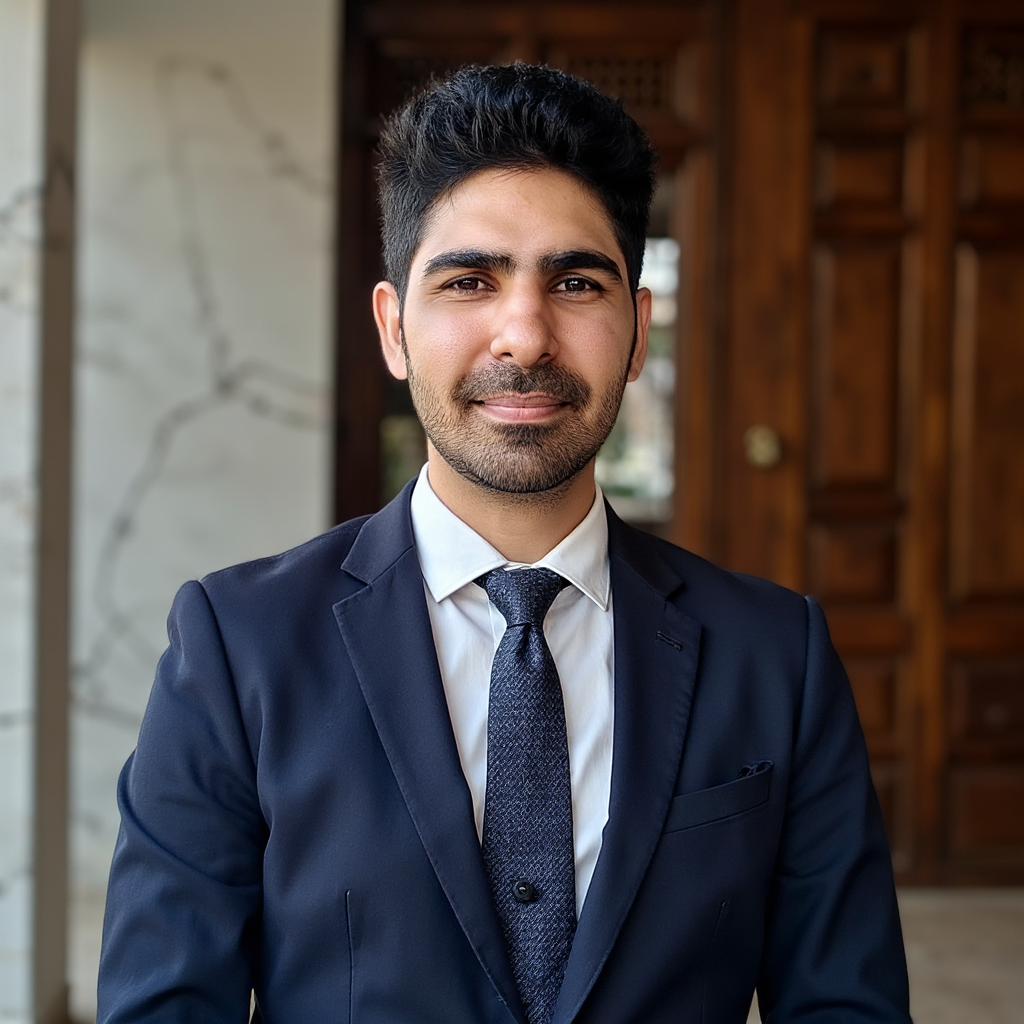
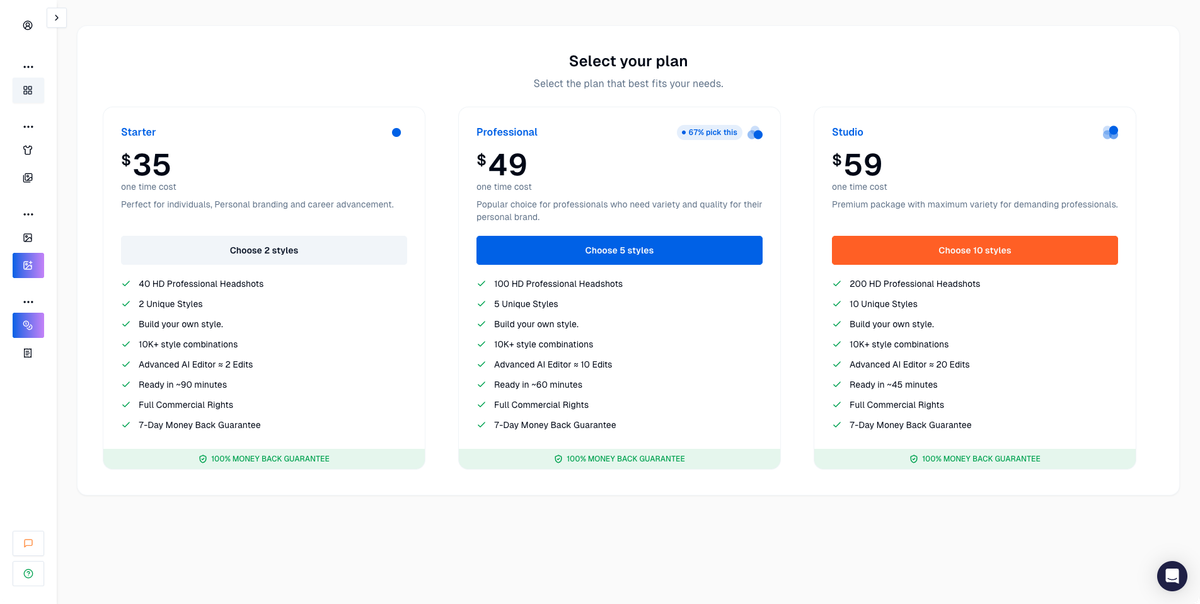
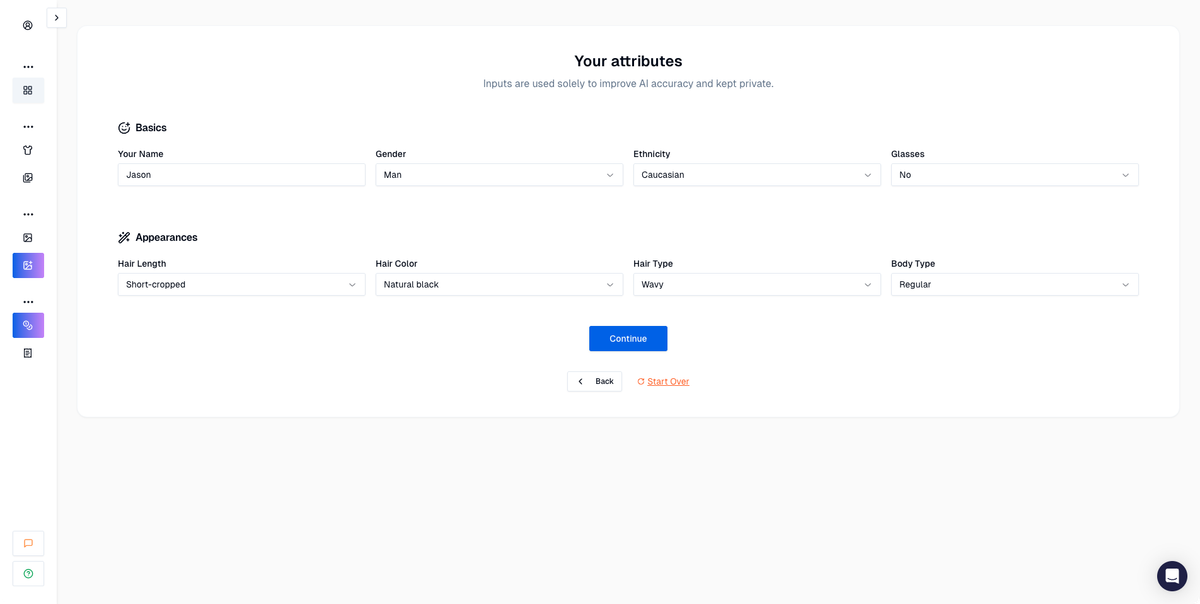
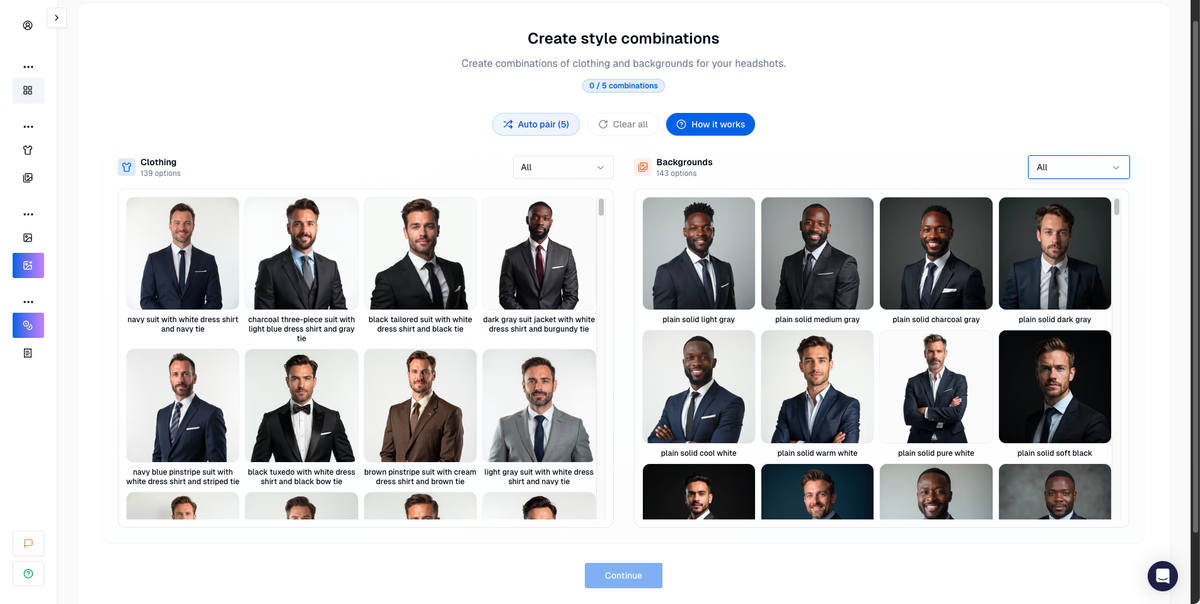
Sarwar's test on AI Headshot Co. also walked through the full Proshoot setup flow:
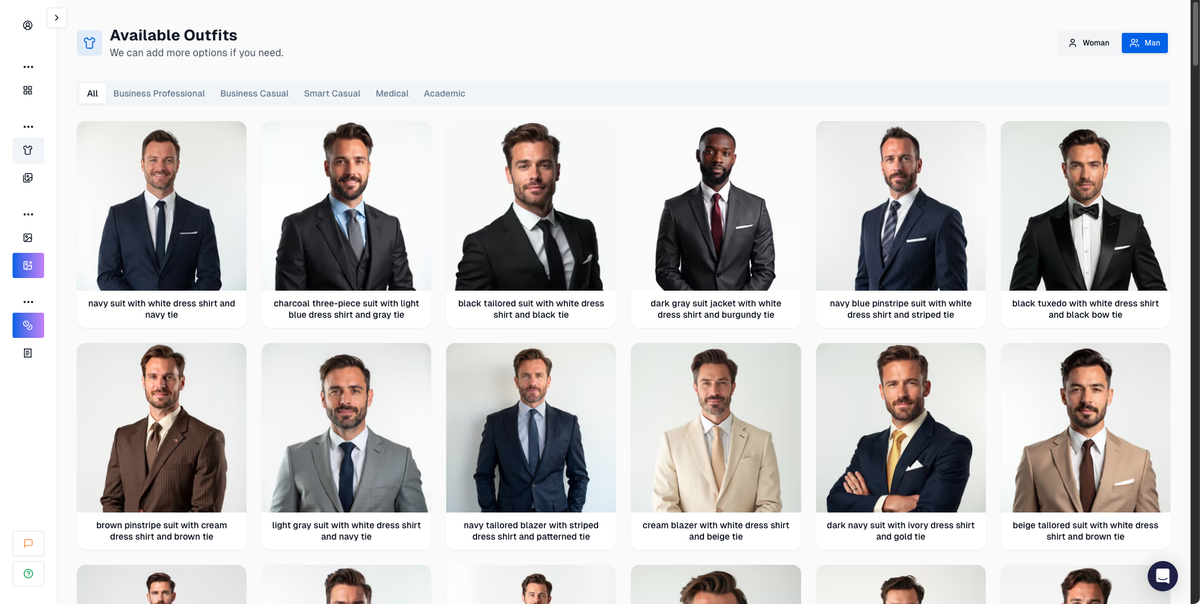
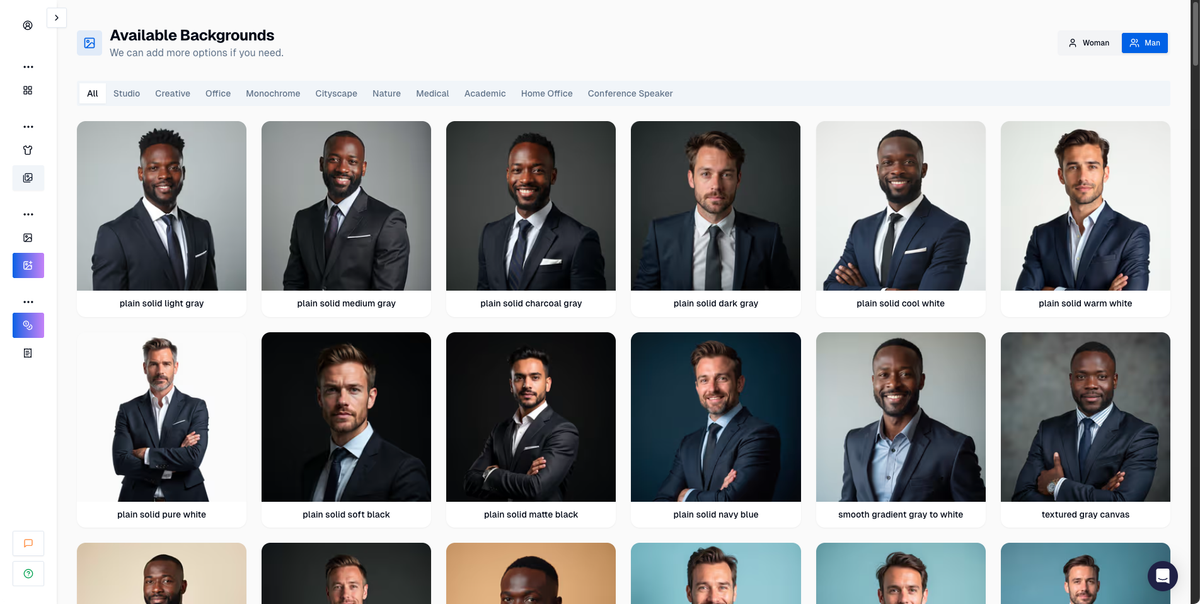
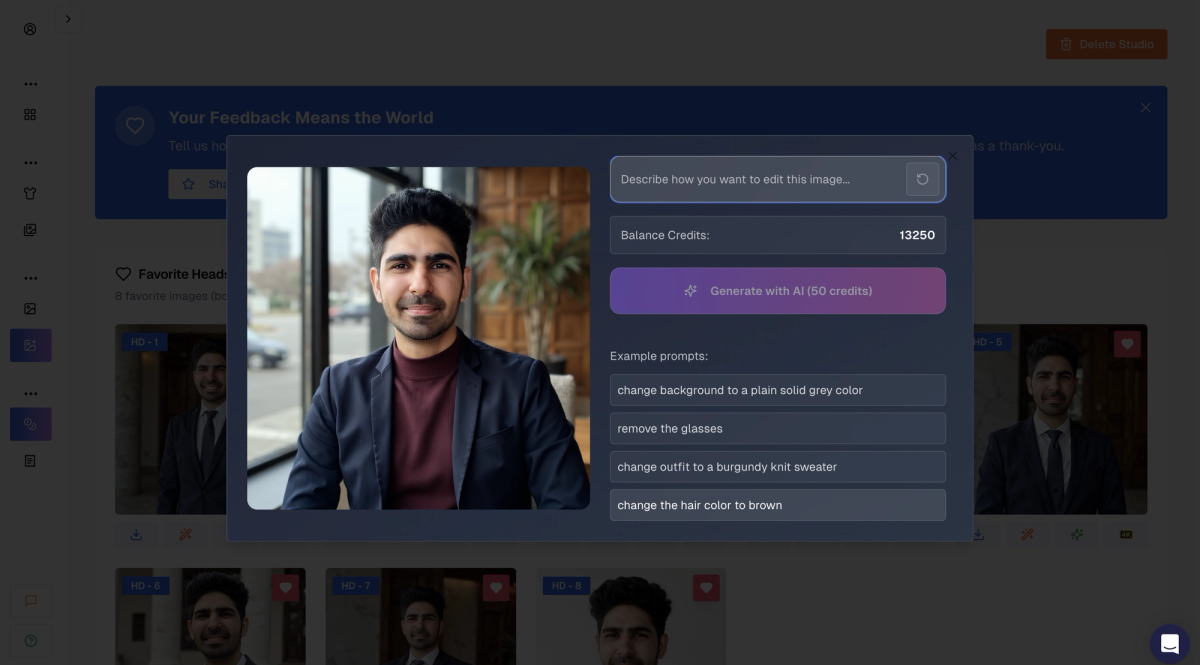
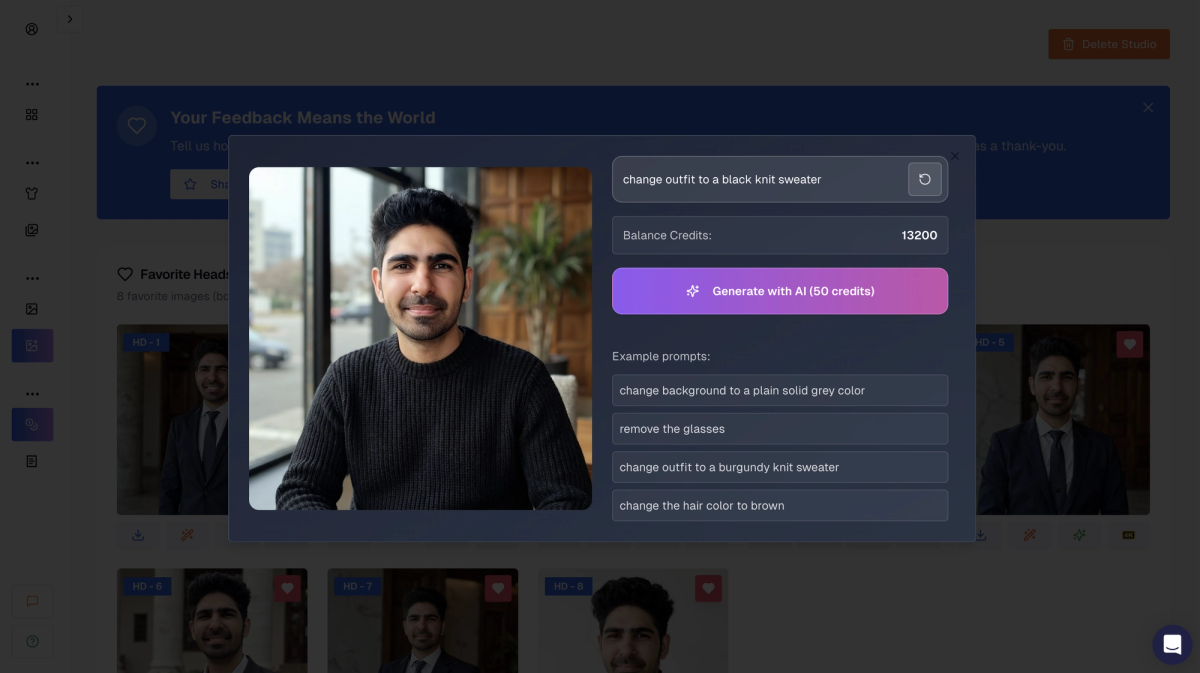
Proshoot's built-in editor can adjust backgrounds and outfits after generation:
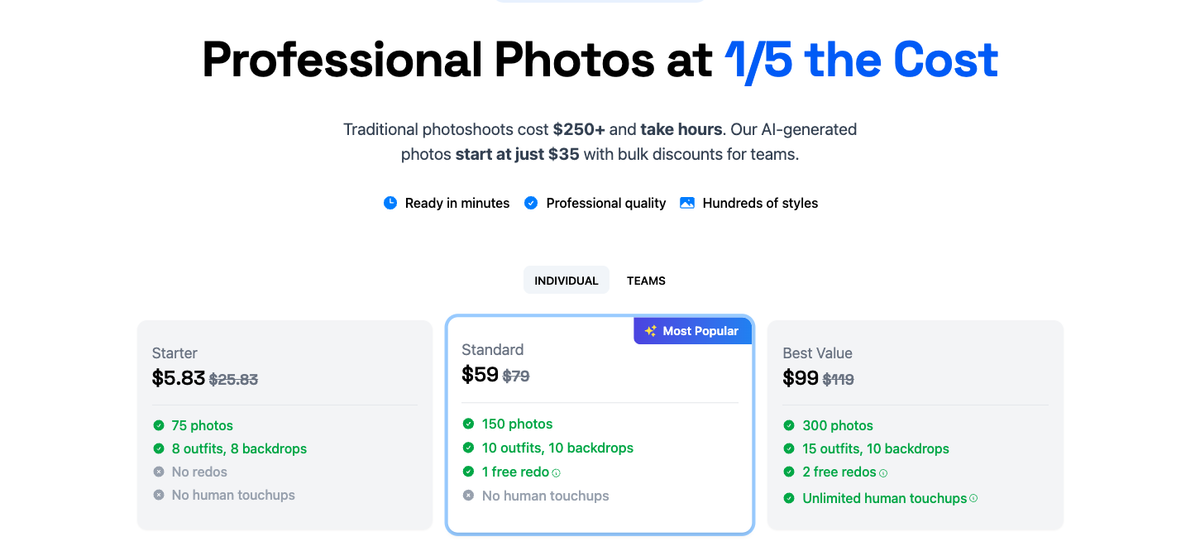
Pricing: From $35 for 40 headshots. Plans at $49 and $59 add more outputs and options.
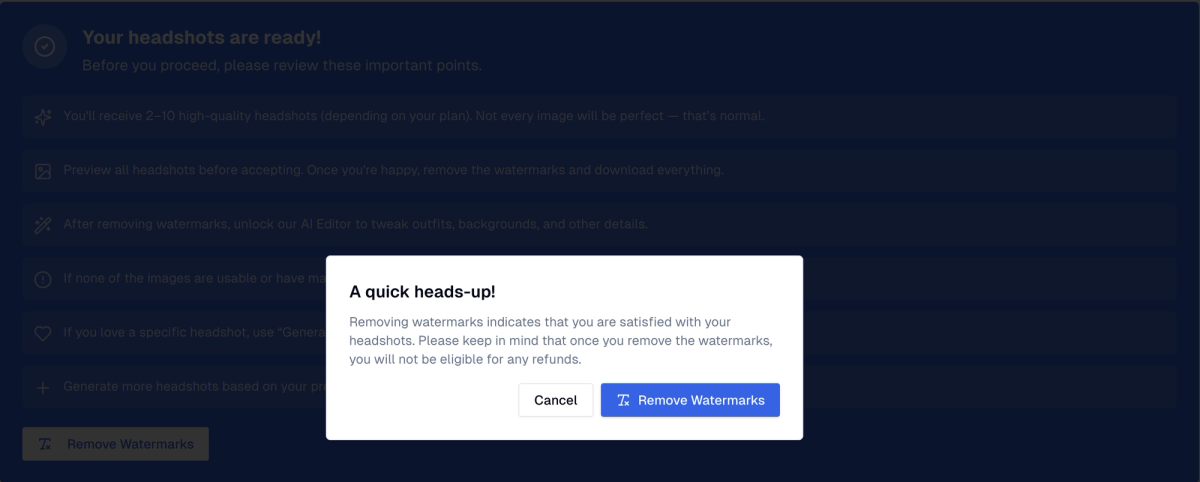
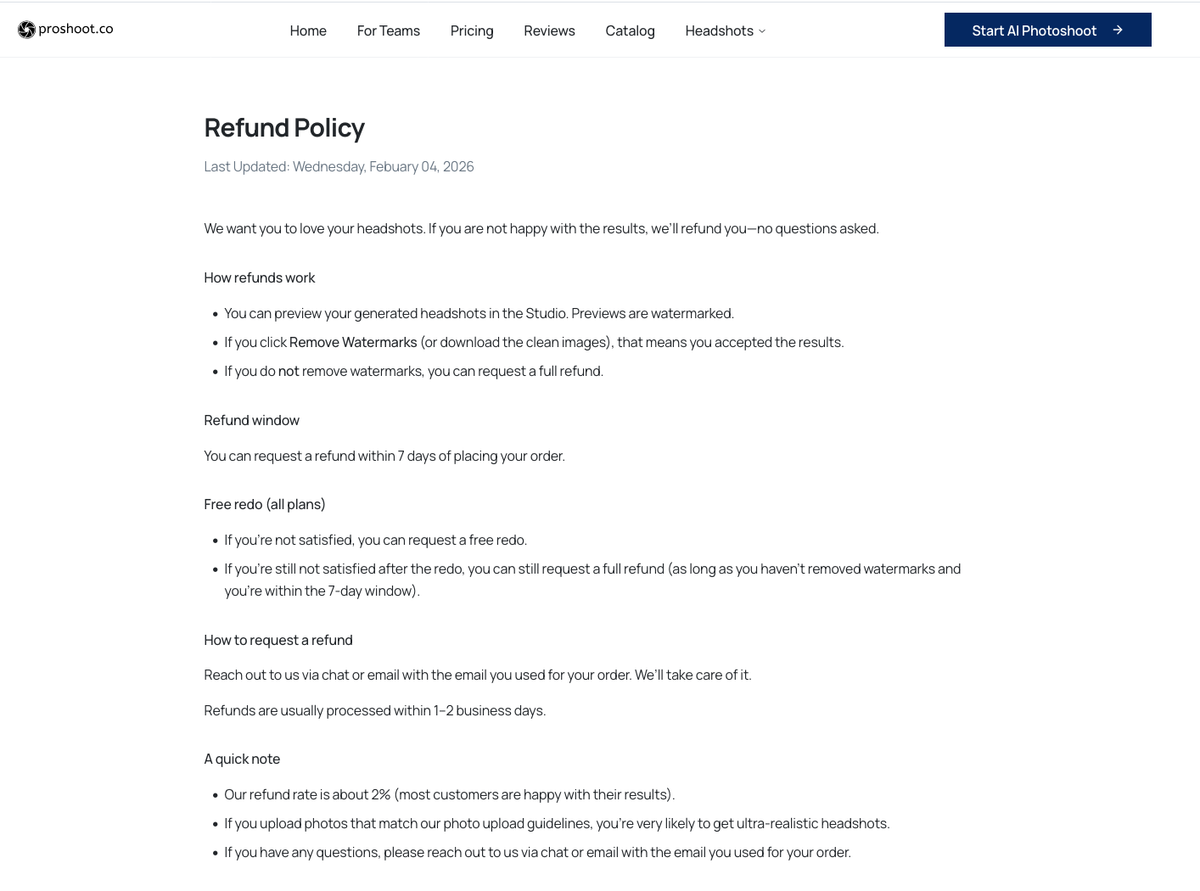
Refund policy: Preview watermarked headshots first. Request a redo if needed. Refund within 7 days if watermarks are not removed. One of the clearer policies in this category.
For corporate headshots and LinkedIn profiles where colleagues need to recognise you, Proshoot delivered the most realistic outputs in both tests.
2. DreamWave AI
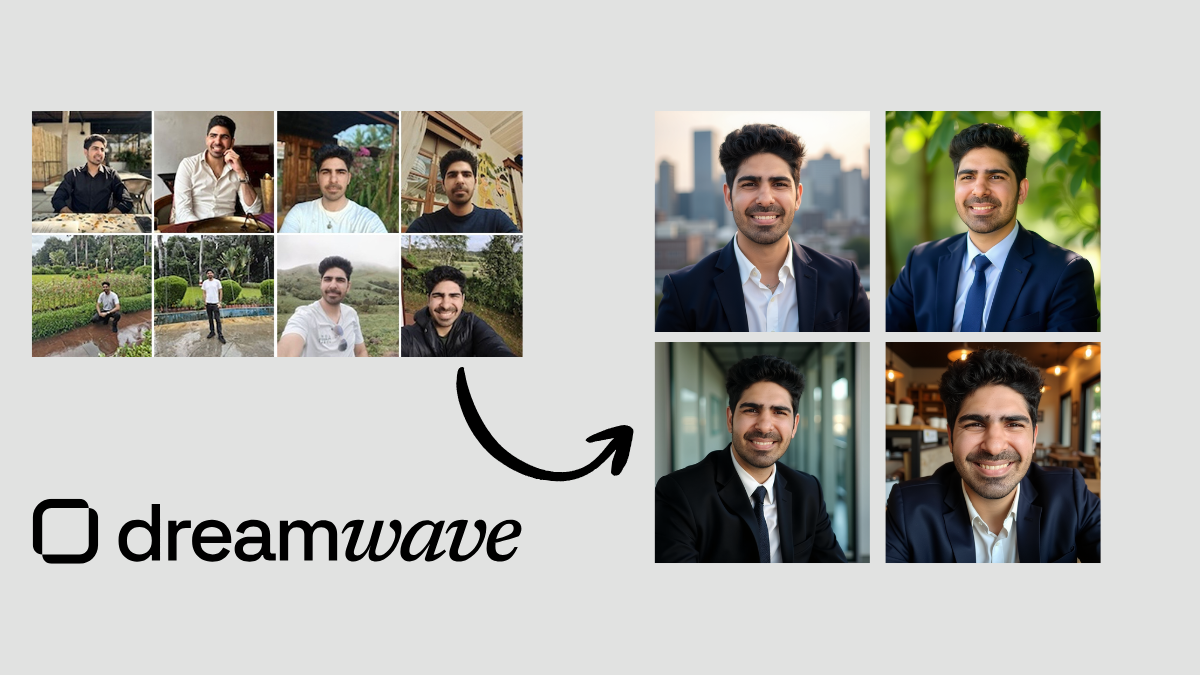
Tested by: Sarwar Baker
Short verdict: Best paid alternative for a simple workflow, polished styling, and a strong post-generation editor.
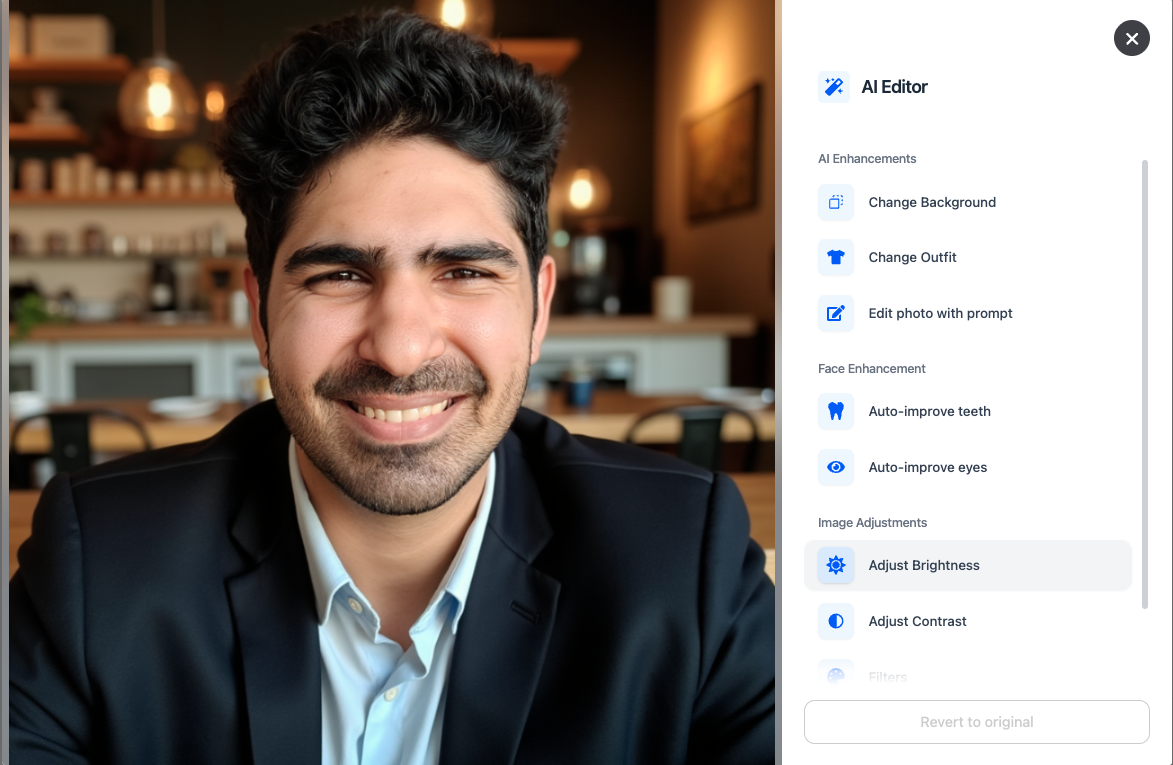
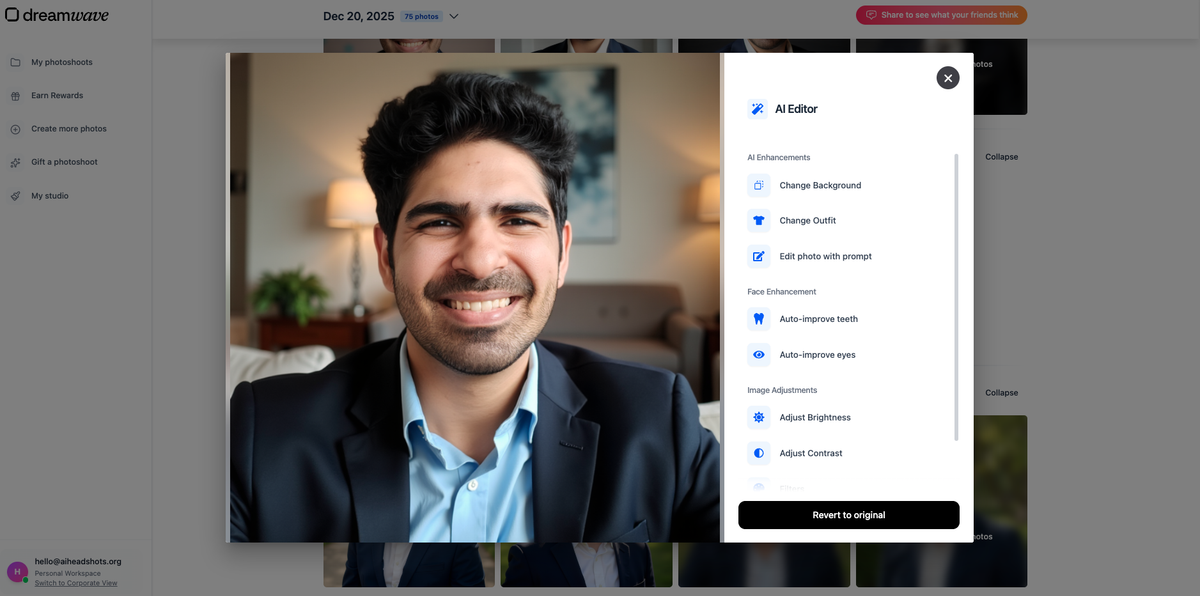
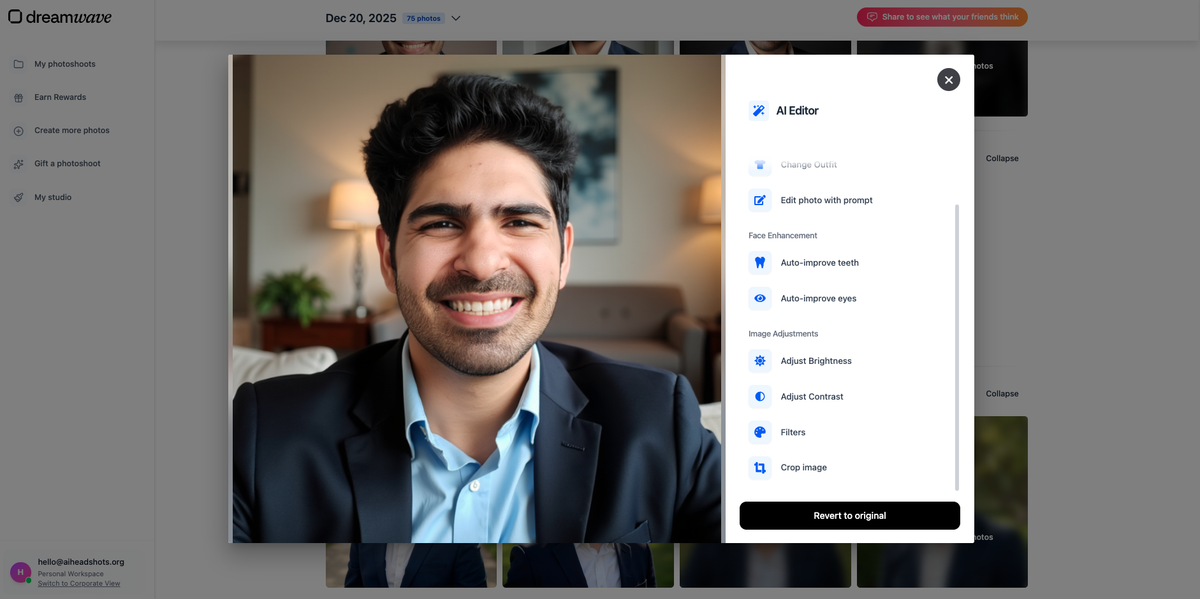
✅ What works: Minimal onboarding, clean interface, professional compositions, excellent editing tools (eyes, teeth, filters, crops)
❌ What to watch for: Average face likeness; some outputs drift on face structure or body composition
👉 Best for: Buyers who want low friction and strong editing without long attribute forms
DreamWave's workflow is minimal: pick a plan, pick styles, upload photos, wait.
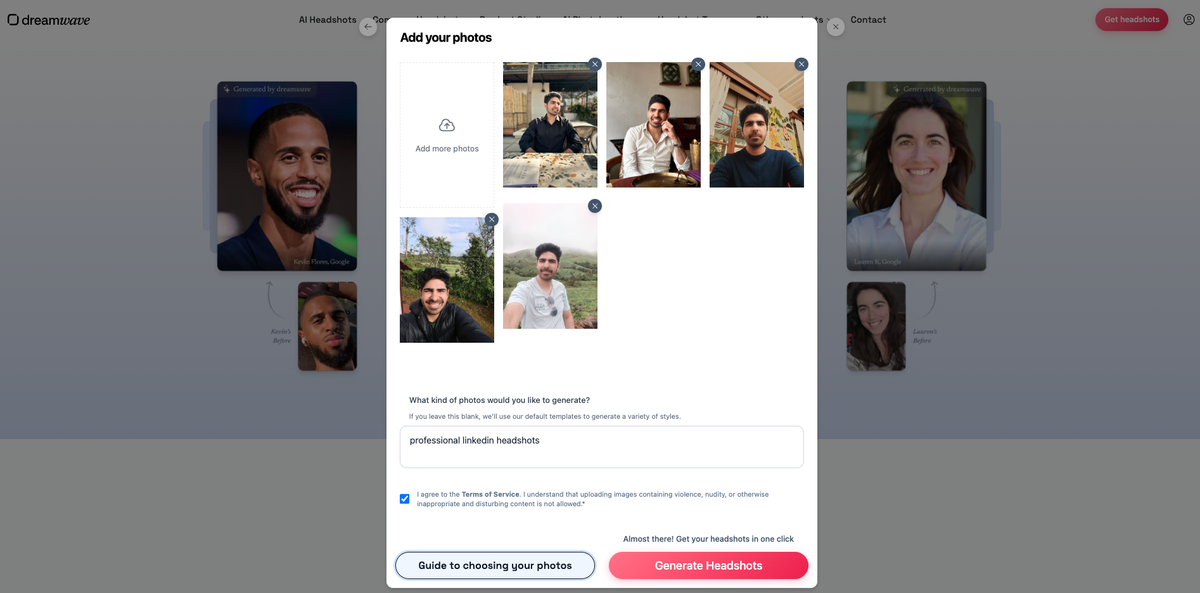
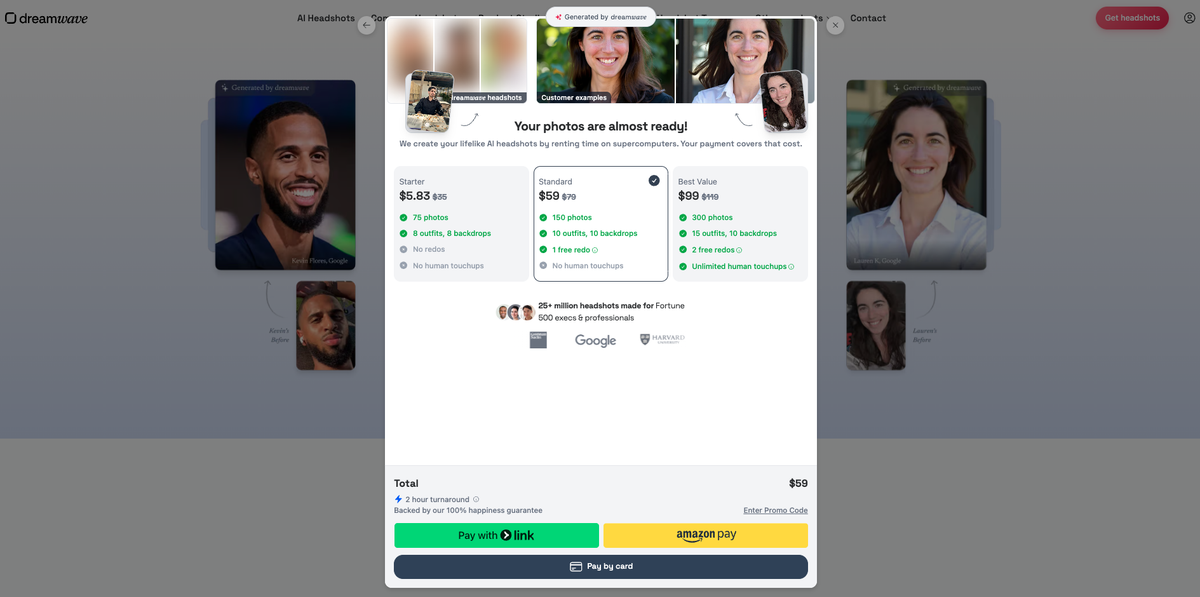
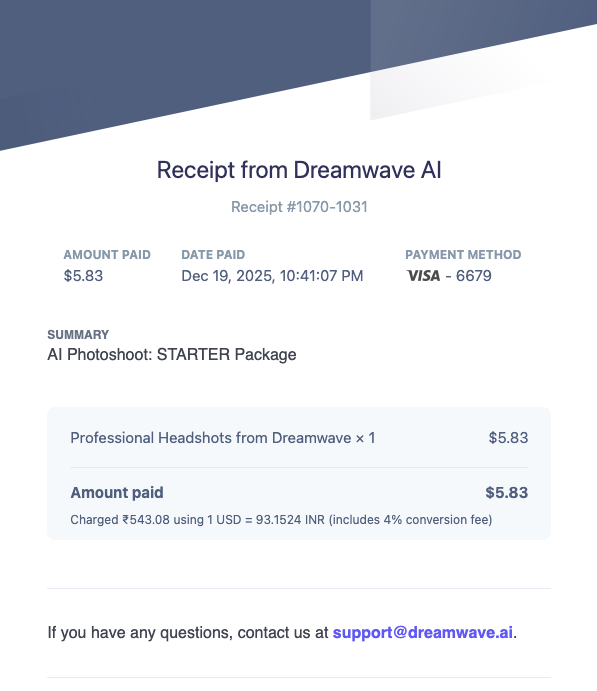
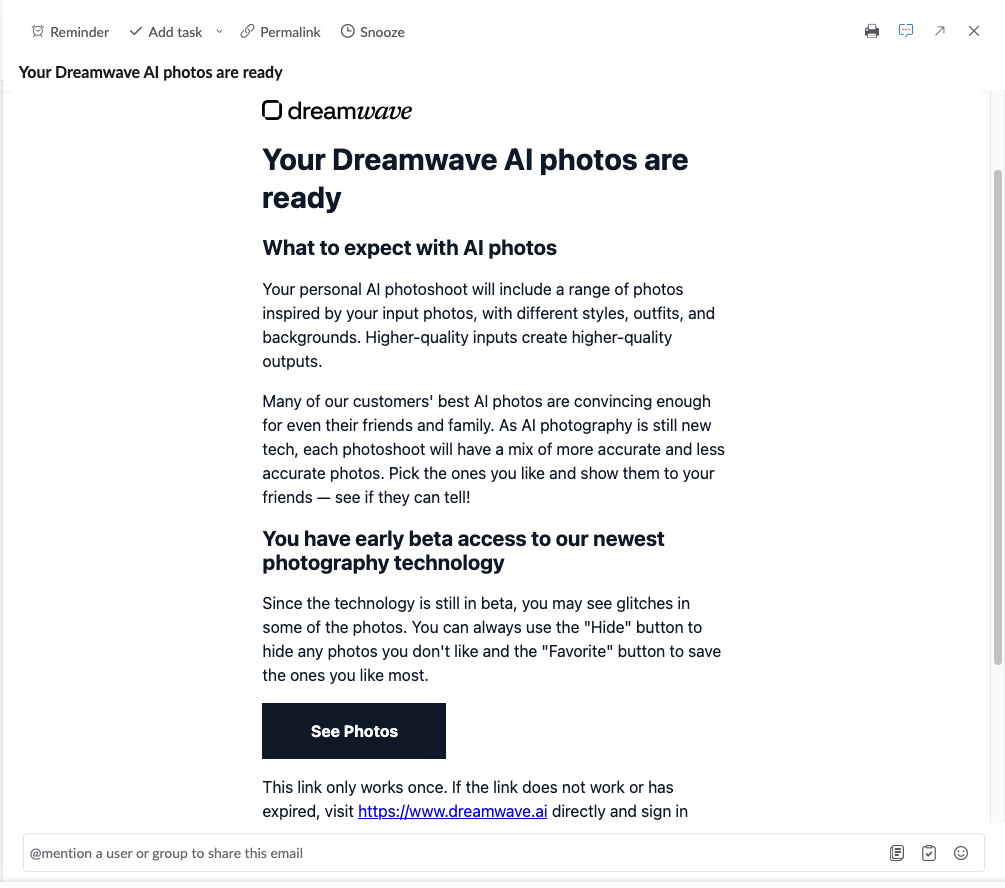
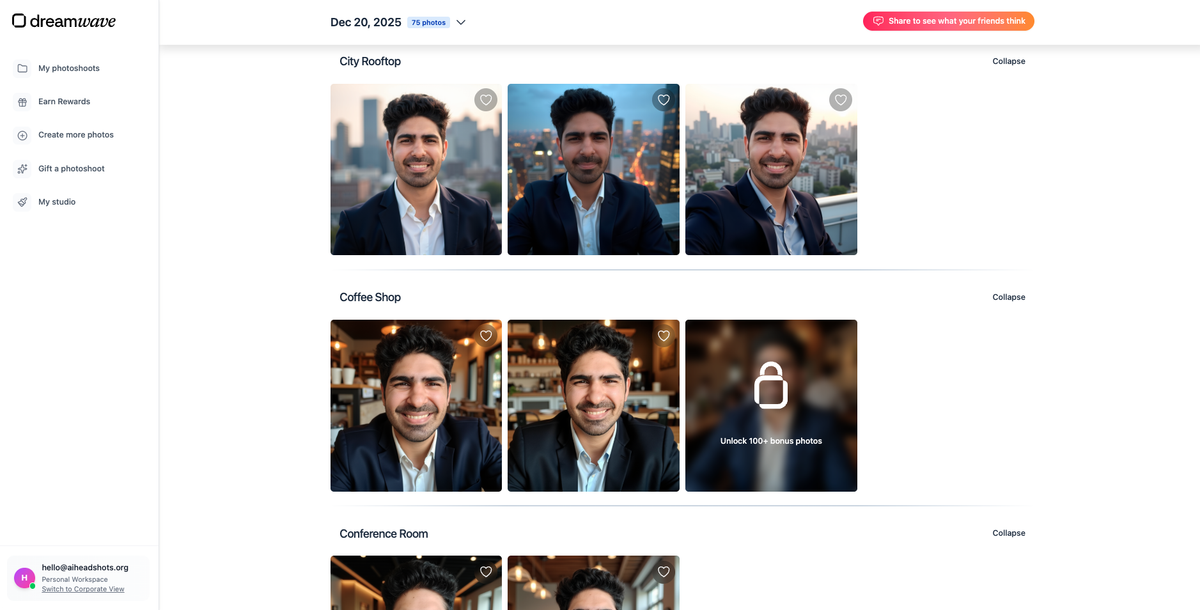
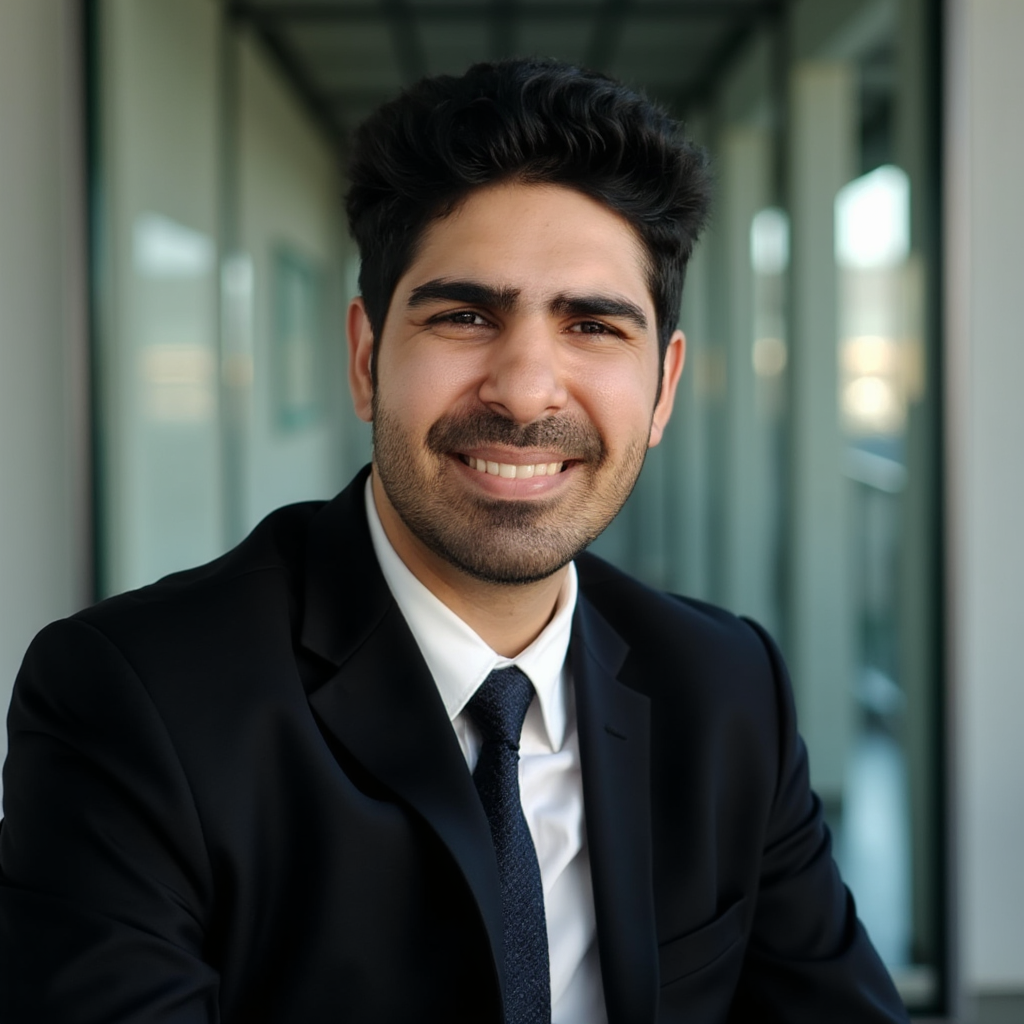
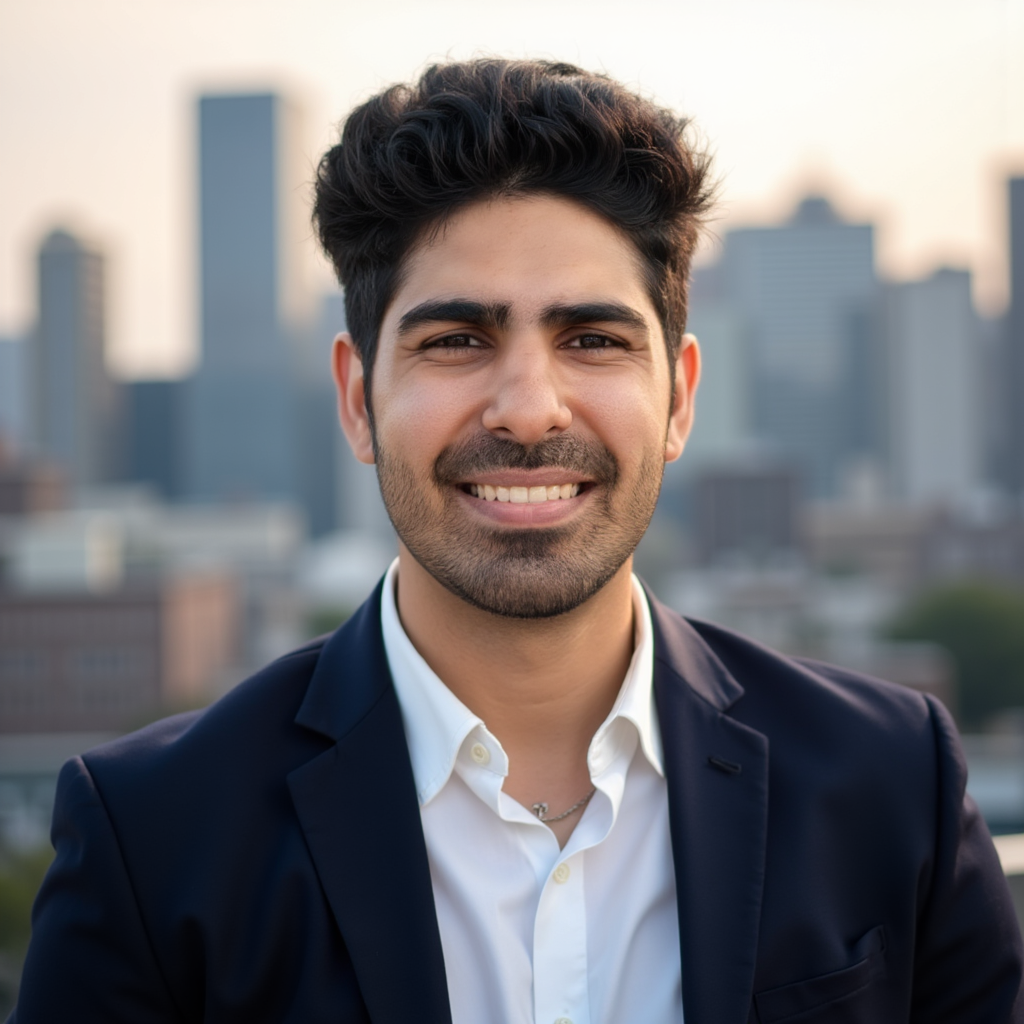
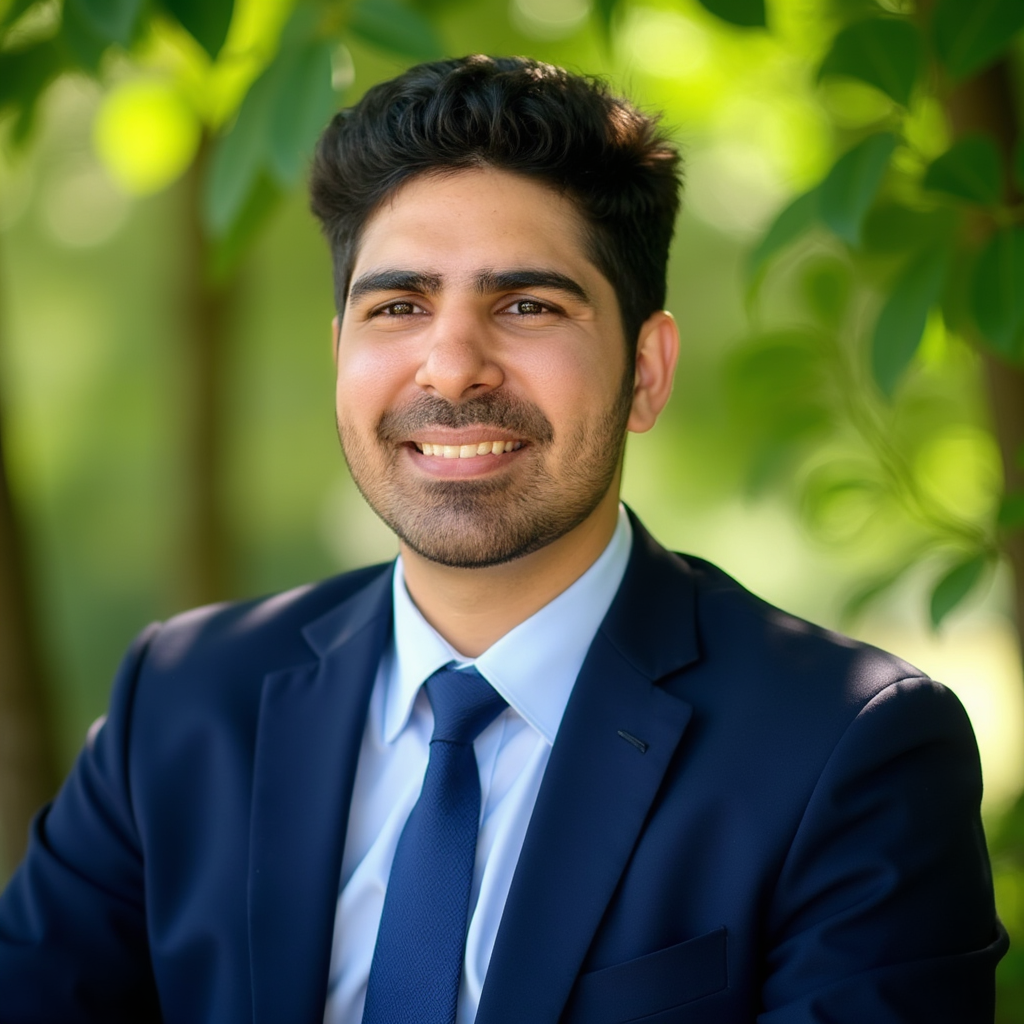
Face likeness was the main gap in Sarwar's test. Some outputs looked professional but did not always look definitively like the source person.
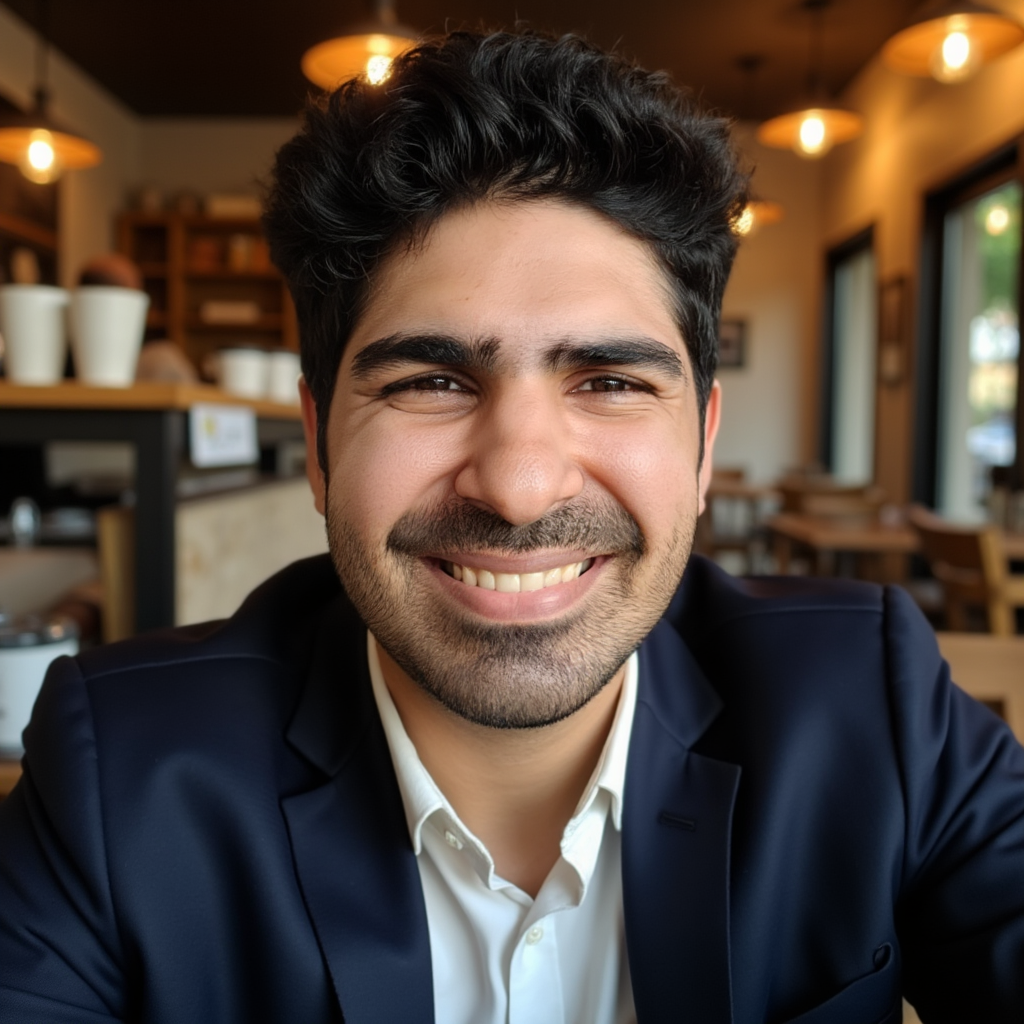
DreamWave's editor is a genuine strength for refining near-miss images.
Pricing: $35 to $99 during Sarwar's test. Top tier offers up to 300 headshots and human editing on higher plans.
Turnaround: A few hours. Not instant, but standard for batch generation.
Read Sarwar's full breakdown: DreamWave AI headshots review and our DreamWave vs Proshoot comparison.
3. Aragon AI
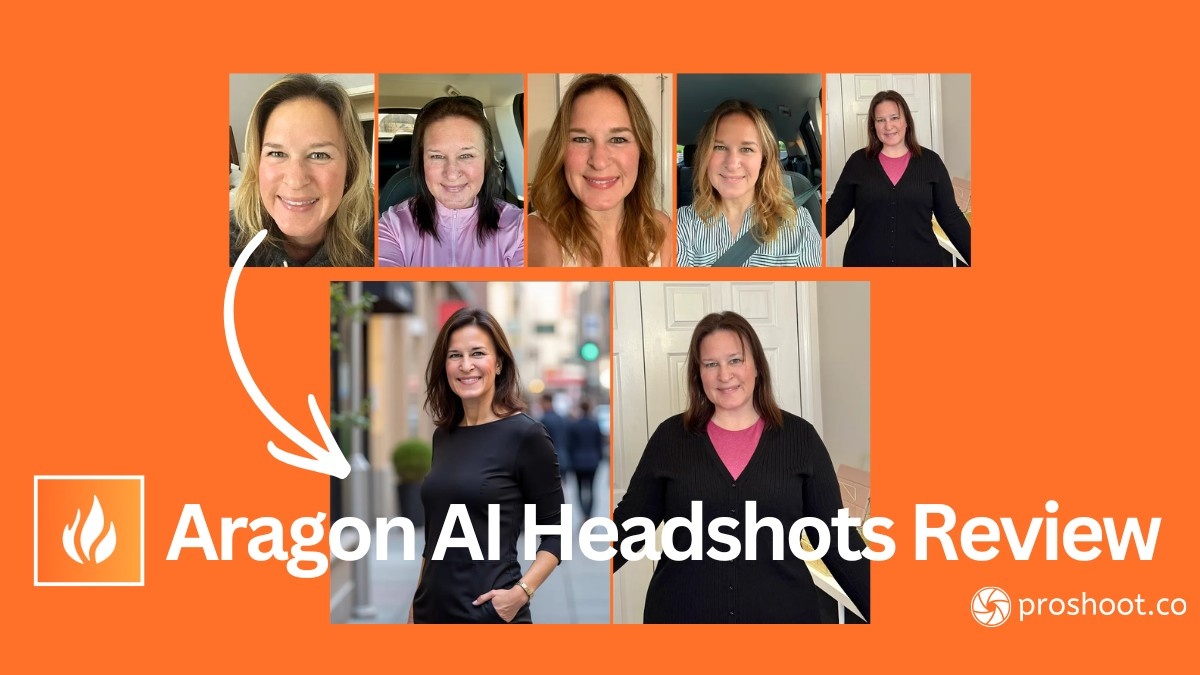
Tested by: Sarah Gillam + Sarwar Baker
Short verdict: Fast, polished, and strong on styling and editing. A tradeoff on strict face likeness.
✅ What works: ~10 minute turnaround on premium plans, built-in editor, SOC 2 and GDPR compliance, upfront styling control
❌ What to watch for: Likeness can drift; eyebrows and body proportions sometimes "corrected"; conditional refund policy
👉 Best for: Buyers who want glamour and polish over strict identity accuracy
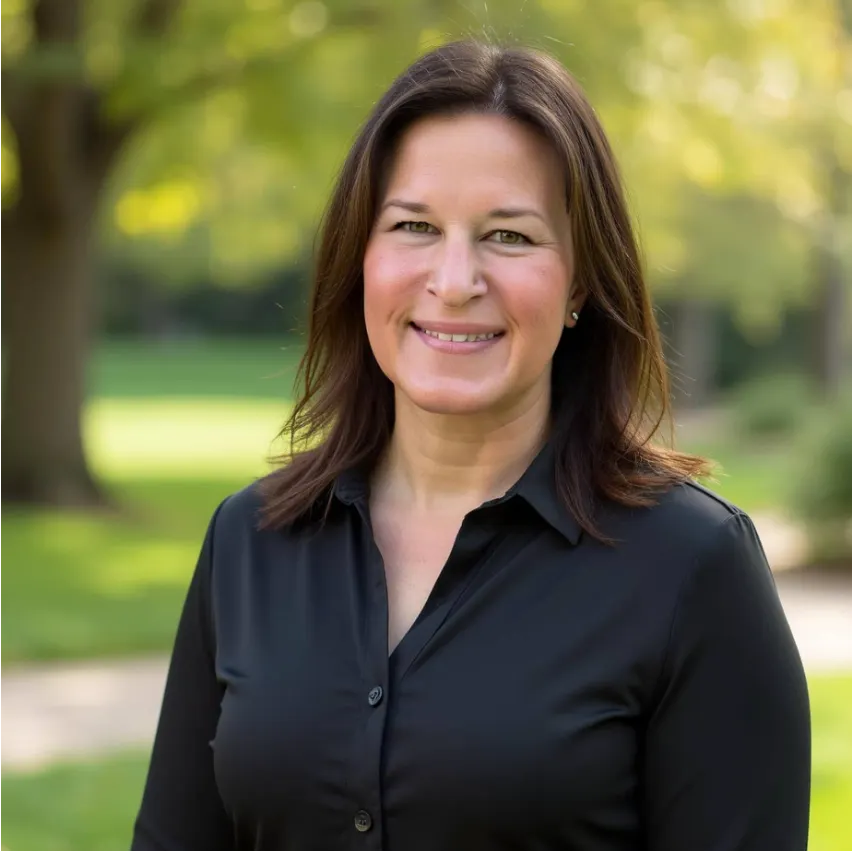
"I think this one is good if you want headshots that look like you with a professional makeover and photo retouching." - Sarah Gillam
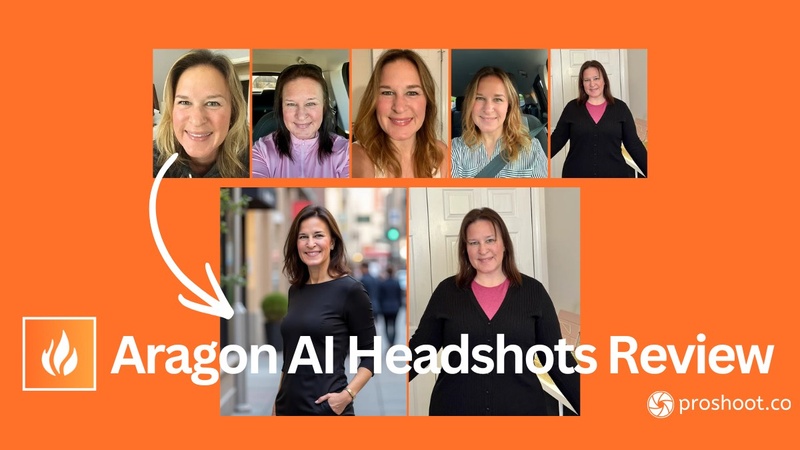
Across the full gallery, Aragon's styling and presentation held up. Sarah noted skin over-smoothing in some frames.
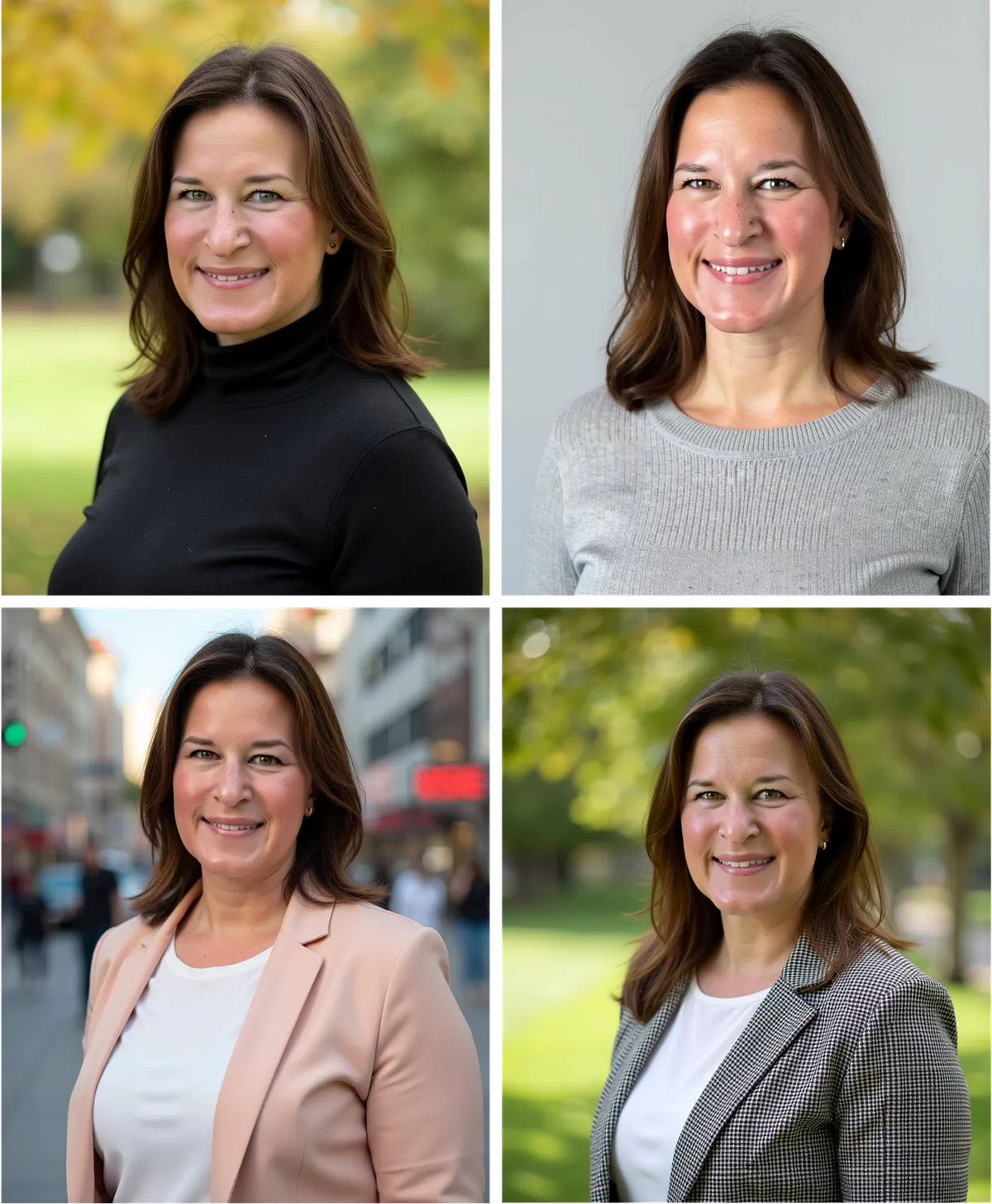
Sarah also found cases where Aragon changed her eyebrows, body proportions, and in one output added an extra hand.
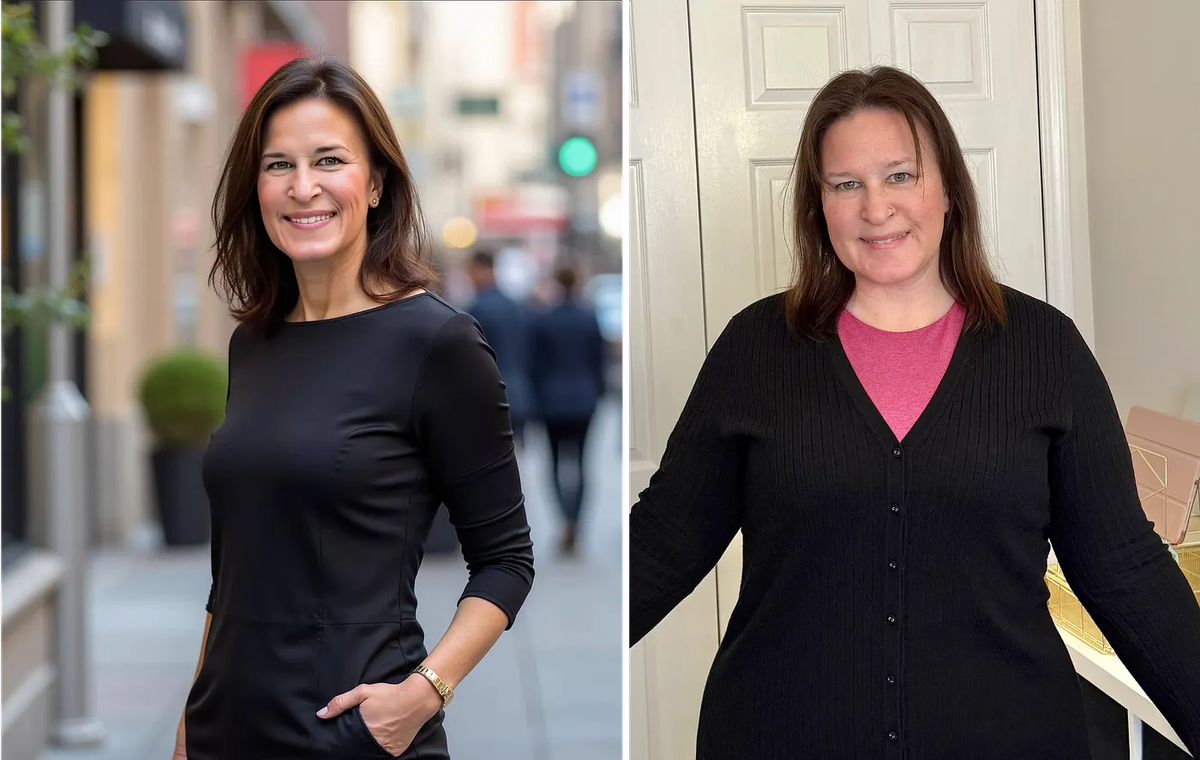
"Who is that lady? I've never looked anything like that." - Sarah Gillam
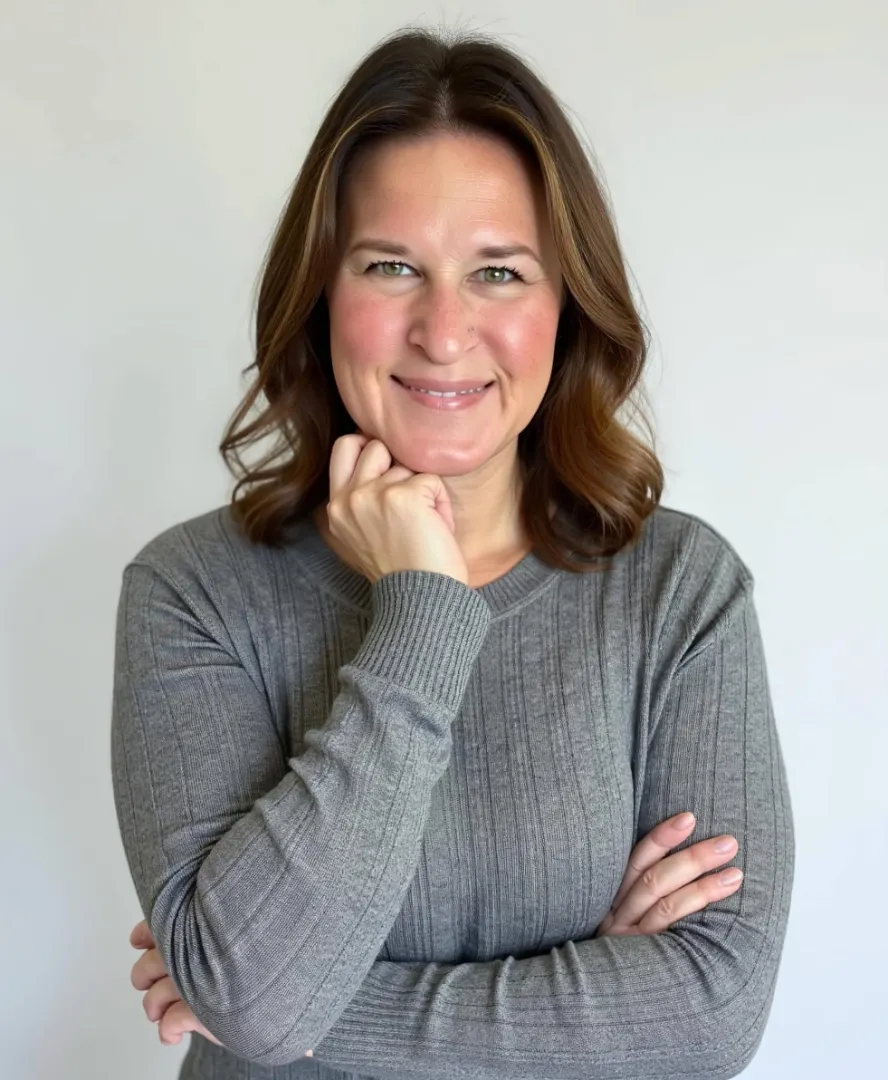
Sarwar scored Aragon 59/75 overall: strong on presentation, weaker on strict likeness than Proshoot or DreamWave.
Pricing: Basic $35 (40 headshots), Standard $45 (60), Executive $75 (100). Regional pricing may vary.
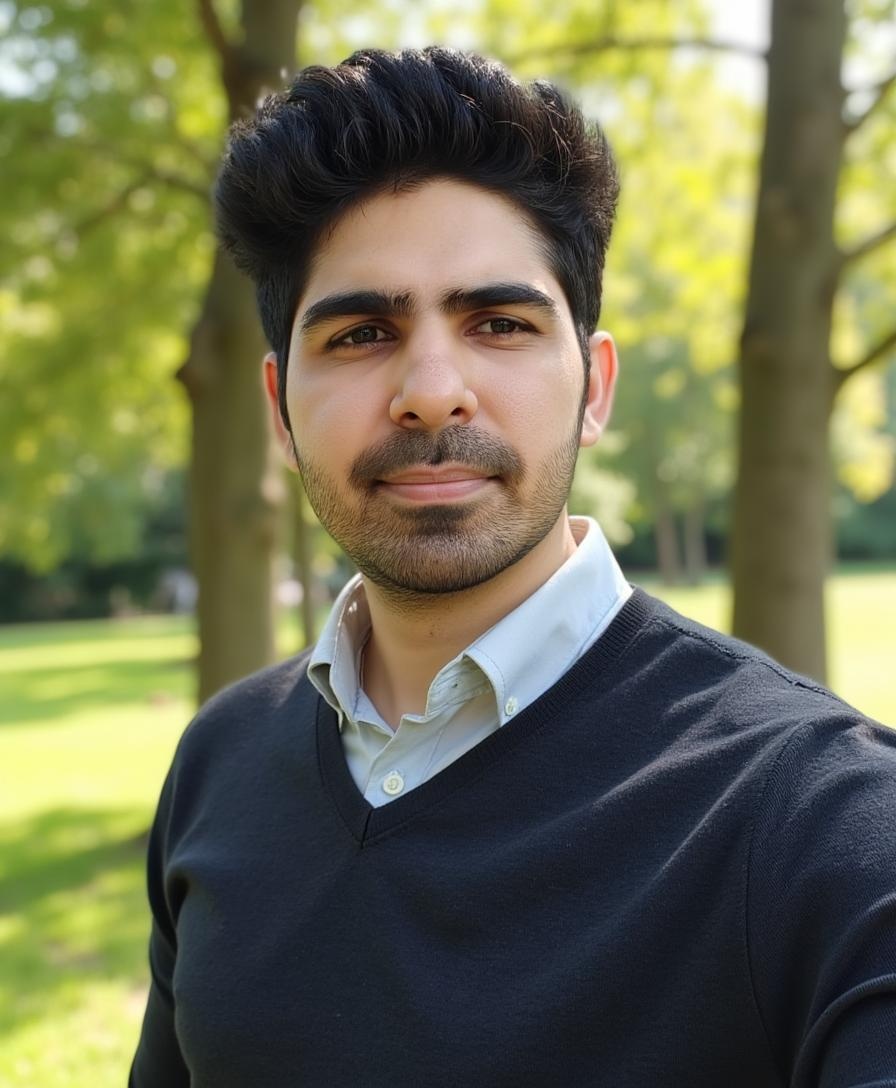
Aragon's refund policy is more conditional than it first appears. Eligibility can depend on whether your uploads followed their guidelines.
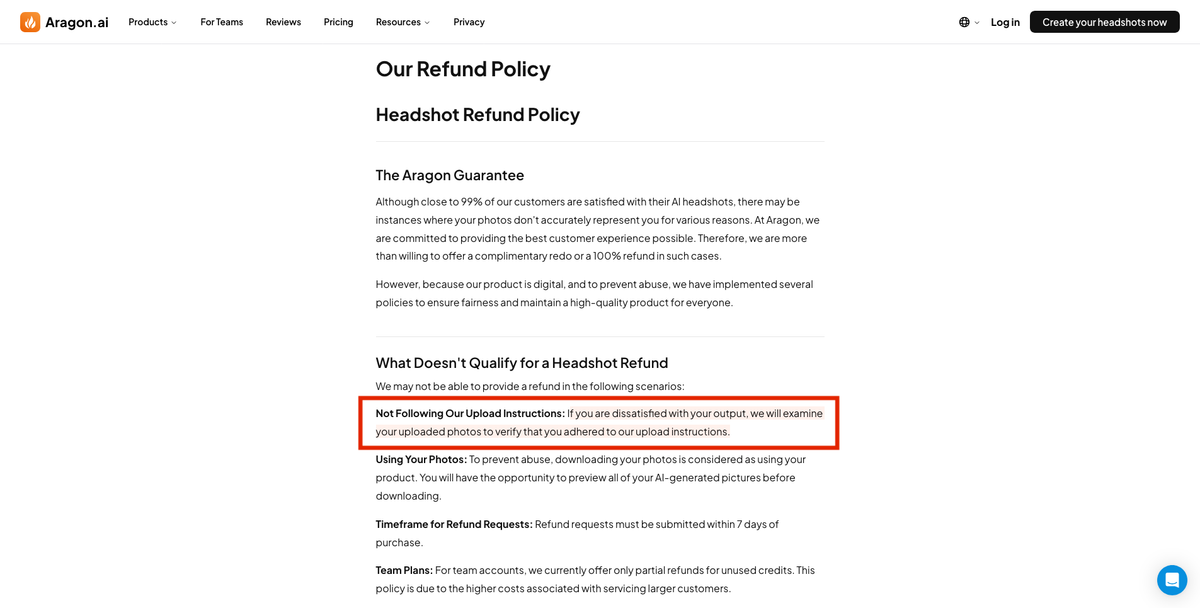
Sarwar also tested Aragon on the Jason dataset. His favourite output showed polished styling, though likeness was weaker than Proshoot in his scoring.
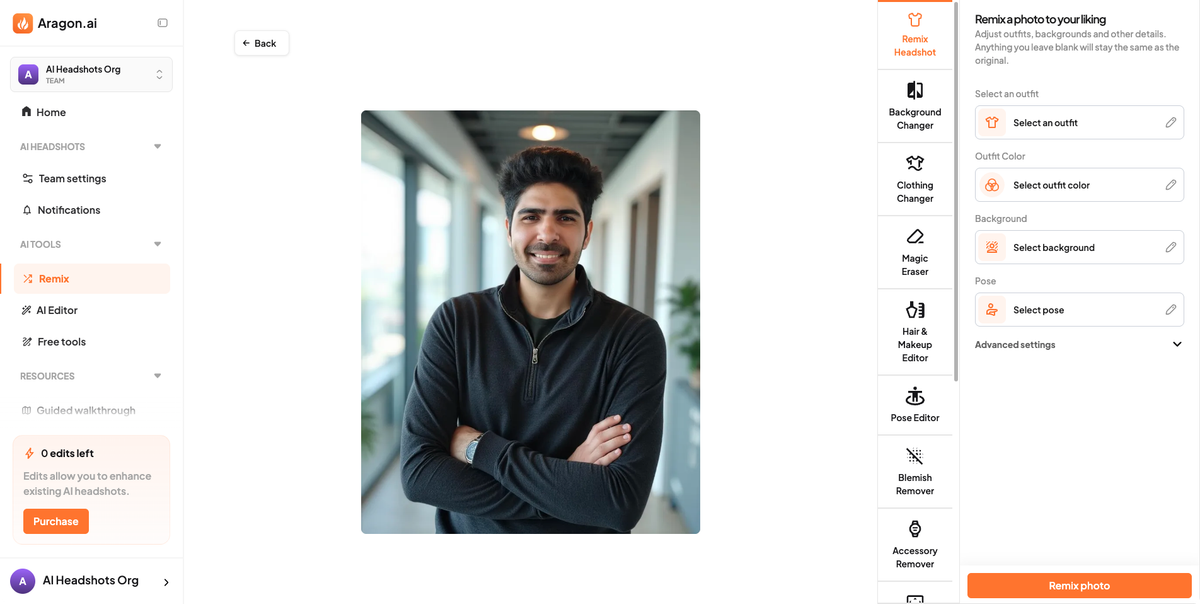
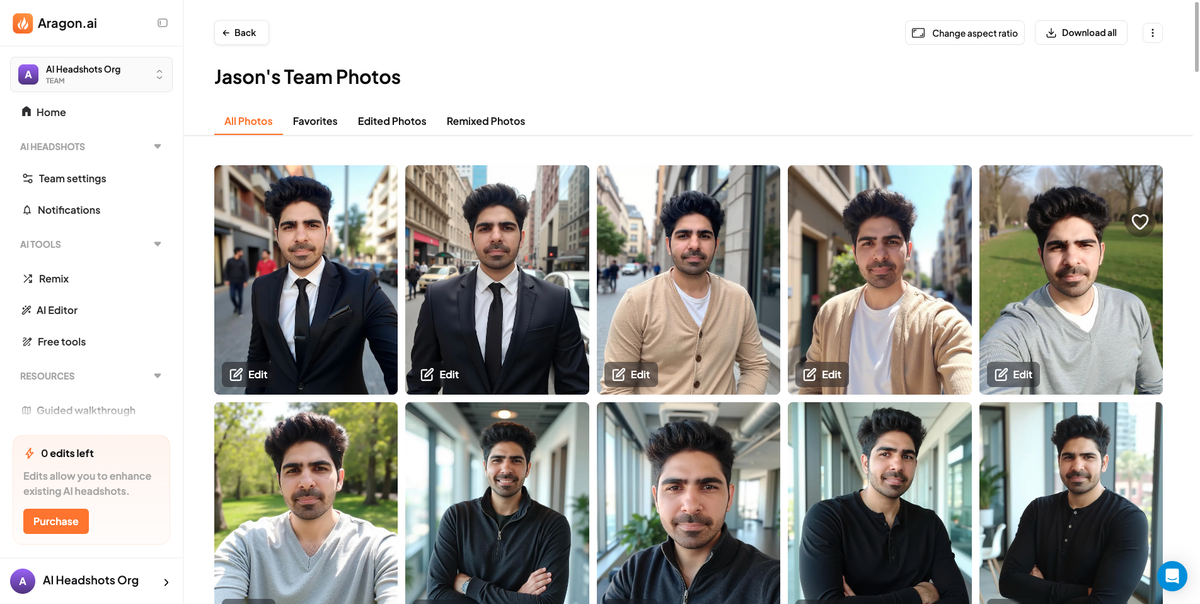
See the full Aragon AI headshots review with Sarah's Proshoot comparison shots and more quotes.
4. BetterPic
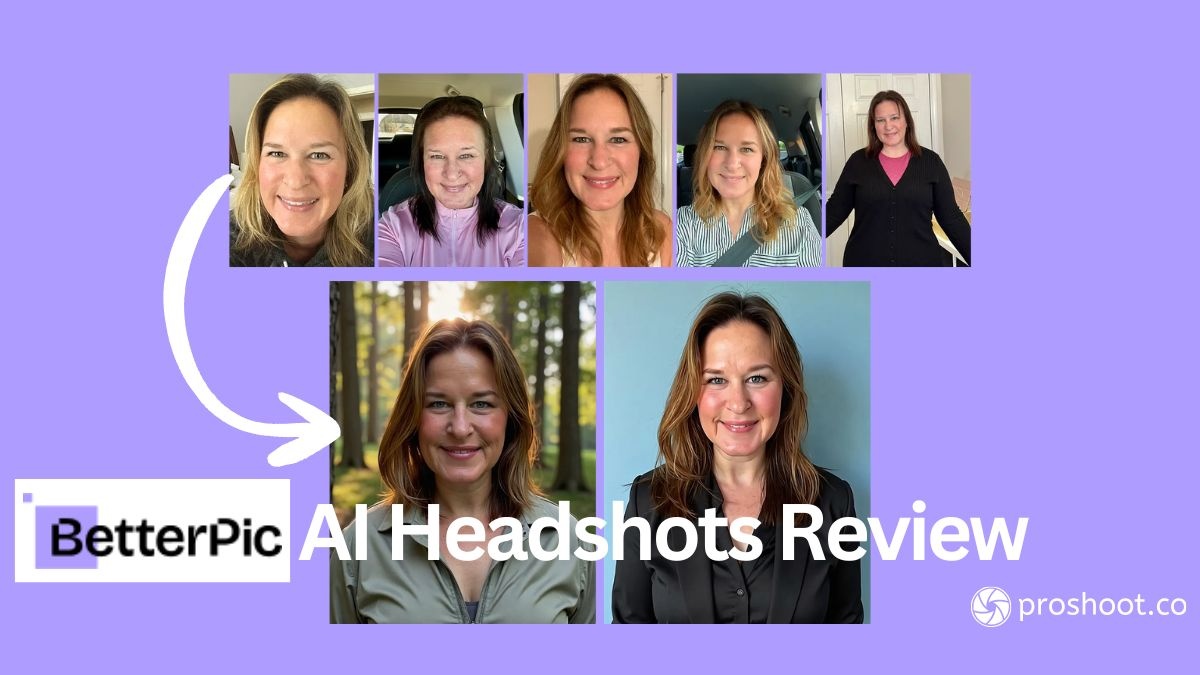
Tested by: Sarah Gillam
Short verdict: Competitive 4K pricing and responsive support. Sarah's specific photo set did not produce usable professional headshots across two attempts. Other reviewers report better outcomes.
✅ What works: Fast turnaround (under 1 hour), responsive support with free redo, clean interface, up to 120 headshots in 4K on Expert plan
❌ What to watch for: Sarah found forced expressions, age variance, and confusing hair colour UX; refund limited once model is trained
👉 Best for: Buyers who want 4K volume and are willing to iterate if the first batch misses
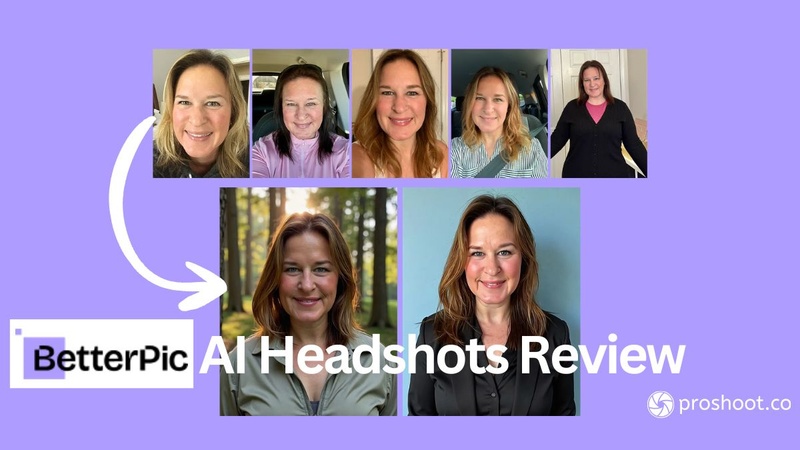
BetterPic's onboarding looks polished, but hair colour only appears after you click Generate. Sarah spent hours editing her photos before discovering the selector at the end of the flow.
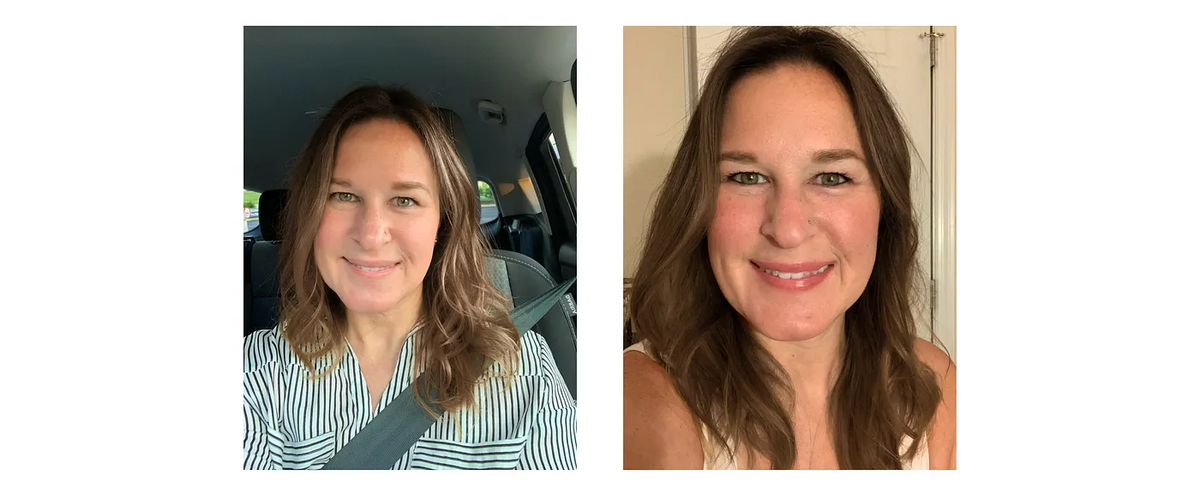
The first batch came back in under an hour. Sarah could not use a single image from it.
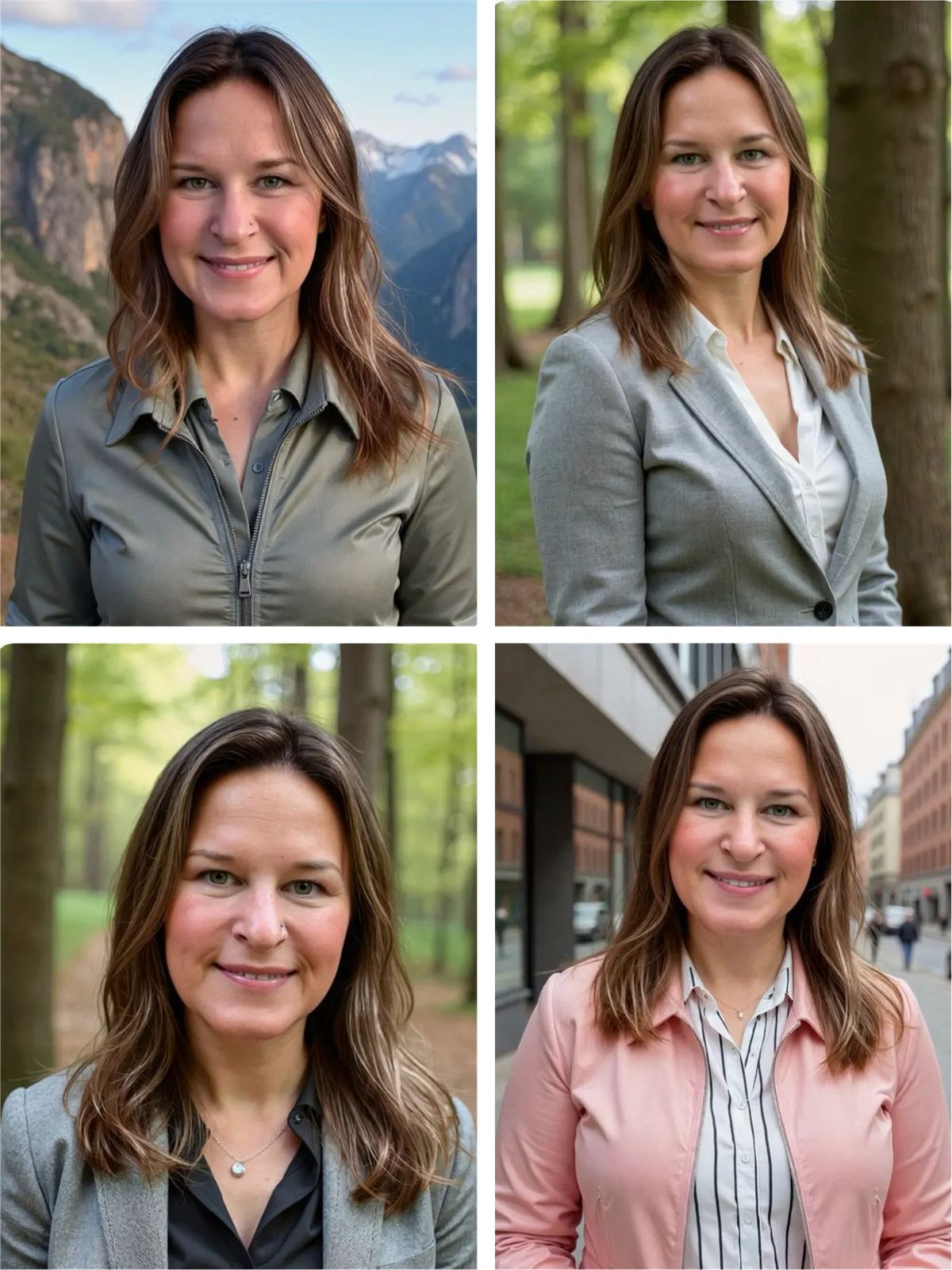
BetterPic support offered a free redo. The second set came back fast but still did not produce a headshot Sarah would use professionally.
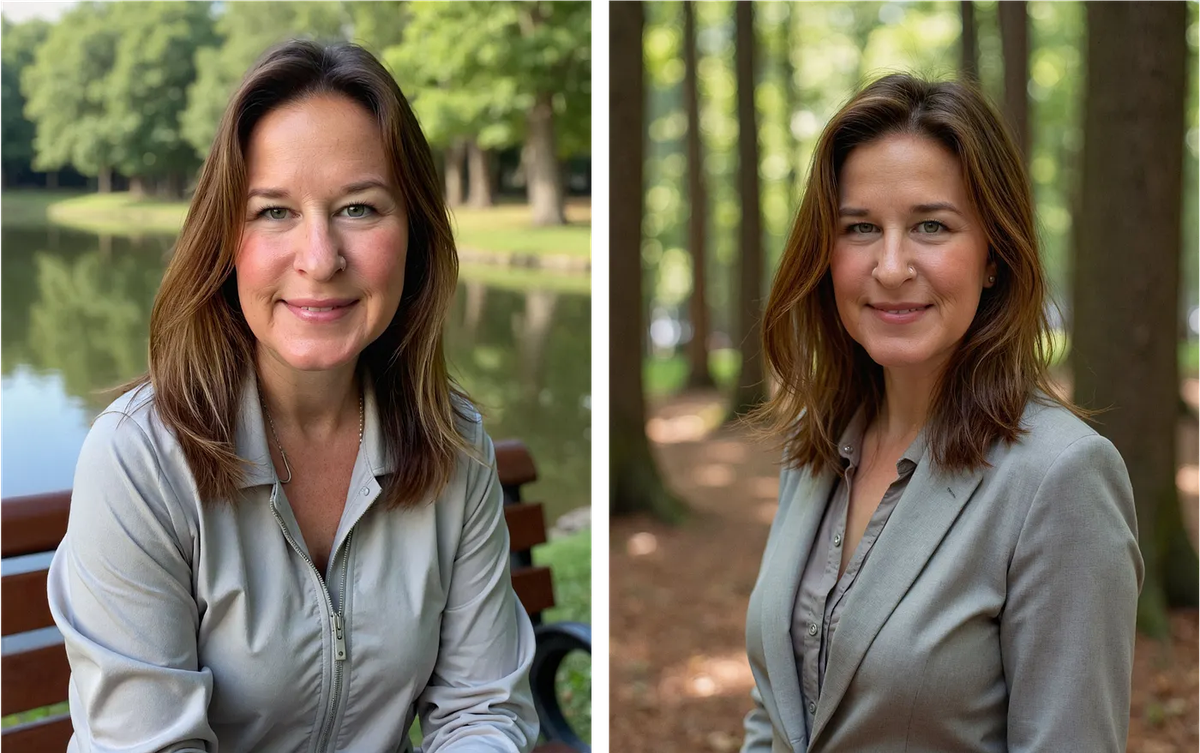
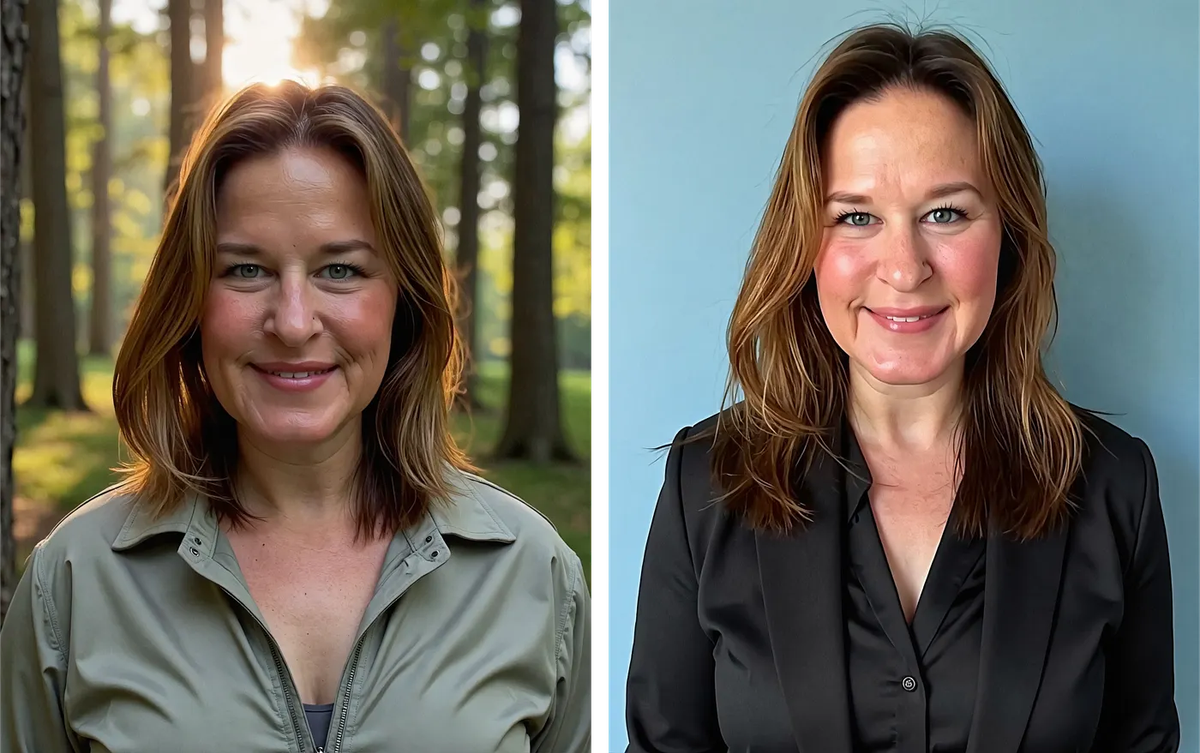
Sarah is 42. BetterPic outputs from the same photo set ranged from early 20s to late 60s.
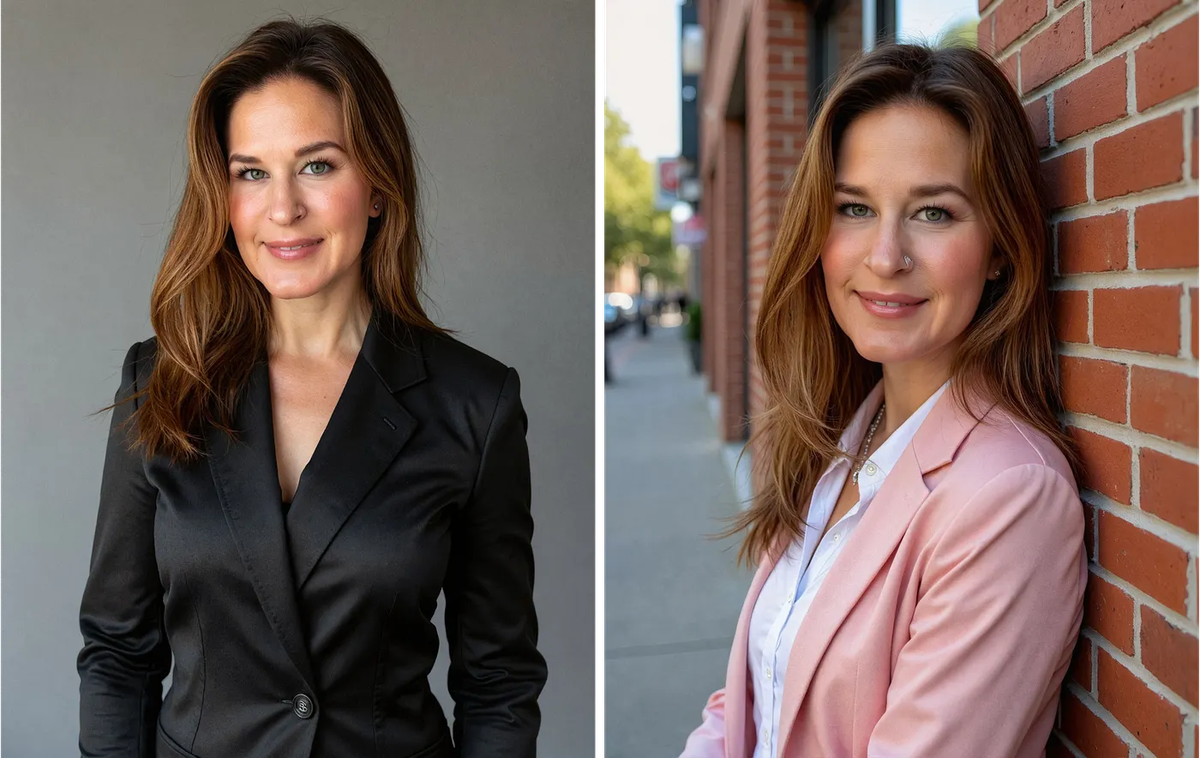
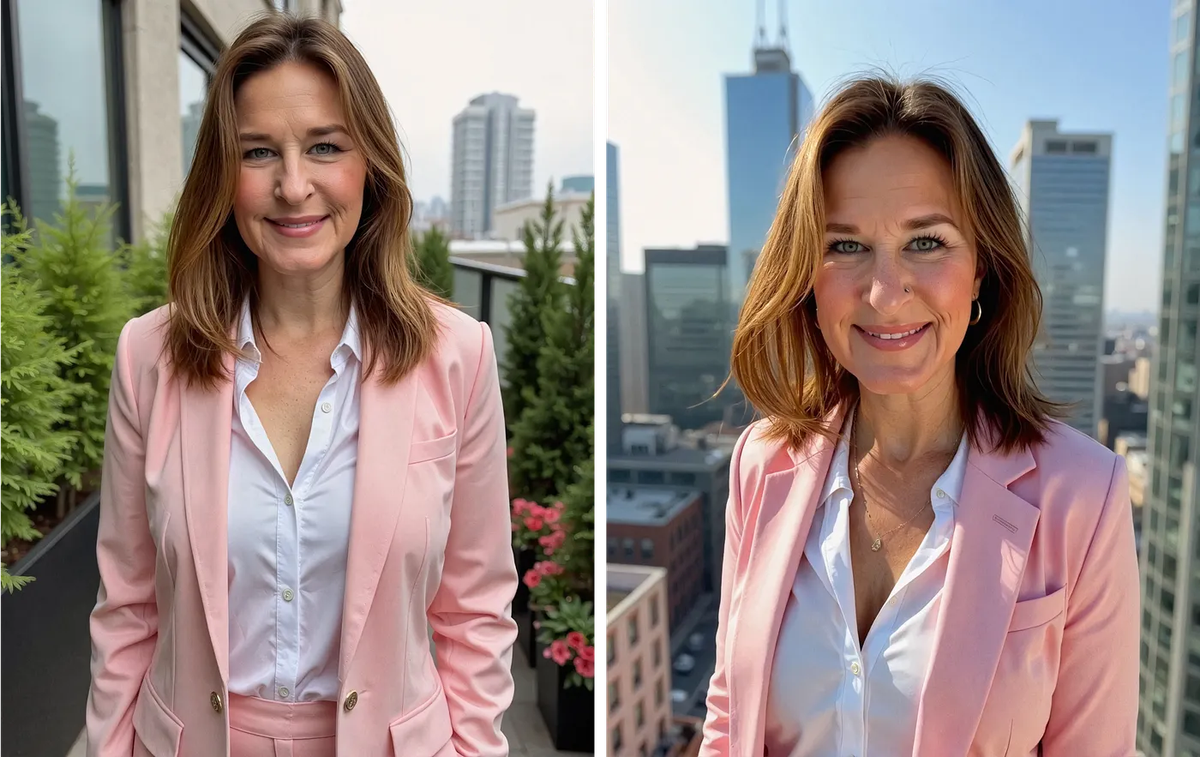
On the same source photos, Proshoot produced multiple usable headshots from the first attempt.
Sarah noted that other reviewers reported success with BetterPic. Her experience was different. She could not find a single usable headshot across two full attempts with carefully selected photos.
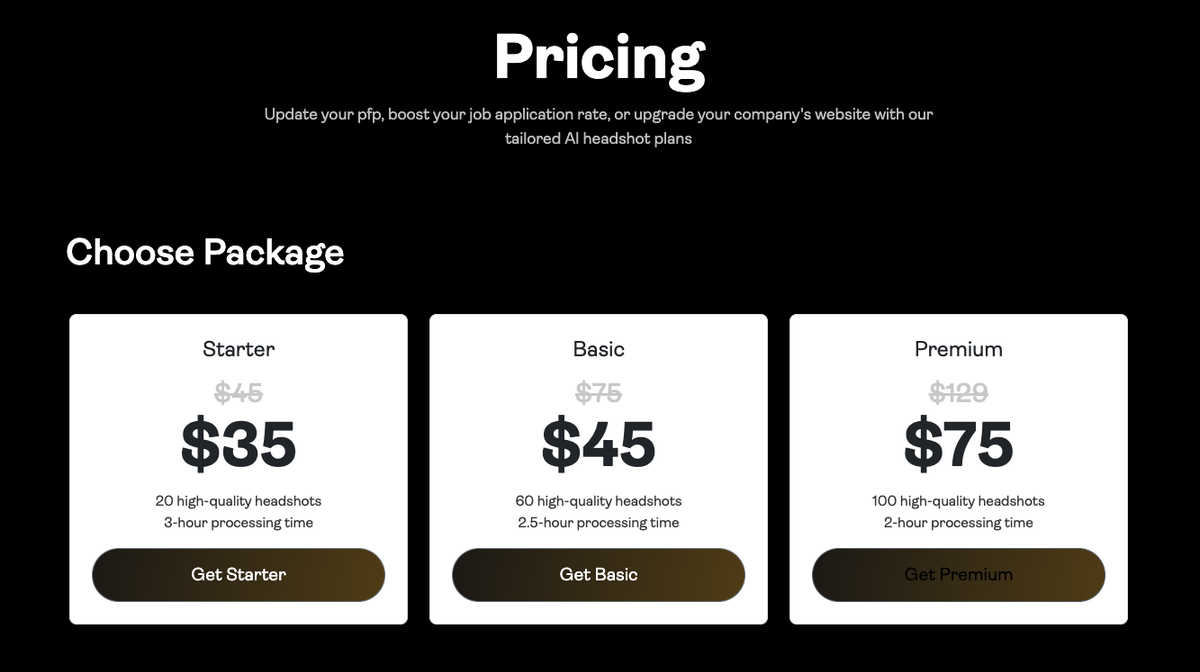
Pricing: Basic $35 (20 headshots), Pro $39 (60), Expert $79 (120). All in 4K.
BetterPic has a 7-day refund window, but refunds only apply if the AI has not been trained on your photos yet.
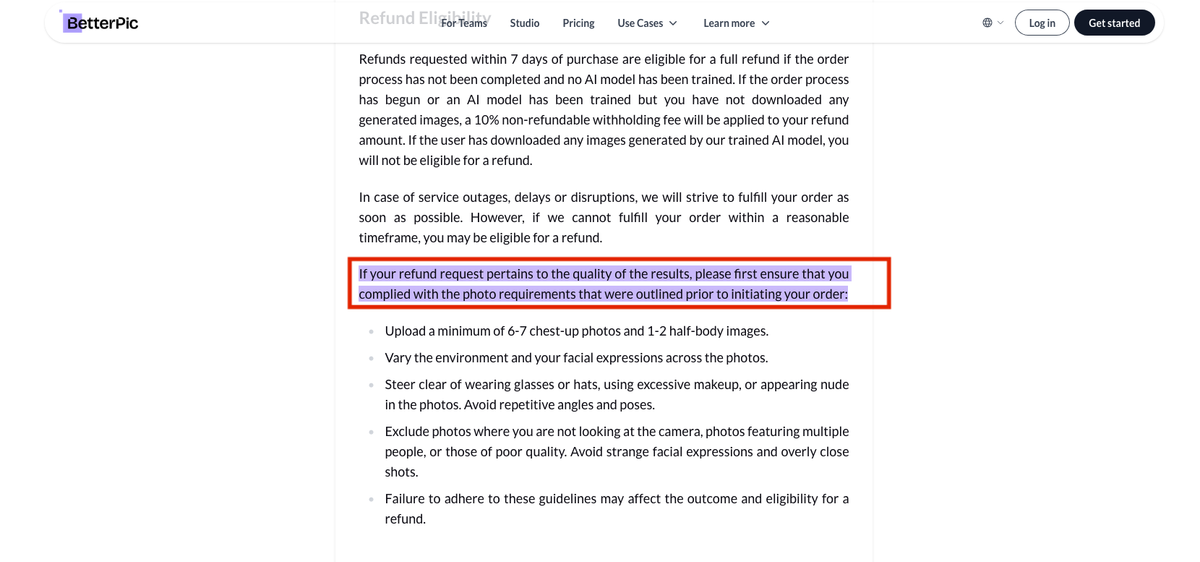
Read the full BetterPic AI review for Sarah's complete write-up.
5. PhotoPacks
Tested by: Sarah Gillam
Short verdict: Best for creative variety and social-style images. Not built for strict professional likeness or corporate use.
✅ What works: Fun, stylized outputs with variety; good for social media personas where strict accuracy is not the goal
❌ What to watch for: Heavy enhancement (younger skin, bigger smile, different hair); unusual outfits; no support response in Sarah's test
👉 Best for: Creative social content, not LinkedIn or client-facing professional headshots
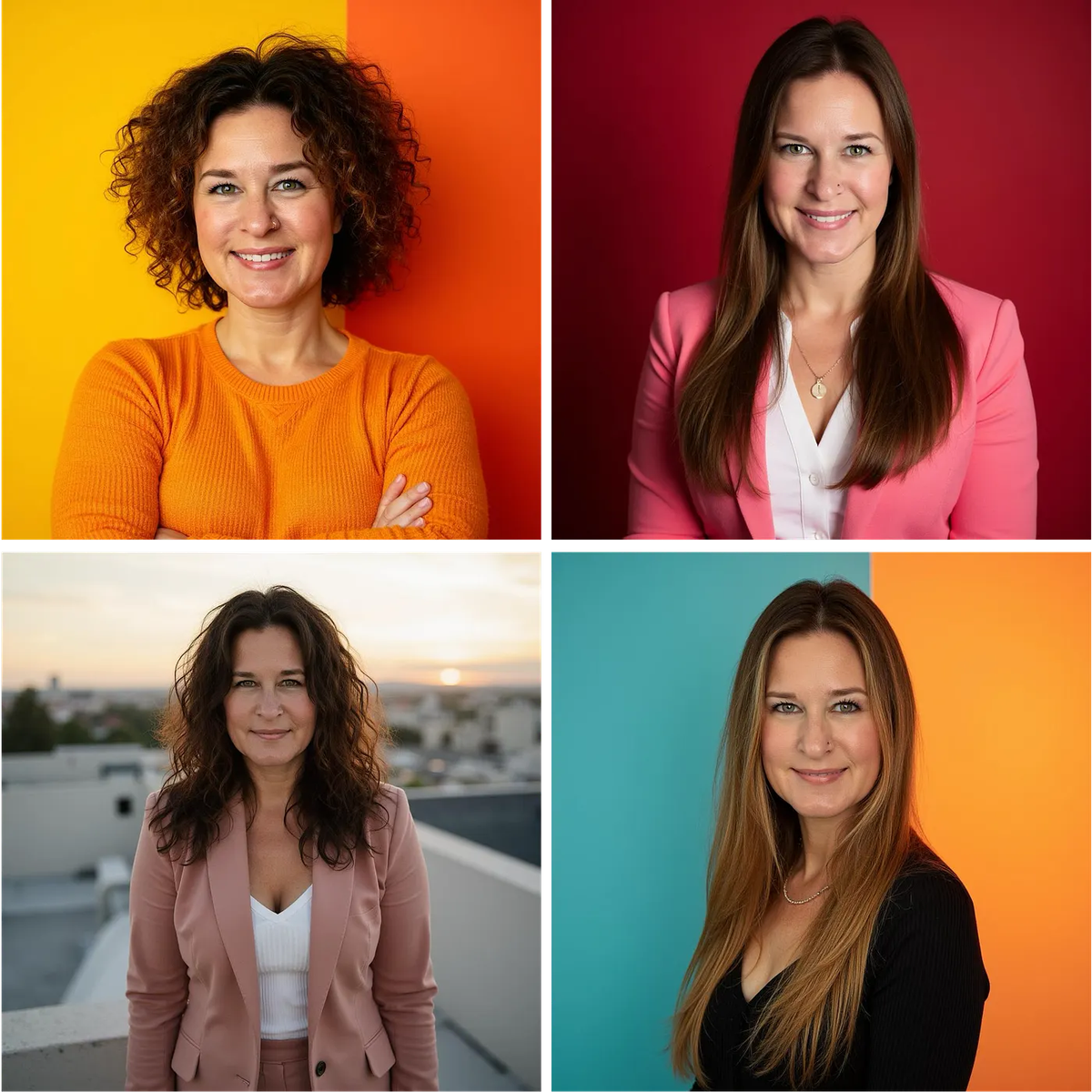
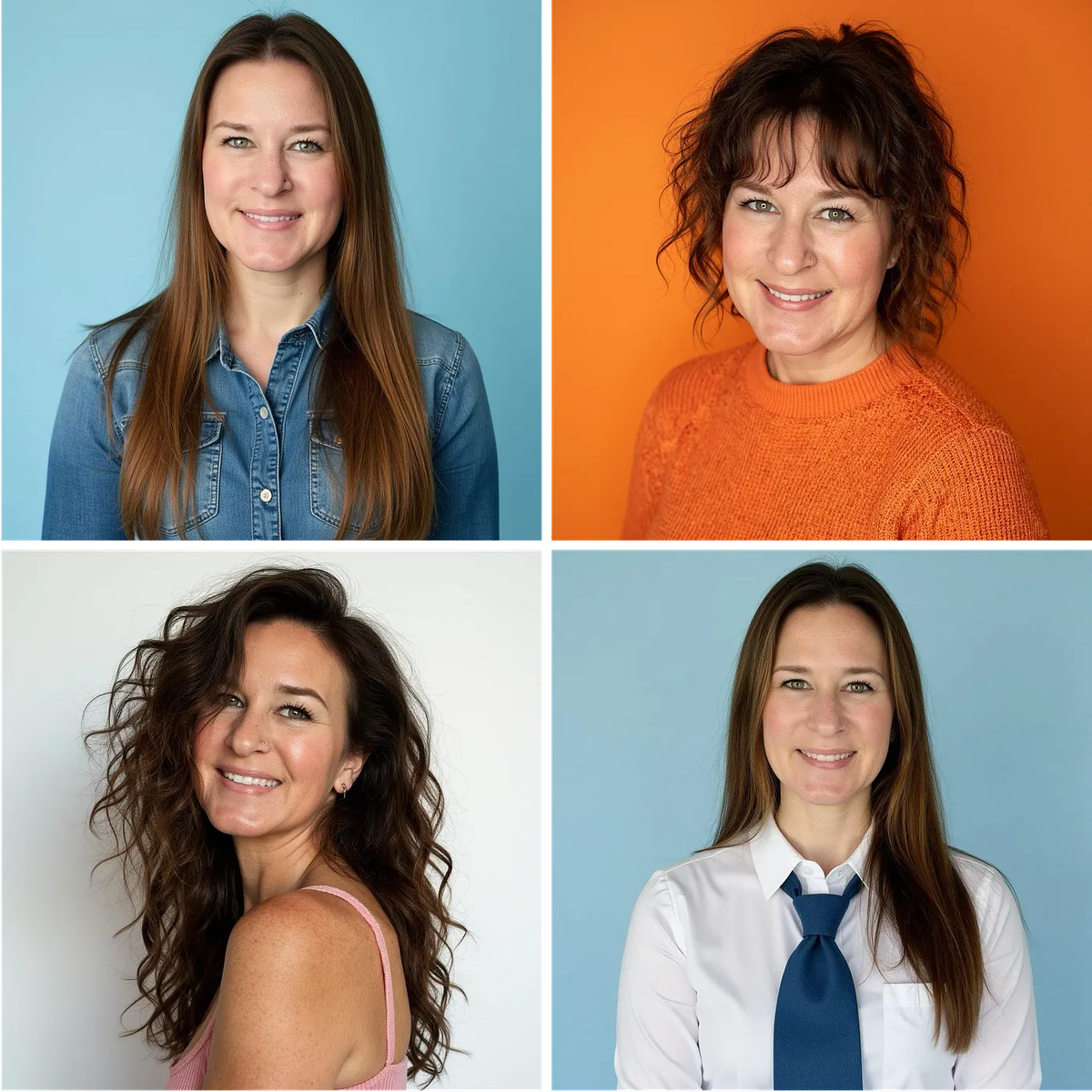
Sarah would only recommend PhotoPacks if you want fun images that do not need to look exactly like you. For professional headshot examples and corporate use, other tools in this list are a better fit.
6. PortraitPal
Tested by: Sarwar Baker
Short verdict: One of the simplest paid tools to try. Sarwar's best result showed strong face likeness, but finding a second strong shot in the batch was harder than with top-tier tools.
✅ What works: Minimal onboarding, fast turnaround (~20 minutes), straightforward upload flow
❌ What to watch for: Same ~$35 starting price as rivals but fewer features; no style or background selection, no post-generation editor, output quality varies across the batch
👉 Best for: Buyers who want the shortest paid workflow, not a lower price
PortraitPal keeps the workflow short. Basic personal attributes, six photos minimum, then generation. No theme picker. No attire control. No built-in editor after the fact.
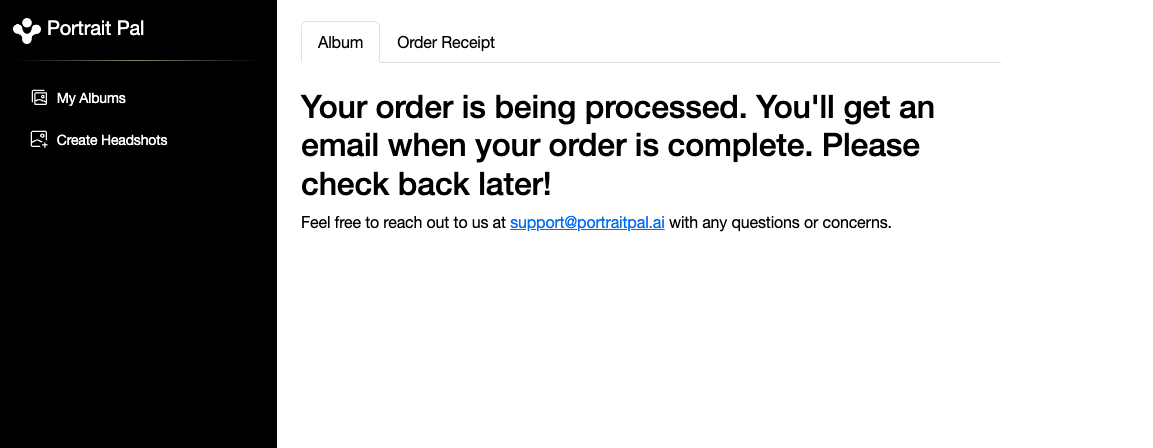
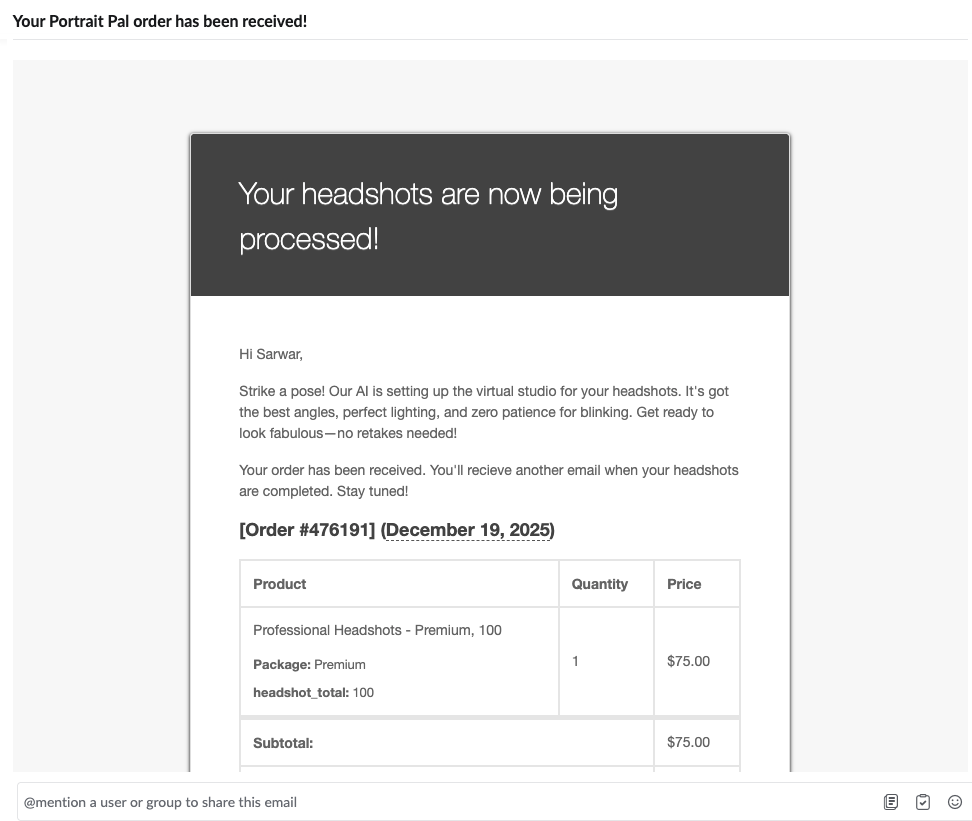
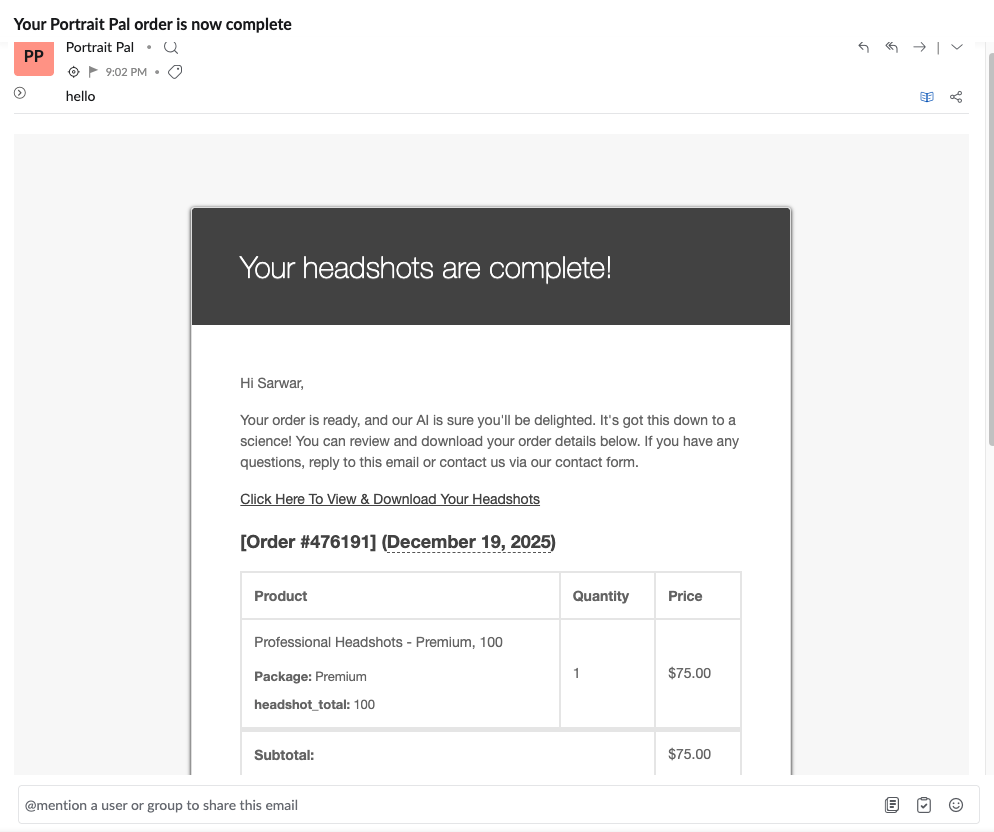
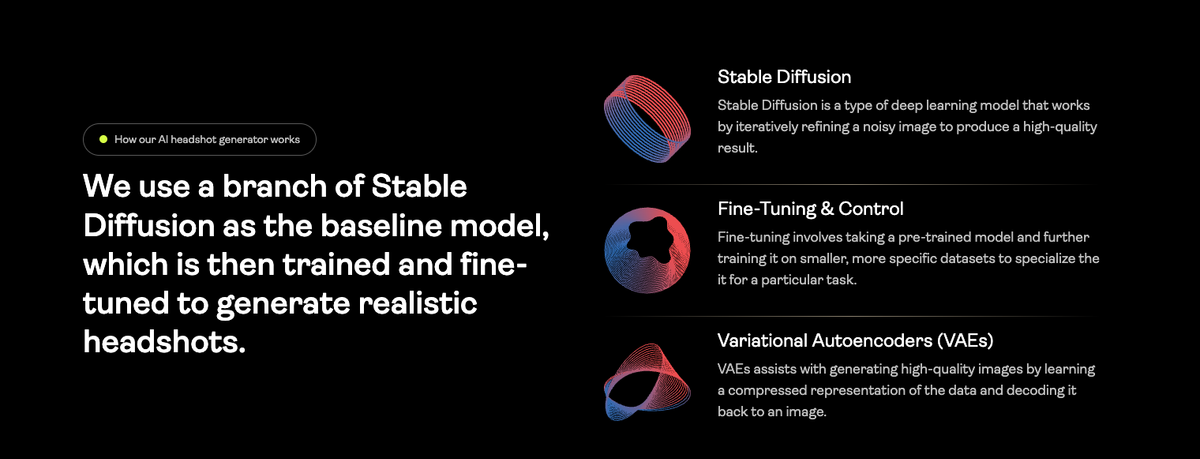
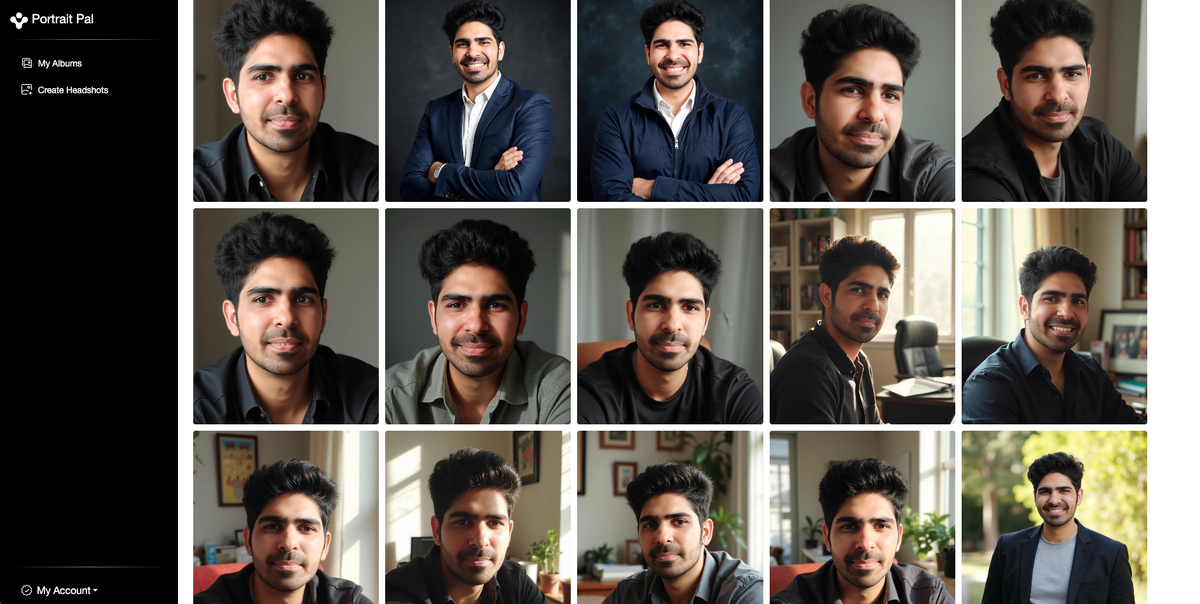
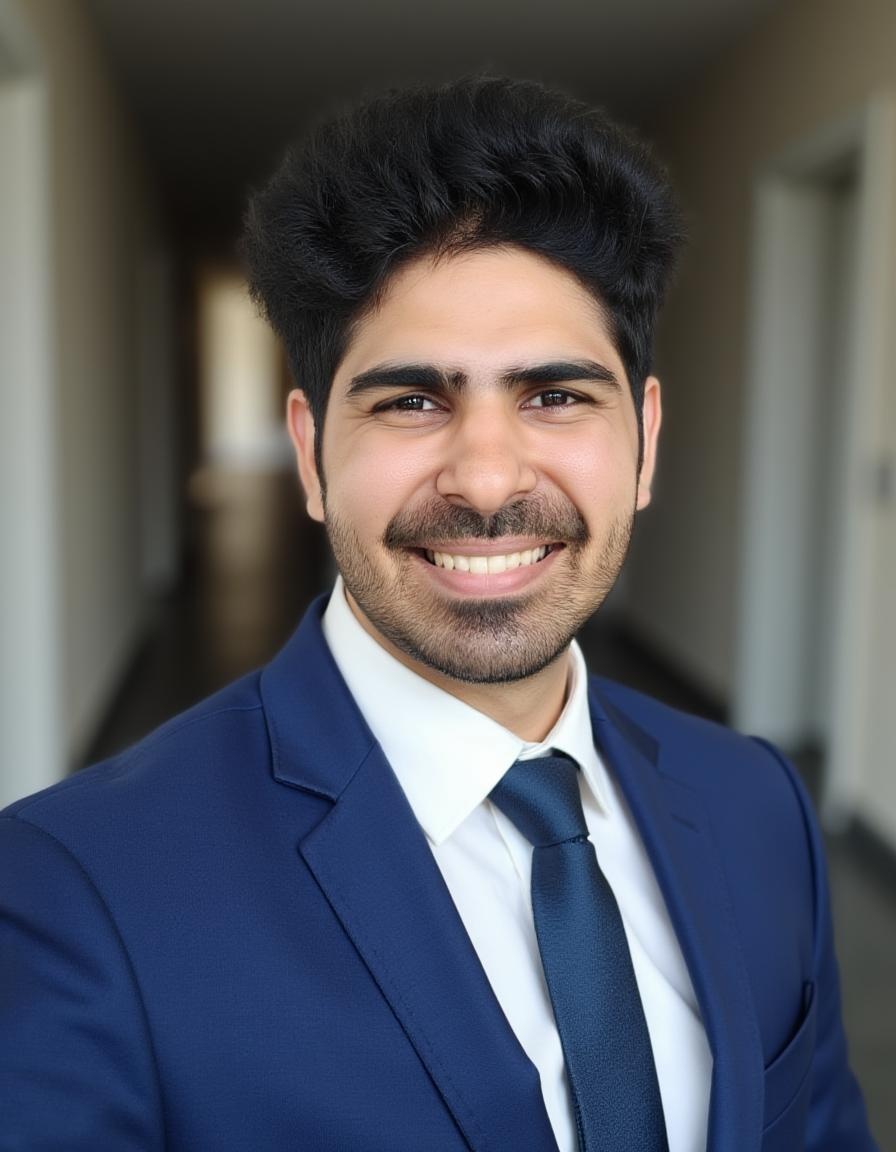
Sarwar found one standout frame in the batch. Other outputs showed more variance in likeness and composition.
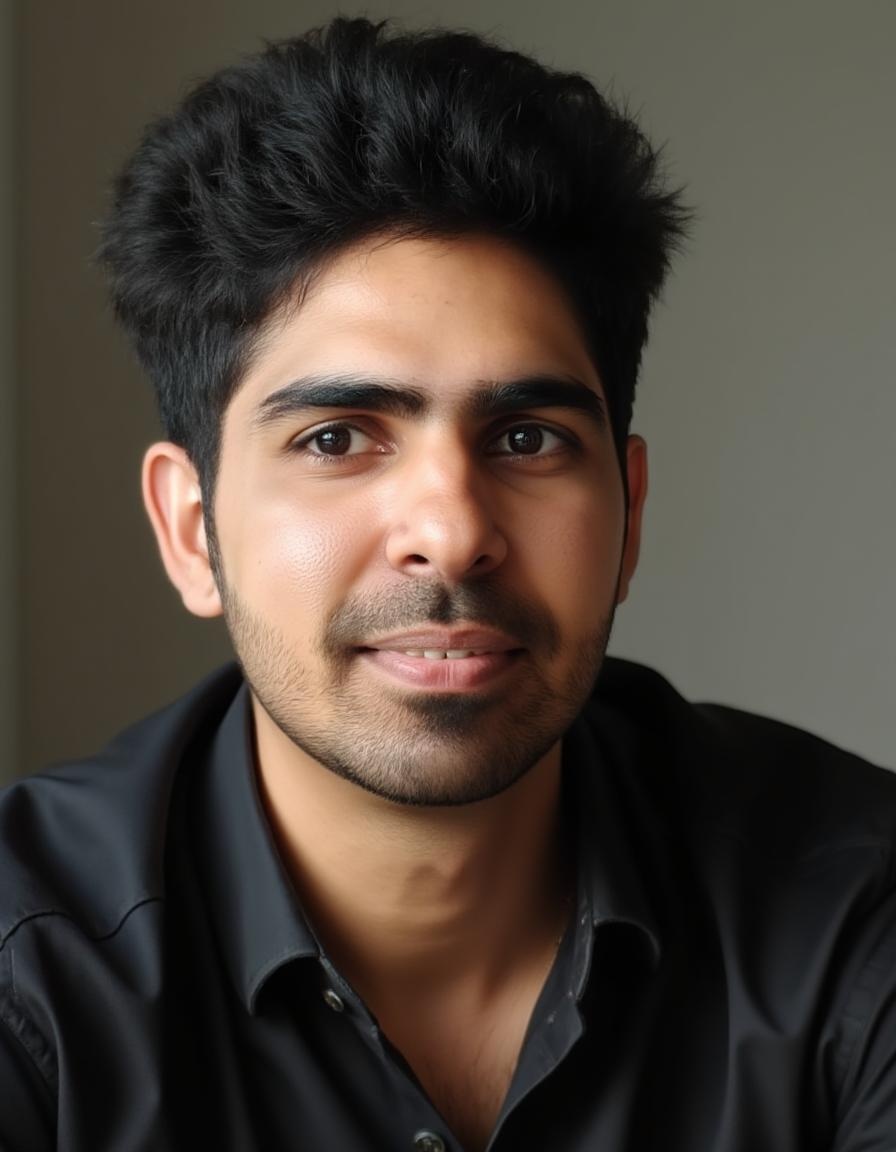
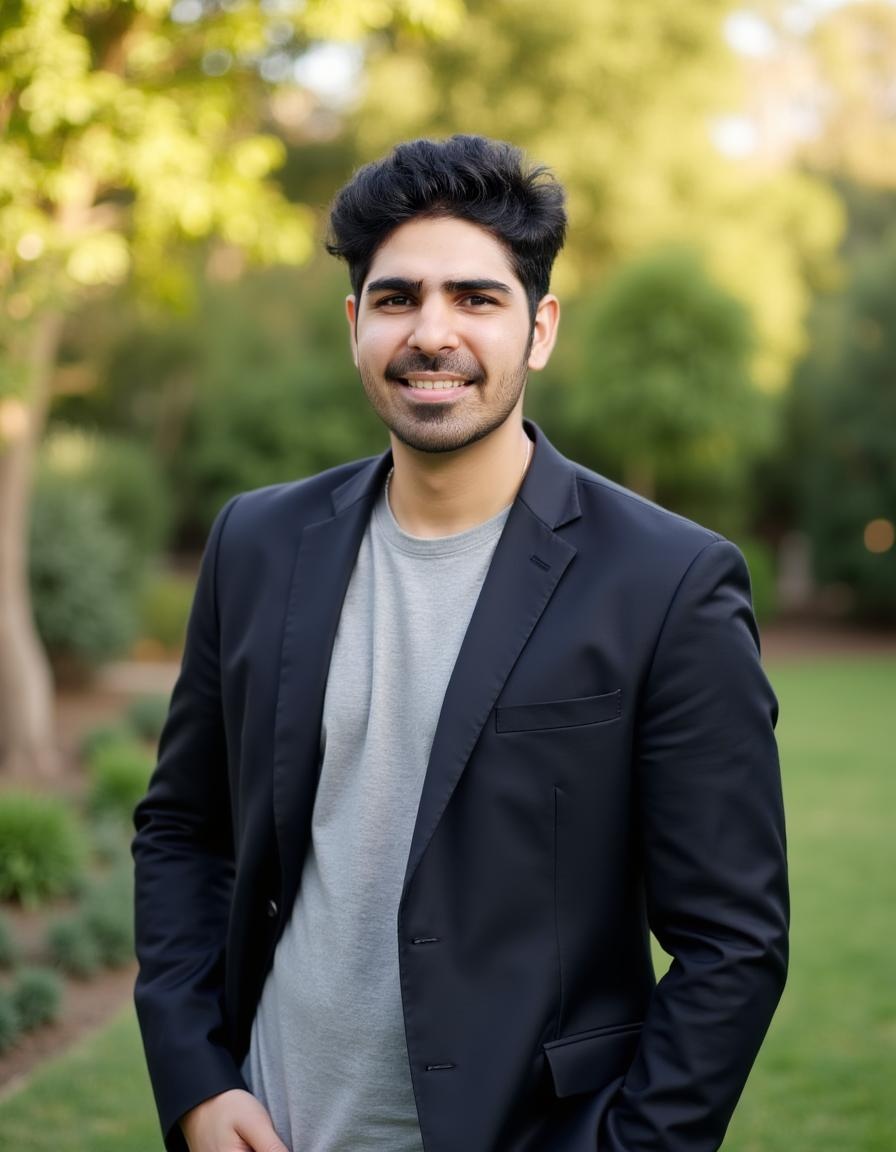
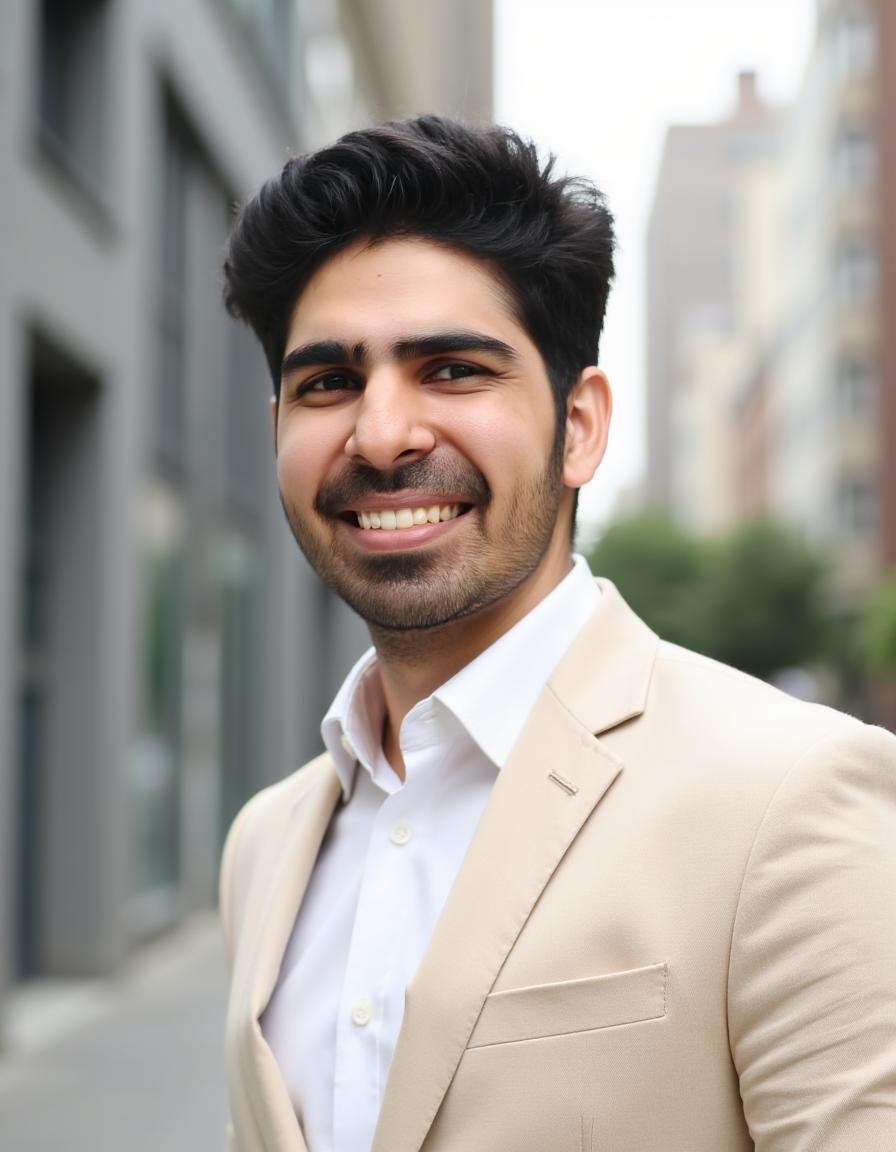
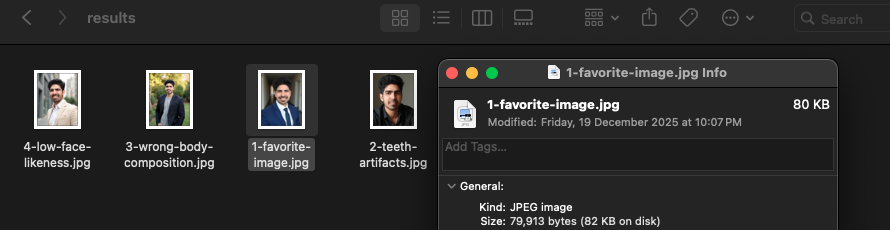
Sarwar scored PortraitPal 47.5/75 overall. The standout frame shows what the tool can do when results land well. Consistency across a full batch was the main gap compared to Proshoot and DreamWave. For strict LinkedIn credibility, a tool with stronger batch consistency may be a safer bet. PortraitPal is worth knowing about if you want a fast, no-frills workflow at standard market pricing, not because it costs less.
Pricing: Around $35 during Sarwar's test.
7. HeadshotMaster (free)
Tested by: Sarwar Baker
Short verdict: Best free option with no signup required. Useful for testing the category, not for a final professional headshot.
✅ What works: Completely free, no account needed, fast generation, surprising style options for a free tool
❌ What to watch for: Lower realism ceiling; body composition can drift; not competitive with paid tools on likeness
👉 Best for: Zero-commitment testing before you spend money
HeadshotMaster requires no signup. Sarwar walked through the full free flow on AI Headshot Co.:
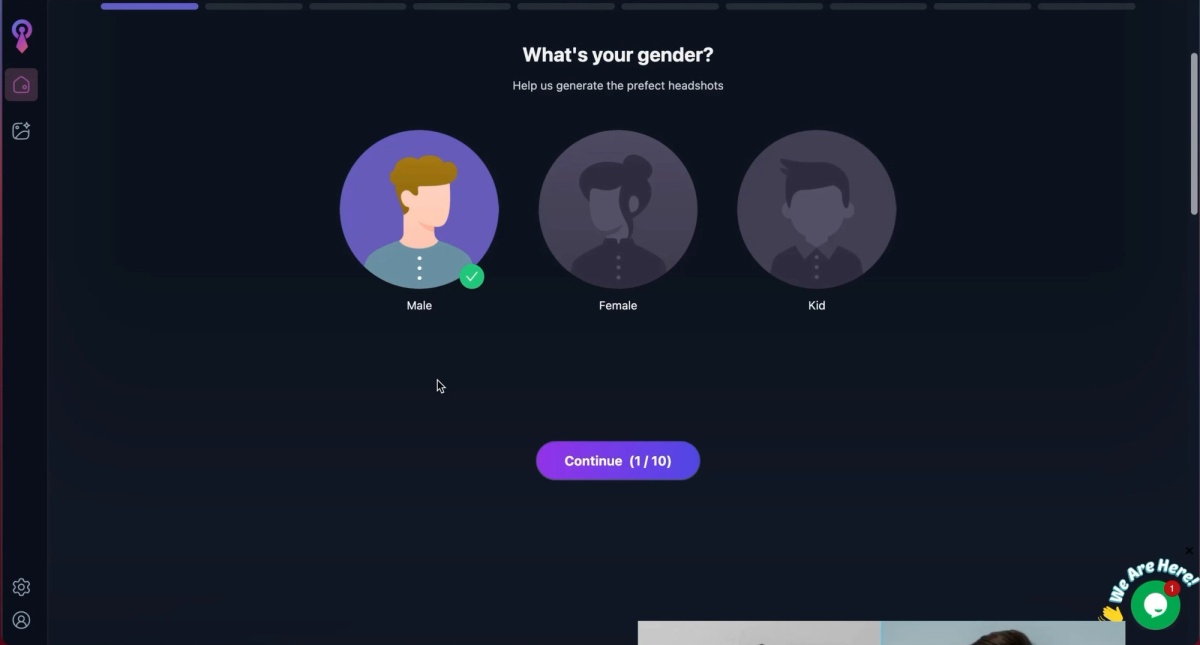
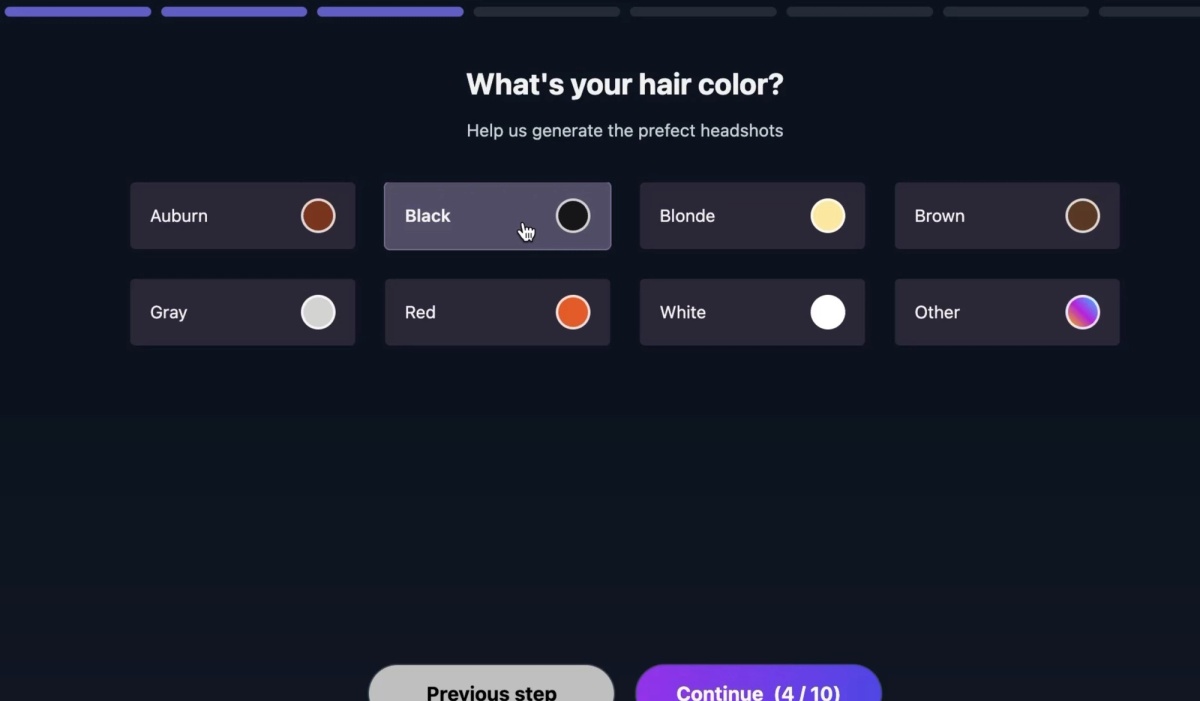
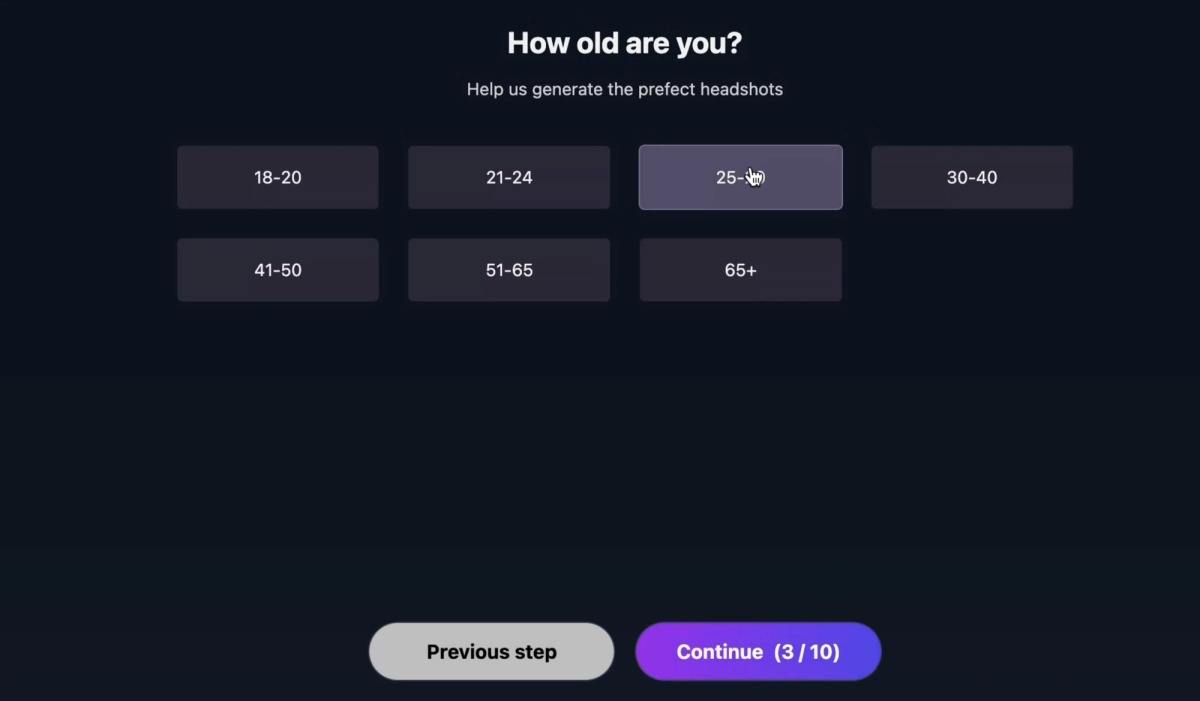
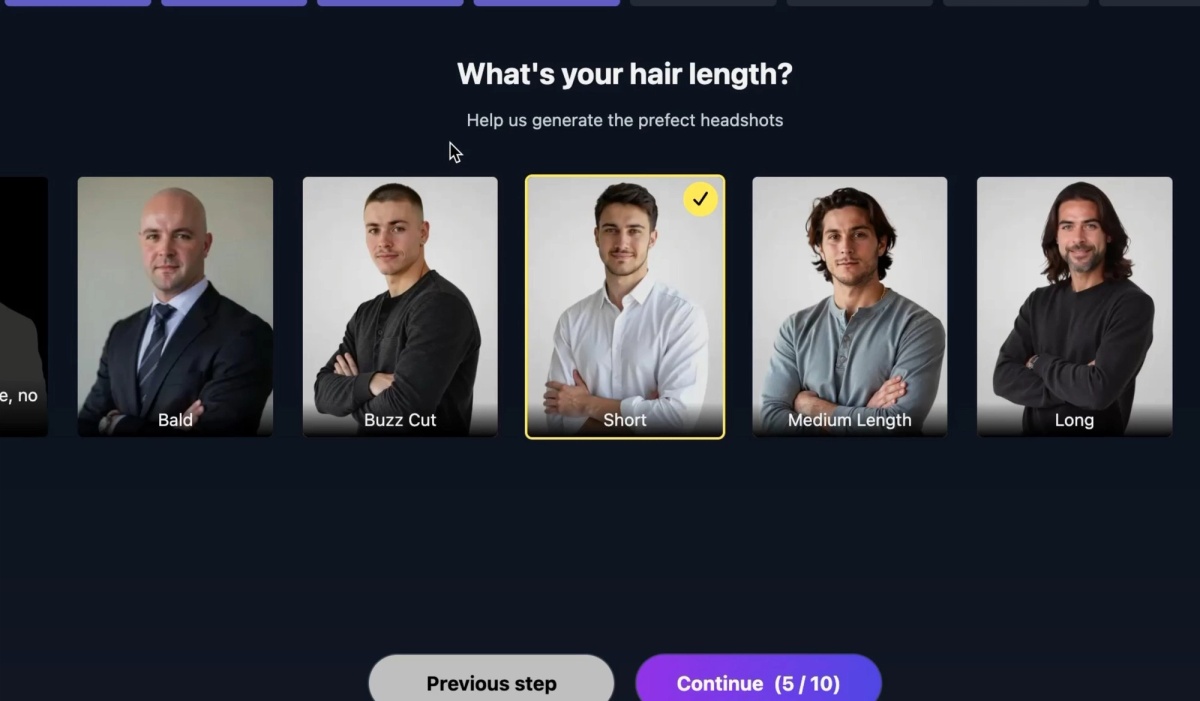
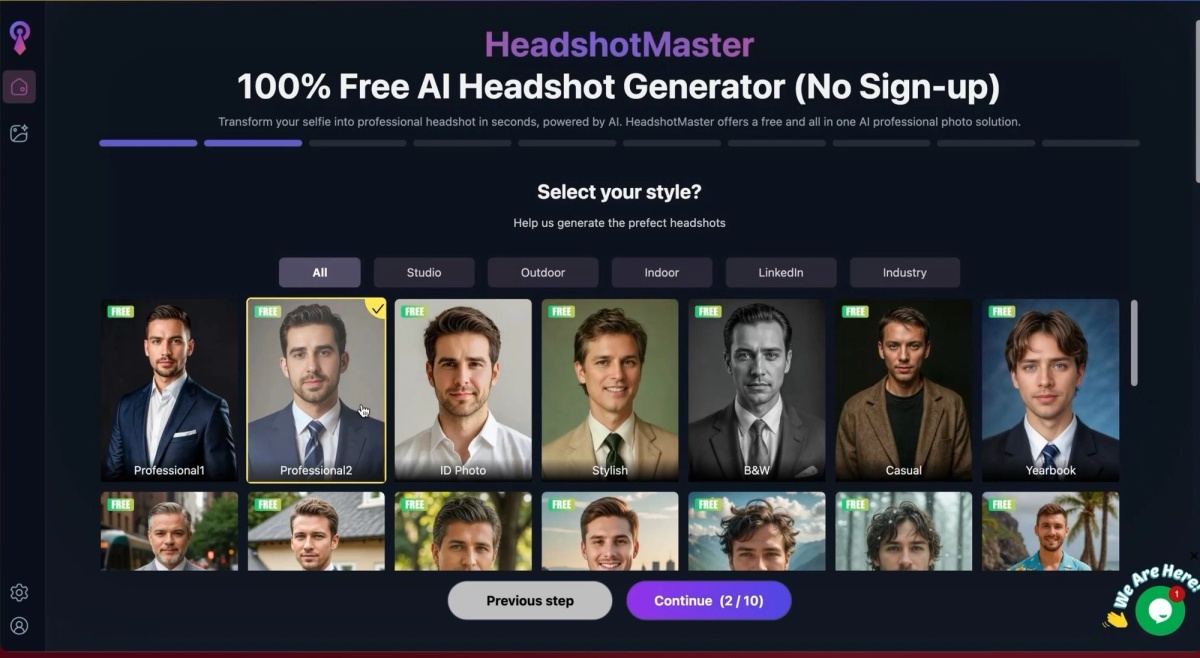
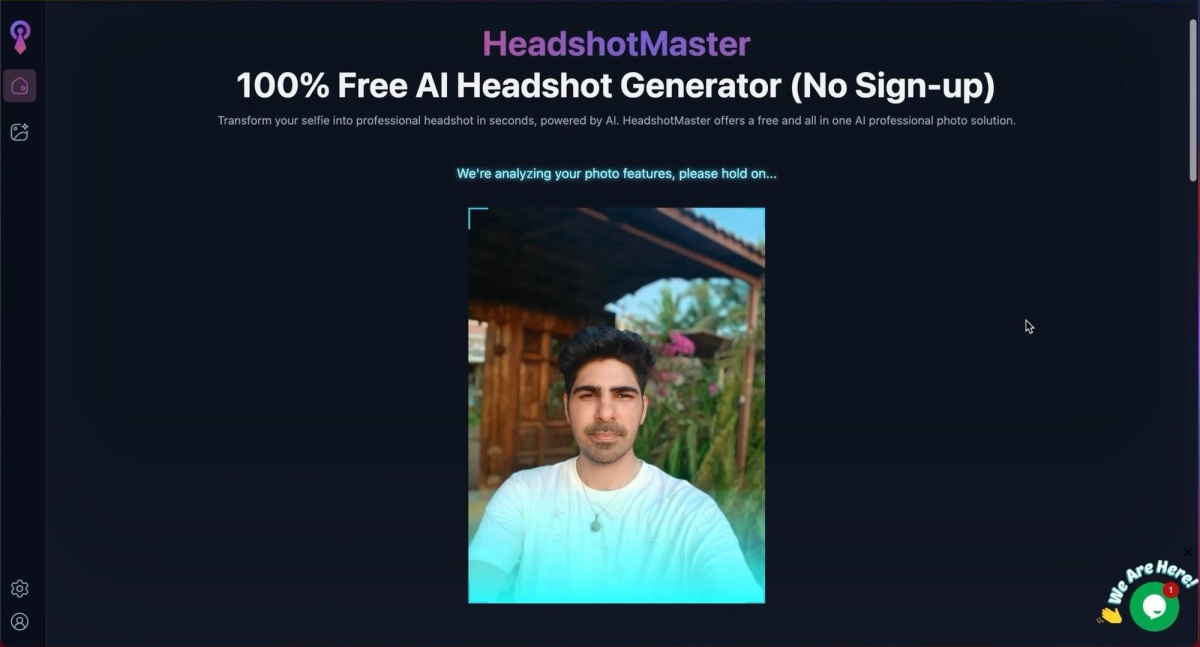
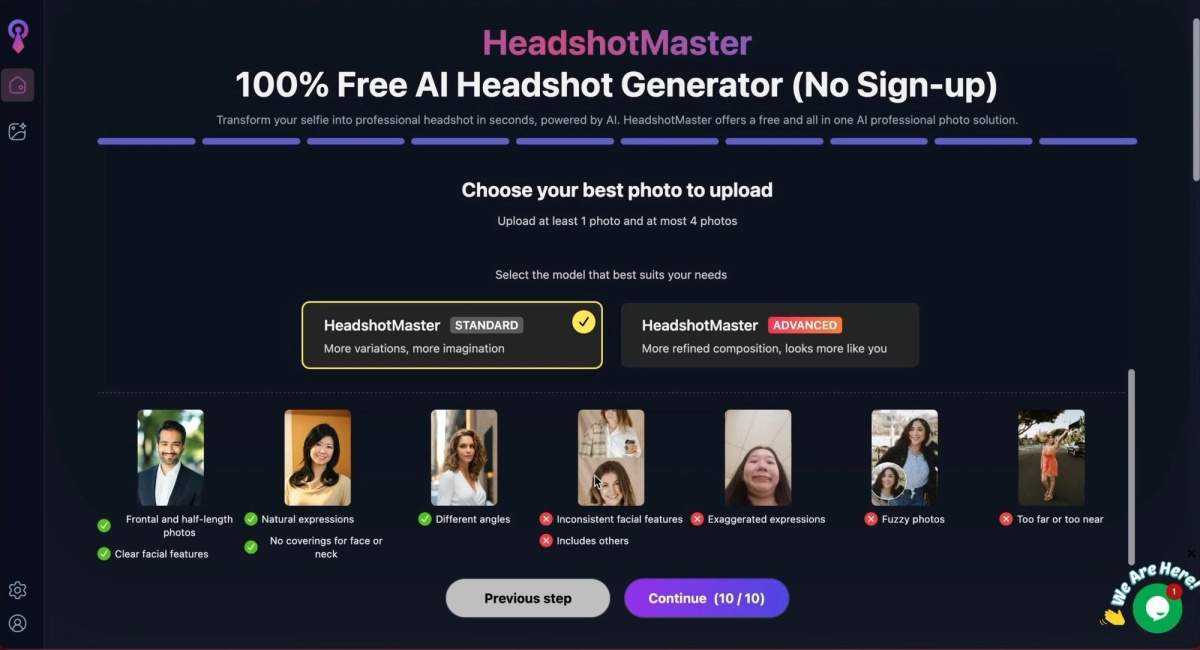
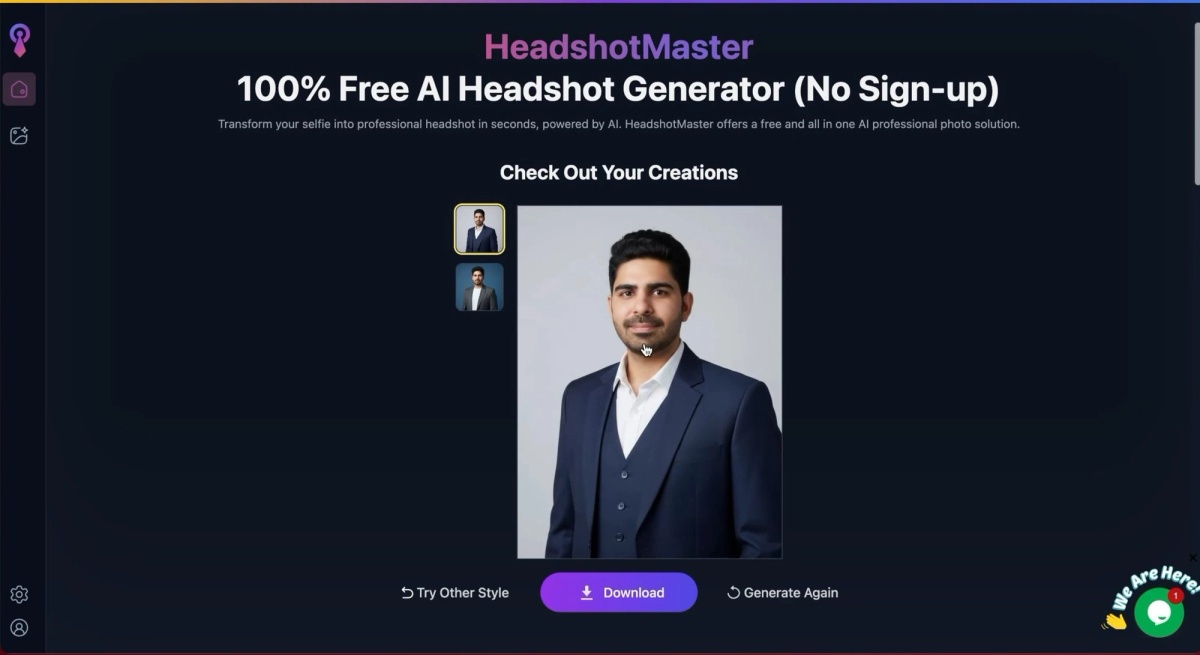
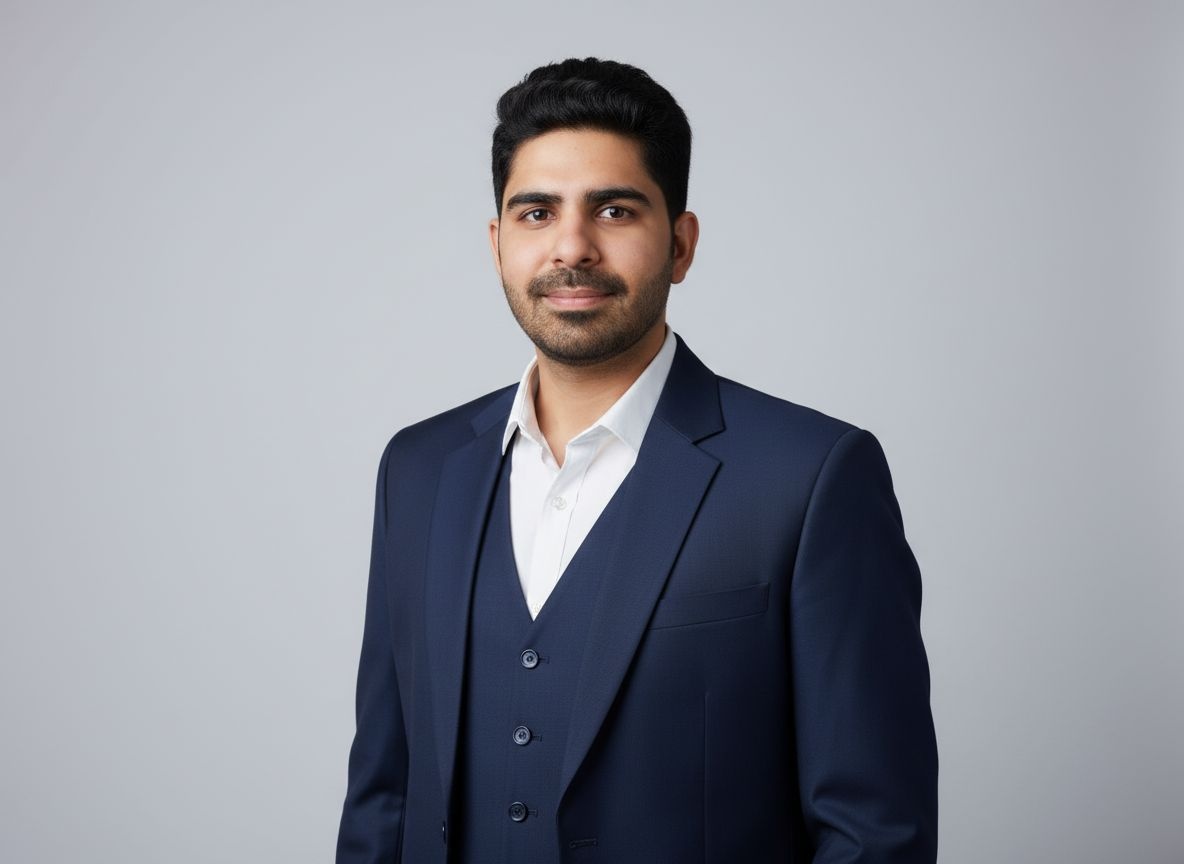
Sarwar scored HeadshotMaster 45/75. The no-signup workflow is a genuine privacy advantage for anyone who wants to experiment anonymously. For serious professional use, treat it as a baseline, not a destination.
8. Canva (free)
Tested by: Sarwar Baker
Short verdict: Convenient if you already use Canva. One credit per day on the free tier. Fine for a quick test, not best-in-class on likeness.
✅ What works: Familiar interface, fast generation (under a minute), free daily credits, no separate tool to learn
❌ What to watch for: Login required, face likeness inconsistent, outputs can feel like face swaps at full size
👉 Best for: Existing Canva users who want a low-stakes experiment
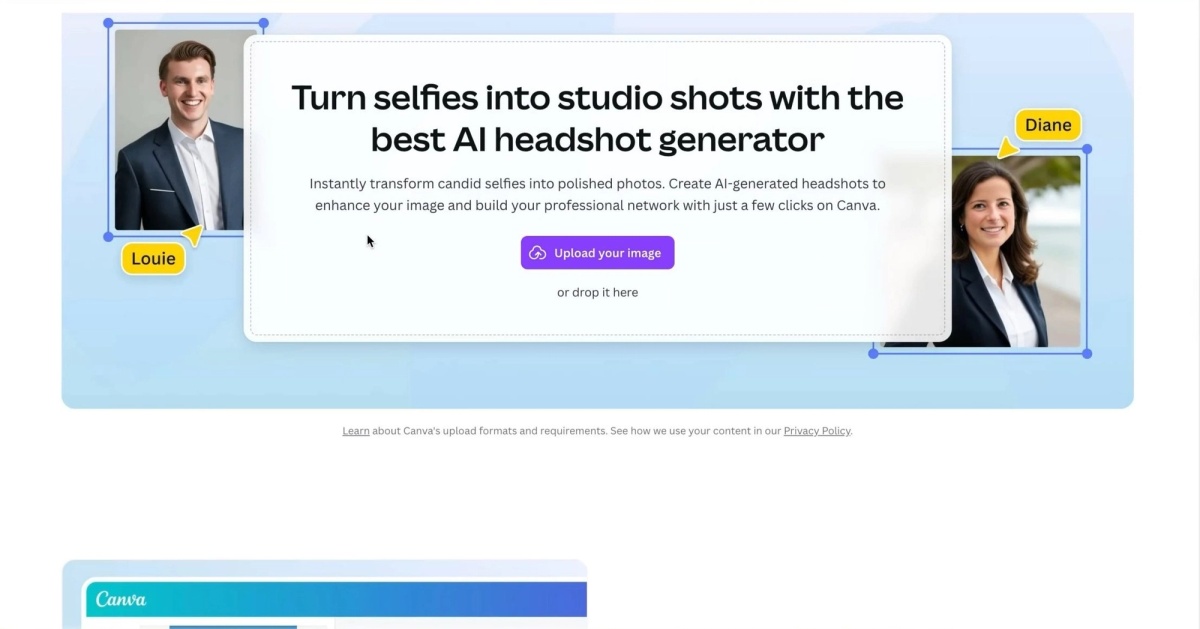
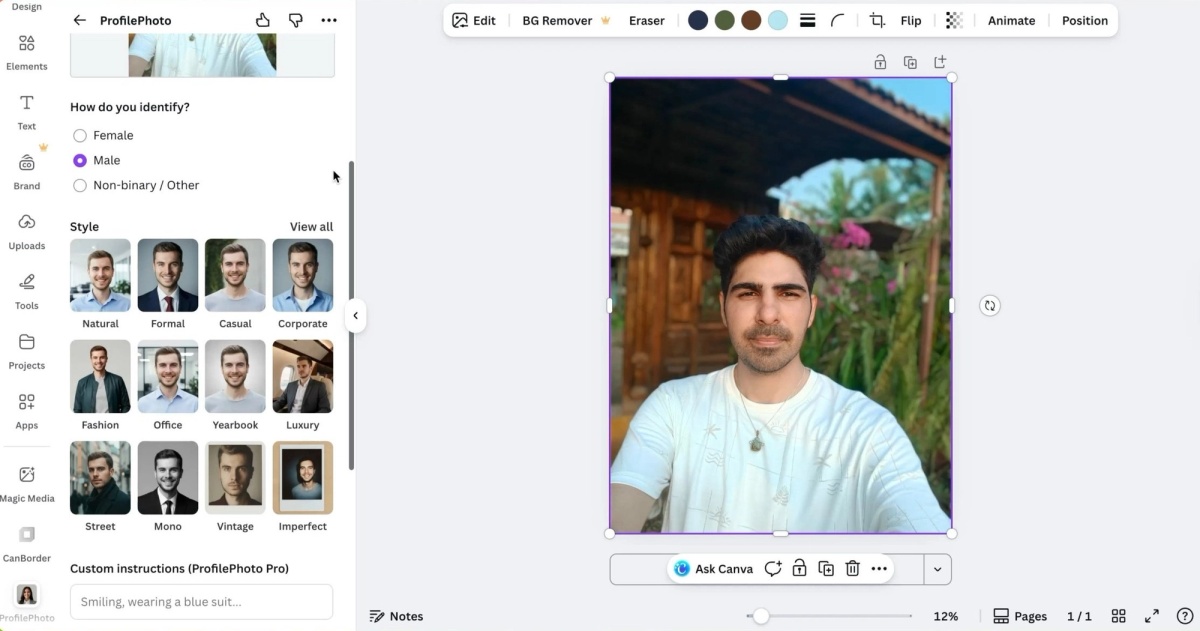
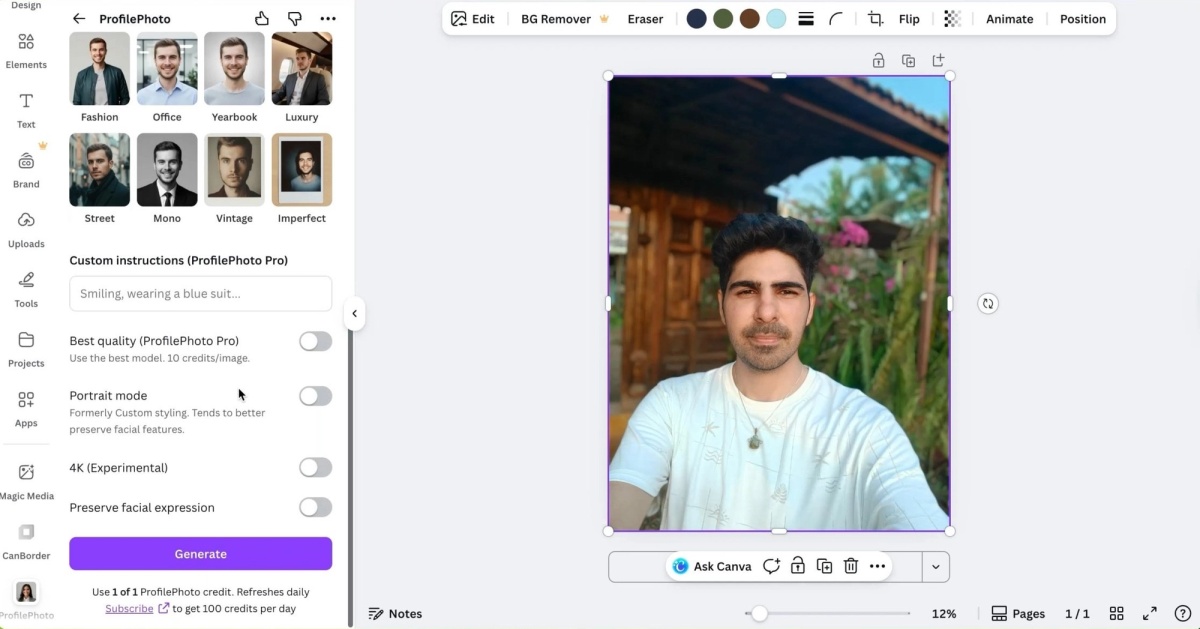
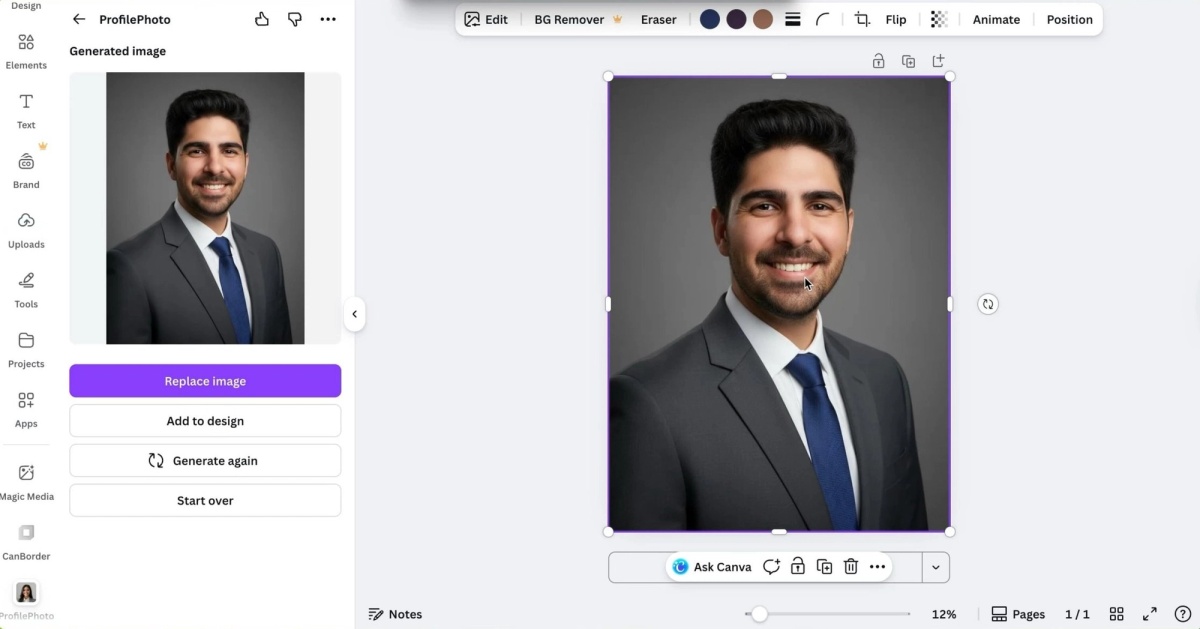
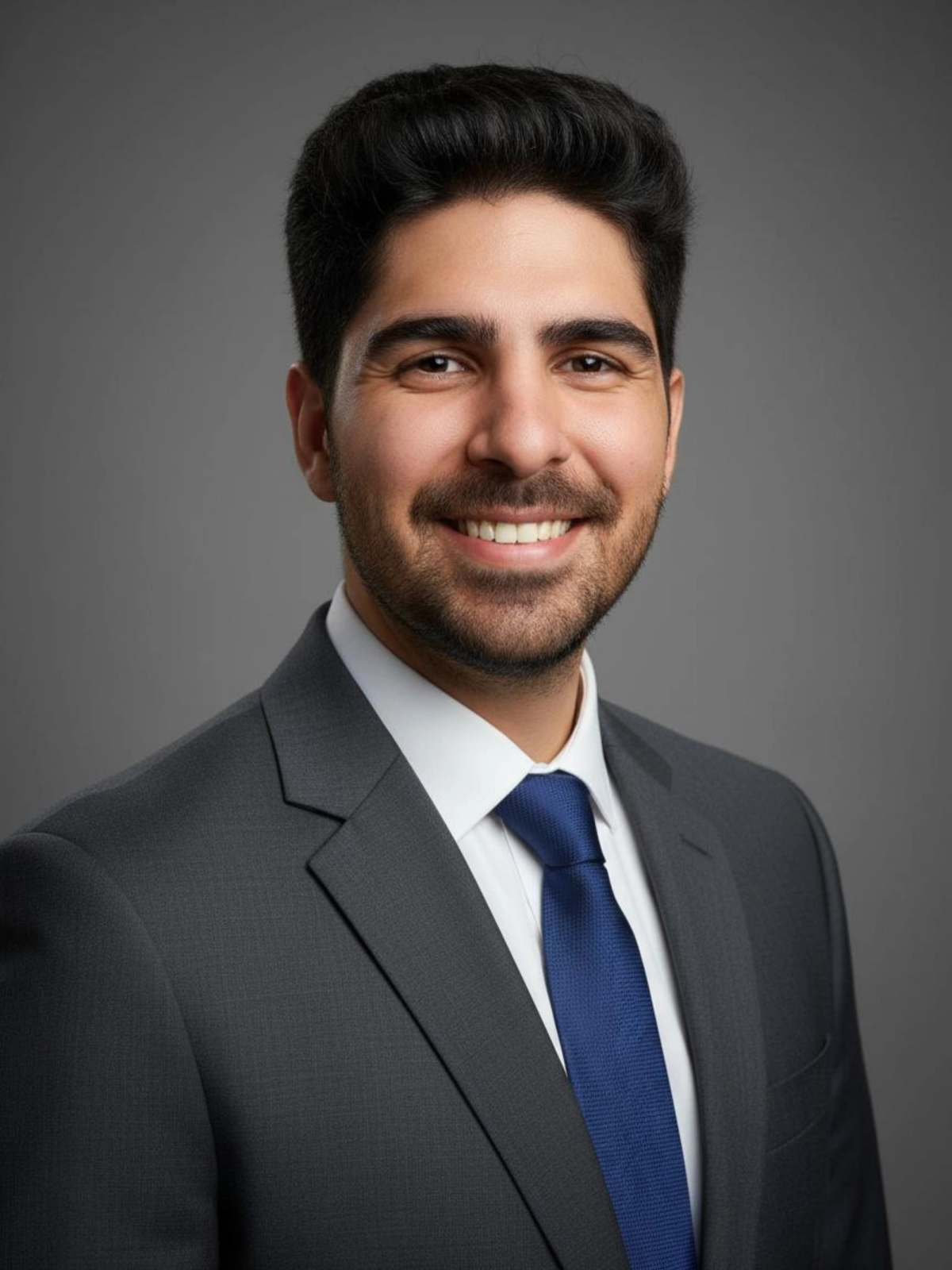
Sarwar scored Canva 41/75. The 4K and facial preservation settings did not meaningfully improve likeness in his test. For a full breakdown, see our Canva AI headshots review.
Paid vs free: what you actually get
Average Face Likeness Score by Tool Type
- Free tools (avg.)
- Paid tools (avg.)
caption: Average face likeness across six paid tools (Proshoot, DreamWave, Aragon, BetterPic, PhotoPacks, PortraitPal) vs two free tools (HeadshotMaster, Canva) from the independent tests in this guide.
Paid tools are not automatically better. But in these tests, the paid tier consistently delivered stronger likeness and more usable professional outputs. Free tools are best treated as category experiments.
For a broader cost comparison, read AI headshots vs studio headshots.
How to choose by use case
LinkedIn, recruiters, or client trust
Start with Proshoot for the most realistic results. DreamWave AI second if you want a simpler workflow.
Polished corporate styling with fast turnaround
Aragon AI. Strong editor and security credentials for teams.
4K volume at competitive pricing
BetterPic. Read the refund policy and be ready to iterate.
Creative social content
PhotoPacks. Not for professional identity accuracy.
Test before paying
HeadshotMaster first (no signup), then Canva if you already use the platform.
Shortest paid workflow
PortraitPal. Same starting price as most rivals, but fewer features. Check the full batch, not just the best frame.
Company team pages
Proshoot for consistency across team members. See corporate headshots.
Turnaround time compared
Typical Turnaround Time by AI Headshot Generator
- Approximate turnaround (minutes)
caption: Approximate turnaround times from Sarah Gillam and Sarwar Baker's independent tests. Actual times vary by plan tier and server load.
Privacy and refund policies at a glance
| Tool | Refund summary | Privacy note |
|---|---|---|
| Proshoot | 7-day refund with watermarked preview | Clear deletion policy |
| DreamWave | Limited once model is trained | Minimal attribute collection |
| Aragon | Conditional on upload compliance | SOC 2, GDPR |
| BetterPic | 7-day if AI not yet trained | Standard upload terms |
| PhotoPacks | Unknown in Sarah's test | Standard upload |
| PortraitPal | Standard paid terms | Basic attribute collection |
| HeadshotMaster | N/A (free) | No signup required |
| Canva | N/A (free credits) | Login required |
Read each tool's policy before uploading. Headshot retouching after generation cannot fix fundamental likeness problems.
Common mistakes when choosing an AI headshot generator
- Picking the prettiest thumbnail instead of the most believable full-size image
- Choosing by style count instead of face likeness
- Treating free tools as equal to paid professional tools
- Uploading inconsistent hairstyles, expressions, or accessories
- Expecting every image in a 100-headshot package to be usable
- Ignoring refund terms until something goes wrong
If your headshot needs to match how you look in person, read should your headshot match your real appearance.
How to get better results on any tool
- Upload recent, well-lit photos
- Keep hairstyle and expression consistent
- Avoid heavy filters and edited selfies
- Judge results at full size, not thumbnail
- Read each platform's upload guidelines before paying
Phone photos work fine when lighting and angle are right. See how to take professional headshots at home and what to wear for headshots.
When to skip AI and book a photographer
AI headshots work well for LinkedIn, company bios, and many business uses. A real photographer still makes sense for:
- Press and media photos
- Acting headshots
- High-end personal branding
- Art-directed campaigns
For cost context, see how much headshots cost and AI headshot statistics.
Bottom line
There is no single best AI headshot generator for every person. There is a best pick for each goal.
Proshoot delivered the most realistic AI headshots in both Sarah's and Sarwar's independent tests, with the strongest face resemblance and the most natural skin texture at full size. That makes it the top choice when people need to recognise you on LinkedIn, corporate pages, and client-facing work.
DreamWave AI is the strongest paid alternative for buyers who want a simpler workflow and better editing tools. Aragon AI wins on polish, speed, and styling flexibility. BetterPic offers competitive 4K pricing if your results land well. PhotoPacks suits creative social use. PortraitPal is a simple paid option at standard pricing with mixed batch quality. HeadshotMaster and Canva are the best free ways to test the category.
If likeness matters most, try Proshoot and compare your own results.
Sarah's full four-tool comparison is on Medium. Sarwar's six-tool testing series lives on AI Headshot Co..
If likeness & realism matters most, try Proshoot!
Comes with a 100% no-questions-asked money-back guarantee.
Frequently Asked Questions

Fazil
Content Writer