What Makes an AI LinkedIn Headshot Look Credible?
Learn what makes an AI LinkedIn headshot credible, when it is good enough for job seekers, and why more professionals are switching.
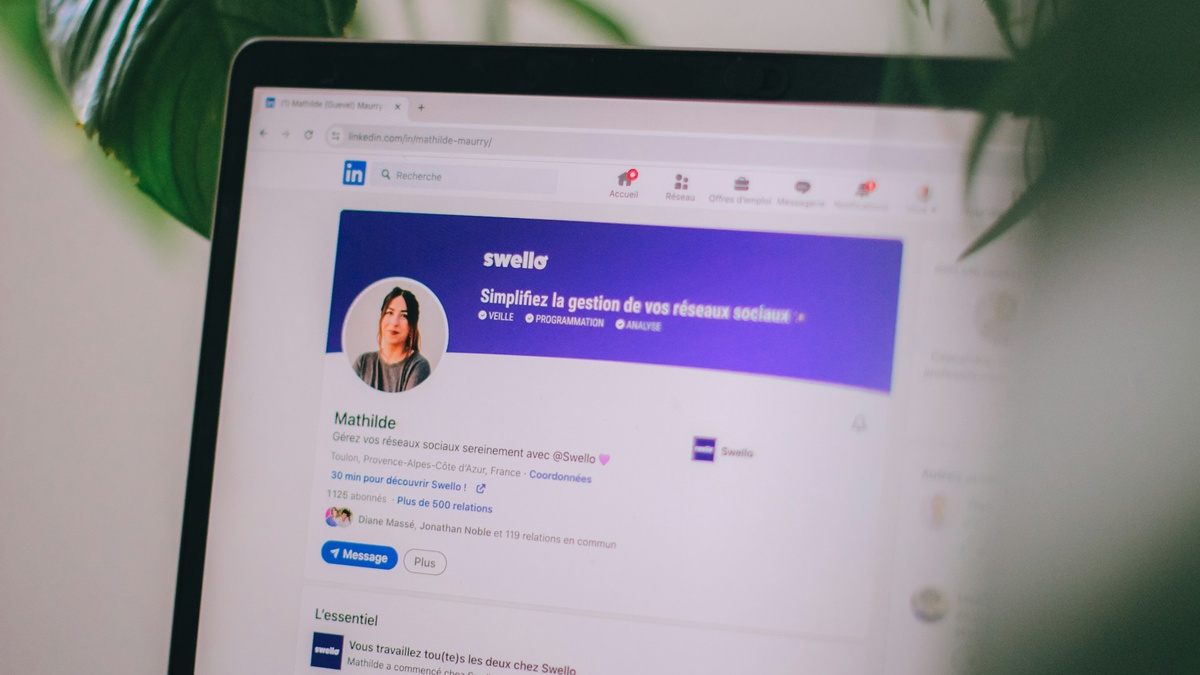
Table of Contents
People are not asking whether AI can make a nice-looking photo.
They are asking whether the photo will make them look trustworthy on LinkedIn.
That is the real standard here. Your LinkedIn headshot is often the first thing recruiters, hiring managers, clients, and new connections see. If it looks too polished, too fake, or too far from how you really look, trust drops fast.
This guide pulls the useful parts from our overlapping LinkedIn AI posts into one place. It covers what makes an AI LinkedIn headshot look credible, why more professionals are using them, and when they are good enough for job seekers.
TLDR
- ✅ A credible AI LinkedIn headshot looks like you on a good day, not a different person.
- ✅ Natural expression, clear crop, role-appropriate clothing, and a simple background matter most.
- ✅ AI headshots work well for many LinkedIn use cases if they still look believable on a video call.
- ❌ Over-smoothed skin, dramatic lighting, fake office backgrounds, and overly glamorous styling hurt trust.
- ❌ The most flattering option is not always the best one for LinkedIn.
- 👉 If you want LinkedIn-ready results, start with LinkedIn headshots.
What makes an AI LinkedIn headshot look credible?
The simplest test is this:
Would I expect this person to look like this on a call?
If the answer is yes, you are close.
If the answer is no, the image may look polished, but it is not credible.
Strong AI LinkedIn headshots usually get a few basics right:
- accurate likeness
- natural expression
- clear crop at thumbnail size
- professional but believable clothing
- a quiet background
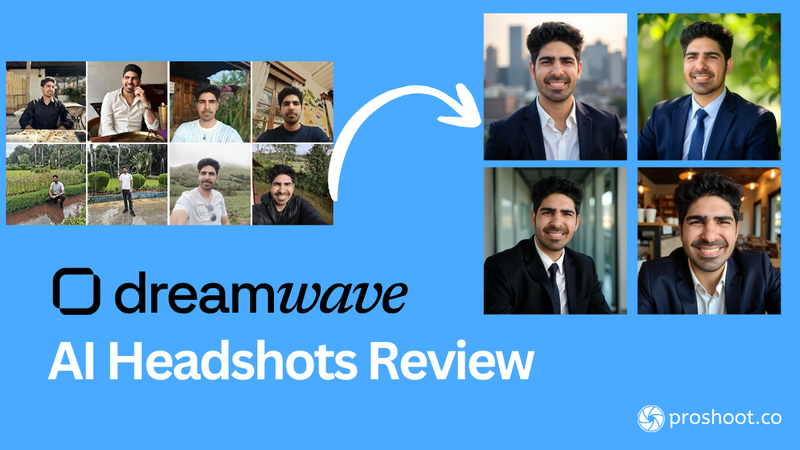
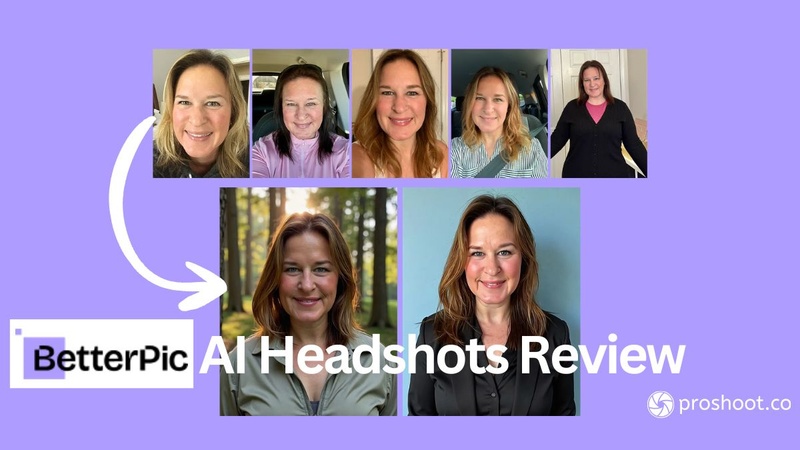
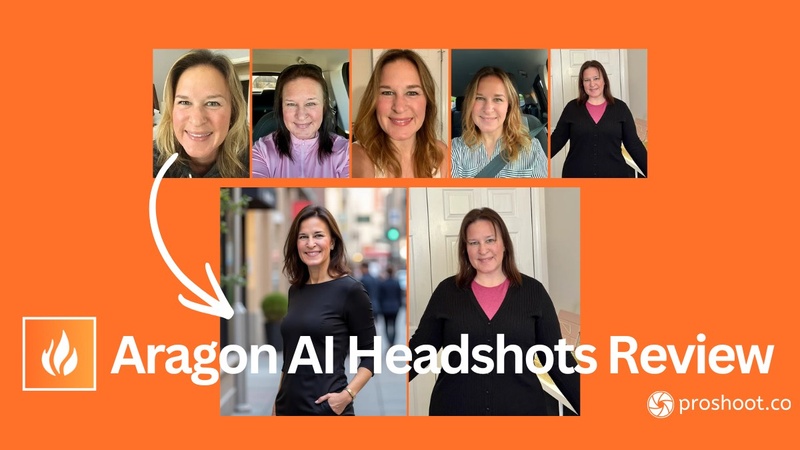
If you want a broader visual benchmark, these headshot examples help show what works across different professional settings.
The traits that make a LinkedIn headshot feel trustworthy
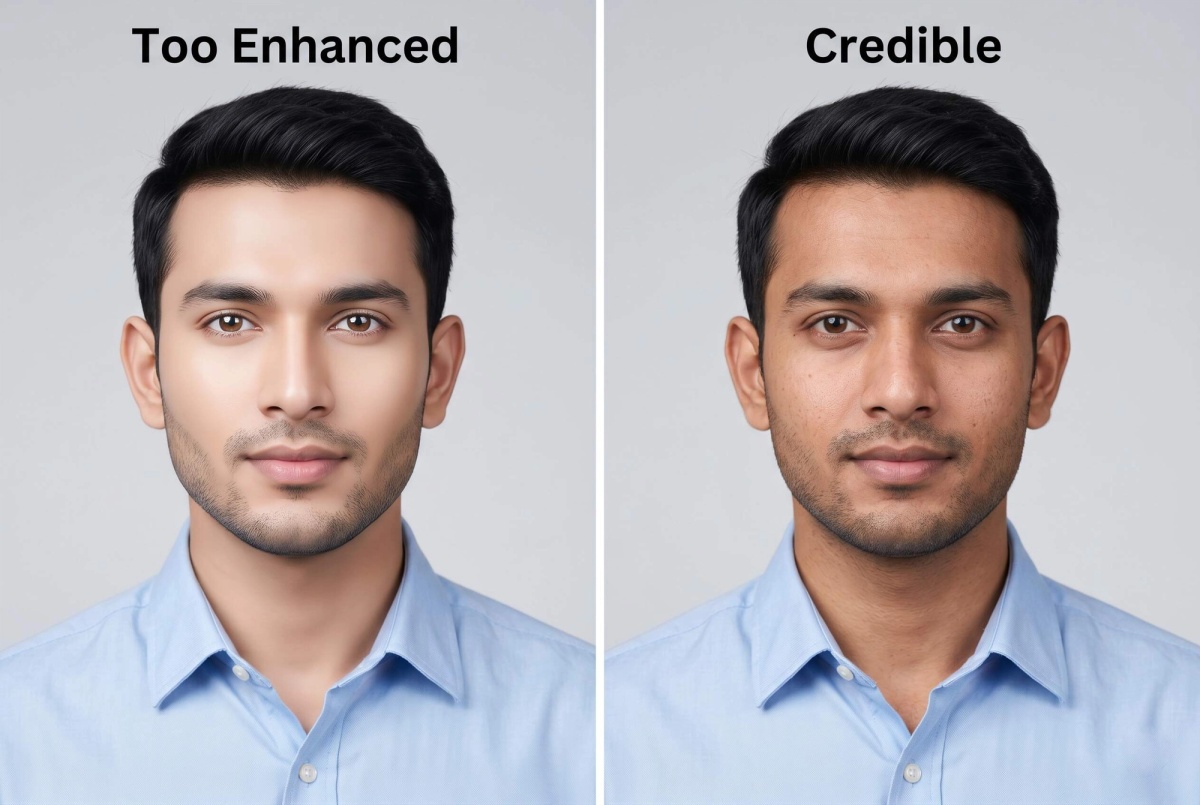
Accurate likeness
If the photo feels too improved, trust drops.
Your LinkedIn photo should look like you on your best normal workday. Not a version of you that looks ten years younger, dramatically slimmer, or unrealistically polished.
Why it matters: the first video call, interview, or in-person meeting reveals the gap immediately.
Natural expression
Friendly, calm, and alert usually works best.
LinkedIn is not a fashion shoot. It is not a dating app either. A slight smile or a calm neutral look tends to read better than a dramatic stare or a huge grin.
Why it works: people want someone who feels approachable and competent.
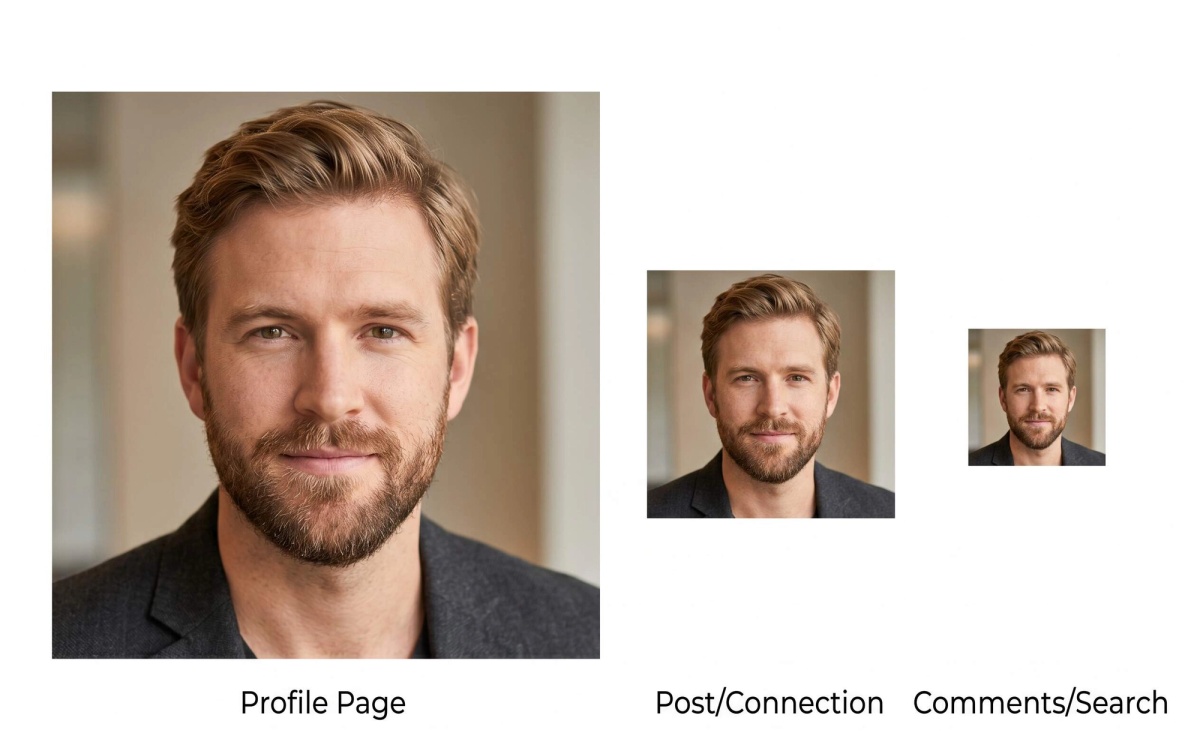
Clean crop
Your face should still read clearly in a tiny circle.
LinkedIn shows your photo in:
- search results
- connection requests
- comment threads
- messages
- profile previews
That means the crop has to work small. In most cases, your face should take up about 60 to 70 percent of the frame.
Professional but believable clothing
Clothing should fit your industry.
What works for tech may not work for law. What works for design may not work for finance.
Good defaults usually include:
- solid colors
- clean necklines
- neat collars
- simple layers
- no loud patterns
For detailed outfit help, see what to wear for headshots.
Background that stays out of the way
Simple wins.
Soft gray, off-white, and subtle studio-style backgrounds usually work better than fake offices, heavy blur, or trendy color effects.
If you want more detail on background choice, see headshot backgrounds.
What makes AI LinkedIn headshots lose credibility fast
Some mistakes show up again and again.
Over-smoothed skin
When skin looks waxy or airbrushed, people may not say why the photo feels wrong, but they notice it.
Unreal lighting
If the light feels too dramatic, too glossy, or too perfect, the image starts looking more like an ad than a professional profile photo.
Corporate stock-photo energy
If the headshot looks generic, staged, or like a model playing a professional, it loses authenticity.
Too much symmetry
Real faces are slightly uneven. Some AI outputs look too balanced and too perfect, which can trigger that uncanny feeling.
Role mismatch
An outfit, pose, or styling choice that feels off for your field will weaken trust even if the image looks technically polished.
Why professionals are switching to AI LinkedIn headshots
This part is useful when you strip out the hype.
People are moving toward AI LinkedIn headshots for a few practical reasons.
Speed
Many professionals do not want to wait days or weeks for a photo session, edits, and delivery.
If they need to update LinkedIn for a job search, a speaking event, a company bio, or a career move, faster options are appealing.
Cost
Traditional headshots can be expensive, especially if you only need one or two strong LinkedIn-ready images.
That cost difference matters more for job seekers, freelancers, remote workers, and early-career professionals.
If you want a fuller comparison, this guide on how much headshots cost breaks down the tradeoffs.
Convenience
Not everyone wants to schedule a shoot, travel to a studio, and spend half a day getting one profile image.
For busy professionals, remote workers, and people outside major cities, convenience matters.
Variety
AI tools can give you multiple credible options from the same input set. That helps when you want to choose a version that fits your industry, role, or personal brand more closely.
Why it matters: one person may want a slightly warmer image for networking and a more formal one for executive-facing contexts.
Are AI headshots good enough for job seekers?
For many job seekers, yes.
But not always for every situation.
When they are usually good enough
AI LinkedIn headshots are often fine for:
- LinkedIn profile photos
- personal websites
- online portfolios
- networking communities
- lower-stakes internal directories
Most recruiters are not running forensic image tests. They care whether the photo looks current, believable, and appropriate.
The key question is simple: does it look like the person they would meet on a video interview?
When I would be more careful
There are cases where I would hold a higher standard:
- senior executive applications
- public founder profiles
- media kits
- speaker bios
- high-visibility press use
In those contexts, scrutiny is higher and the safest option may still be traditional photography unless the AI result is extremely believable.
What recruiters and hiring managers actually care about
They usually care about four things:
- does it look current?
- does it look real?
- does it fit the role?
- is it distracting?
That is why credibility matters more than glamour.
The biggest risk for job seekers
Mismatch.
If the headshot shows a much younger, smoother, or more polished version of you, the first interview call can create friction immediately.
That is why likeness matters more than flattery.
How I would choose between several decent options
This is the framework I would actually use.
Pick the one that looks most like you in normal professional life.
Not the most dramatic one.
Not the most flattering one.
The most believable one.
Ask yourself:
- Which one would my coworkers recognize immediately?
- Which one matches how I look on video calls?
- Which one feels the most honest?
- Which one still reads clearly at thumbnail size?
If you can, show the finalists to someone who knows you professionally and ask which one looks most like you.
Does credibility change by profession?
Yes, a little.
Job seekers
Approachability and competence matter most.
The photo should feel clean, current, and aligned with the kind of role you want.
Founders and executives
Authority and polish matter more.
The image should still look like you, but it can lean slightly more formal and controlled.
Sales and consulting
Warmth matters a lot.
People should feel comfortable reaching out to you.
Lawyers and finance professionals
Conservative presentation tends to build more trust.
Neutral backgrounds, calm expressions, and classic business clothing usually work best.
A final credibility checklist before you publish
Run through this before you upload your final image:
- Does this still look like me?
- Would this feel normal on a video call?
- Can I read the expression clearly at thumbnail size?
- Does the clothing fit my role and industry?
- Is the background simple and believable?
- Does anything look too edited when I zoom in?
- Would this feel normal next to other LinkedIn profiles in my field?
If the answer is no to any of these, keep looking.
Final thoughts
A credible AI LinkedIn headshot is not the one that looks the most impressive.
It is the one that makes people trust you quickly.
If your photo looks like you, fits your role, and still reads clearly in LinkedIn’s tiny crop, it is doing its job. If you want images designed specifically for that use case, start with LinkedIn headshots.
Frequently Asked Questions

Fazil
Content Writer