Fotor AI Headshot Review: Where It Works and Where It Falls Short
I tested Fotor AI headshot generator for professional use. Here is an honest look at quality, pricing, and whether it delivers for business headshots.
Table of Contents
Testing whether Fotor AI headshot generator delivers professional-grade results for business and LinkedIn use.
Fotor positions itself as a mid-range AI headshot tool with subscription pricing.
The cost sits between free tools and premium one-time-purchase options. That middle position raises the question: does it actually deliver professional quality, or is it just a compromise?
I tested it for corporate use, LinkedIn profiles, and business team pages.
TL;DR
- ✅ More affordable than premium one-time-purchase tools
- ✅ Works with casual source photos and selfies
- ✅ Multiple style variations in one subscription
- ❌ Inconsistent face clarity, especially around eyes
- ❌ Over-smoothed skin that can look waxy
- ❌ Subscription model means recurring costs if you need headshots again
- ❌ Customer support can be slow
- 👉 Best for: budget-conscious professionals who need acceptable results for LinkedIn
How Fotor works
Fotor is a broader design and editing platform. AI headshots are one feature within the suite.
- Upload photos
- Select a style from available options
- Wait for generation (20 to 30 minutes)
- Download results
The interface is clean if you have used Fotor for other editing work. If not, there is a learning curve around finding the headshot-specific features within the broader platform.
What Fotor does well
✅ More affordable entry point
Fotor's subscription model spreads cost across months, which feels lighter on the wallet than one-time packages from premium tools.
Fotor Pro starts at $8.99/month. Fotor Pro+ at $19.99/month.
For buyers testing the AI headshot category without committing $35 to $79 upfront, this lower entry point helps.
✅ Works with casual source photos
You do not need professional photos to start.
Fotor processes selfies, phone camera shots, and casual portraits. As long as your face is clear and well-lit, the tool generates results.
For tips on getting the best source photos, see what kind of photos work best for AI headshots.
✅ Multiple style variations
Packages include different backgrounds, clothing options, and lighting setups.
You can get corporate formal, business casual, and neutral options from one set of uploads.
This variety works when you need different headshots for different platforms (LinkedIn, website, email signature).
✅ Decent clothing rendering
The style library includes business casual, corporate formal, and industry-specific options.
Clothing generally renders believably. Blazers, button-downs, and neutral tones look appropriate for professional contexts at standard viewing sizes.
Where Fotor falls short
❌ Inconsistent face clarity
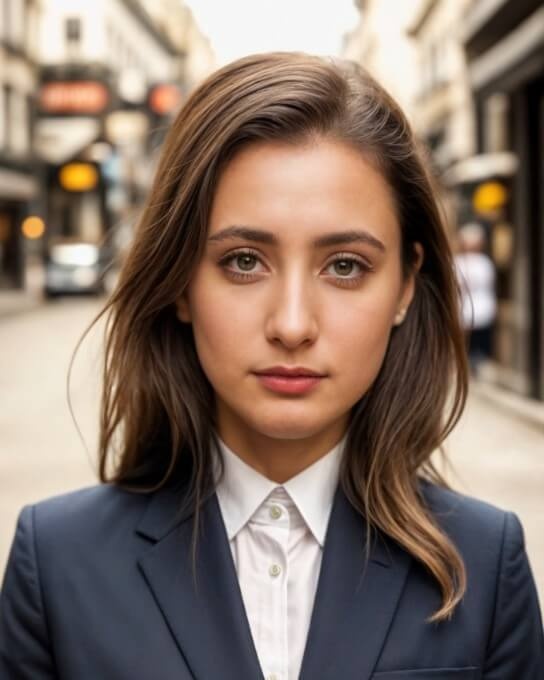
Some outputs nail the details. Others look soft or slightly out of focus, especially around the eyes.
Eyes are the first thing people notice in a headshot. If they look glassy, unfocused, or strangely lit, the whole image feels off.
Fotor's hit rate is lower than premium tools. You might need to generate multiple sets to get enough usable results.

❌ Over-smoothed skin
This is a common AI headshot problem, but Fotor struggles with it more than most.
Skin often looks waxy or airbrushed. Pores disappear. Natural texture flattens.
Professional photos should look polished, not plastic. Fotor sometimes crosses that line, especially when viewed at full size.
For more on evaluating these details, see how to tell if an AI headshot looks real.
❌ Subscription model creates recurring costs
If you only need headshots once, paying for a full month of Fotor Pro+ ($19.99/month) feels wasteful compared to one-time purchase tools.
And if you need Pro+ for HD downloads, you are paying more per month than some dedicated tools charge for their entire package.
❌ Limited background customization
Most outputs use the same neutral gray or soft gradient backgrounds.
If you want specific backdrops (office settings, outdoor light, textured walls), options are limited.
For standard LinkedIn and corporate use, this is fine. For personal branding or creative industries, it feels restrictive.
Realism check
Fotor sits in the middle tier for realism.
Better than free tools like Canva or HeadshotMaster. Weaker than premium options like Proshoot, DreamWave, or BetterPic.
Face structure: General face shape and proportions usually hold. Jawlines stay recognizable. But subtle features (nose shape, ear position, eye spacing) can drift.
Skin texture: The biggest weakness. Over-smoothing makes outputs look retouched rather than realistic.
Eyes and expression: Hit or miss. Some versions capture natural, alert expressions. Others look distant or artificially posed. Always check eyes at full size before publishing.
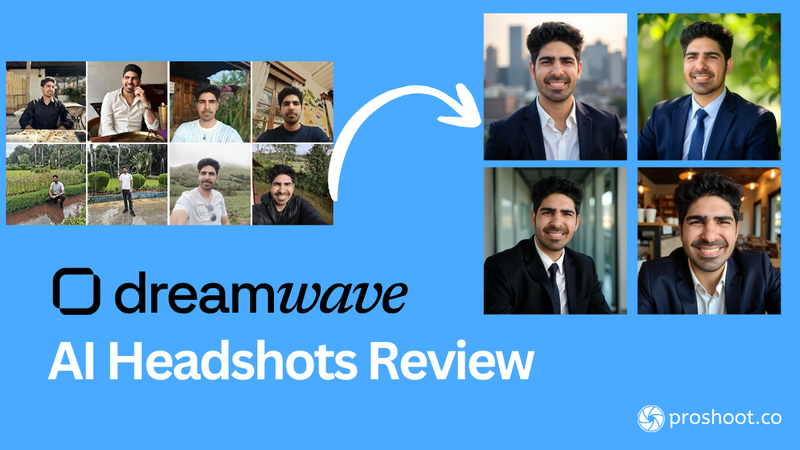
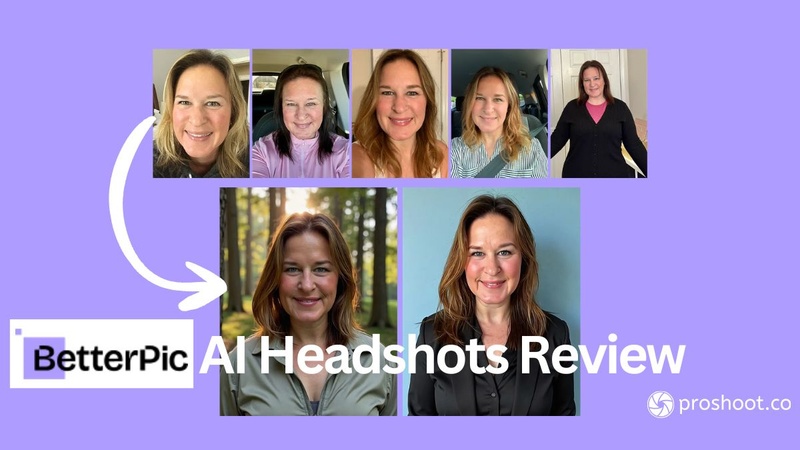
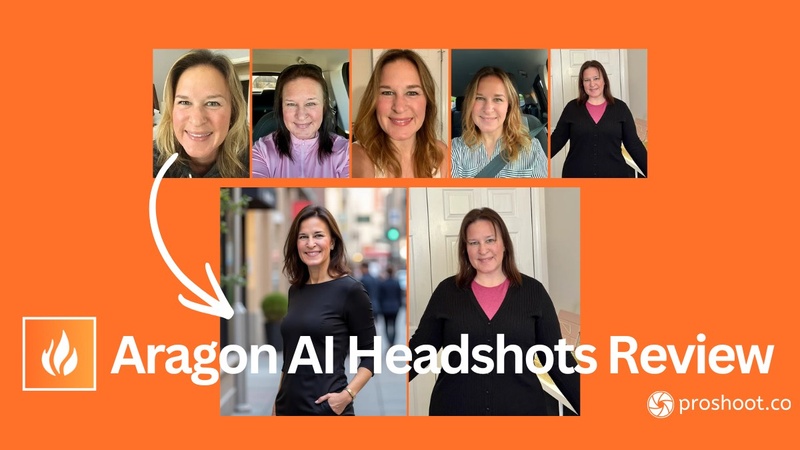
For comparison, here is what a dedicated headshot tool produces with better realism:

The gap in skin texture and face clarity is visible. Dedicated tools preserve identity and natural detail more consistently.
Pricing
Fotor uses a subscription model.
| Plan | Cost | Features |
|---|---|---|
| Free | $0 | Watermarked, low resolution, limited features |
| Fotor Pro | $8.99/month ($39.99/year) | No watermarks, AI tools, standard resolution |
| Fotor Pro+ | $19.99/month ($99.99/year) | HD downloads, priority processing, full features |
For professional business headshots, you need Pro+ at minimum for HD resolution.
At $19.99/month, you pay more than some dedicated tools charge for a complete one-time package. If you only need headshots once, the subscription model is less efficient.
Privacy and data handling
Fotor's privacy policy includes standard AI training clauses.
Uploaded photos may be used to improve AI models. Photos are stored on Fotor's servers for processing and may remain there unless you manually delete them.
No explicit "we never train on your data" promise. If data privacy matters intensely (law firms, healthcare, finance), read their full privacy policy before uploading.
Verdict
Fotor sits in the middle: better than free tools, not as good as premium options.
The subscription pricing works for buyers who use Fotor for other editing work. For headshots-only buyers, one-time purchase tools offer better value.
✅ What works: affordable entry point, works with casual photos, decent clothing and style variety.
❌ What to watch for: inconsistent face clarity, over-smoothed skin, subscription costs that add up, and slower customer support.
👉 Best for: budget-conscious professionals who need acceptable results for LinkedIn and are comfortable with a subscription model.
If face likeness and natural skin texture matter for your professional context, dedicated tools deliver better results. For professional headshots with realistic detail, try Proshoot.
Frequently Asked Questions

Fazil
Content Writer