Headshot Retouching: How Much Is Too Much?
Headshot retouching: what's normal, what crosses the line, and how to tell if your professional photo has been over-edited.
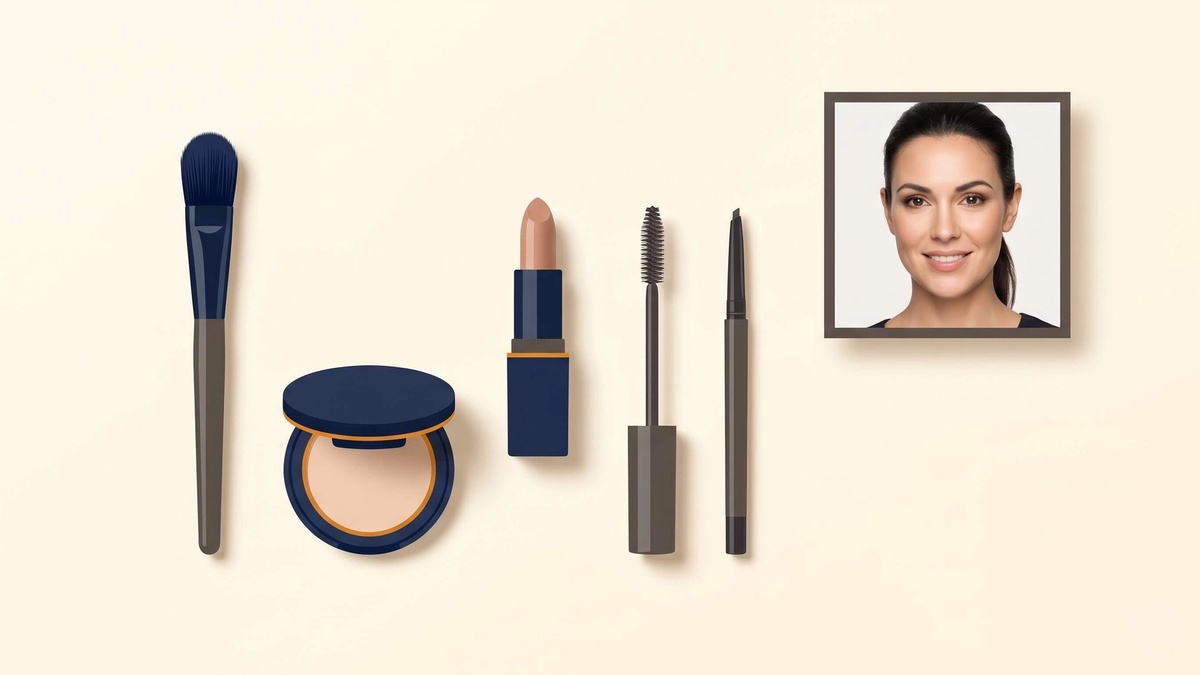
Table of Contents
Light retouching is standard. Photographers do it. AI tools do it. It's expected.
The problem is when retouching crosses from polished into fake. That's when it starts working against you.
✅ What Normal Retouching Looks Like
These adjustments are considered standard in professional headshot photography:
- ✅ Blemish removal: Temporary skin blemishes are routinely removed. Universally accepted.
- ✅ Under-eye softening: Reducing shadows or puffiness. Light touch is accepted.
- ✅ Stray hair cleanup: Individual hairs falling across the face or creating a messy outline.
- ✅ Color correction: Adjusting white balance, skin tone accuracy, and color. Technical correction, not enhancement.
- ✅ Exposure and contrast: Basic brightness adjustments to ensure the face is well-lit and readable.
None of these change who you are. They just reduce distractions.
❌ Where Retouching Crosses the Line
The issue is when the photo no longer looks like the real person.
- ❌ Changing face structure: Slimming the face, altering the jawline, reshaping the nose. These make the photo stop looking like you.
- ❌ Removing wrinkles entirely: Softening fine lines is fine. Erasing all texture and aging creates a waxy, unnatural look and a trust gap.
- ❌ Dramatic teeth whitening: A slight adjustment is normal. Blindingly white teeth draw attention to the edit itself.
- ❌ Skin tone changes: Lightening or darkening the actual complexion. Both problematic and visible.
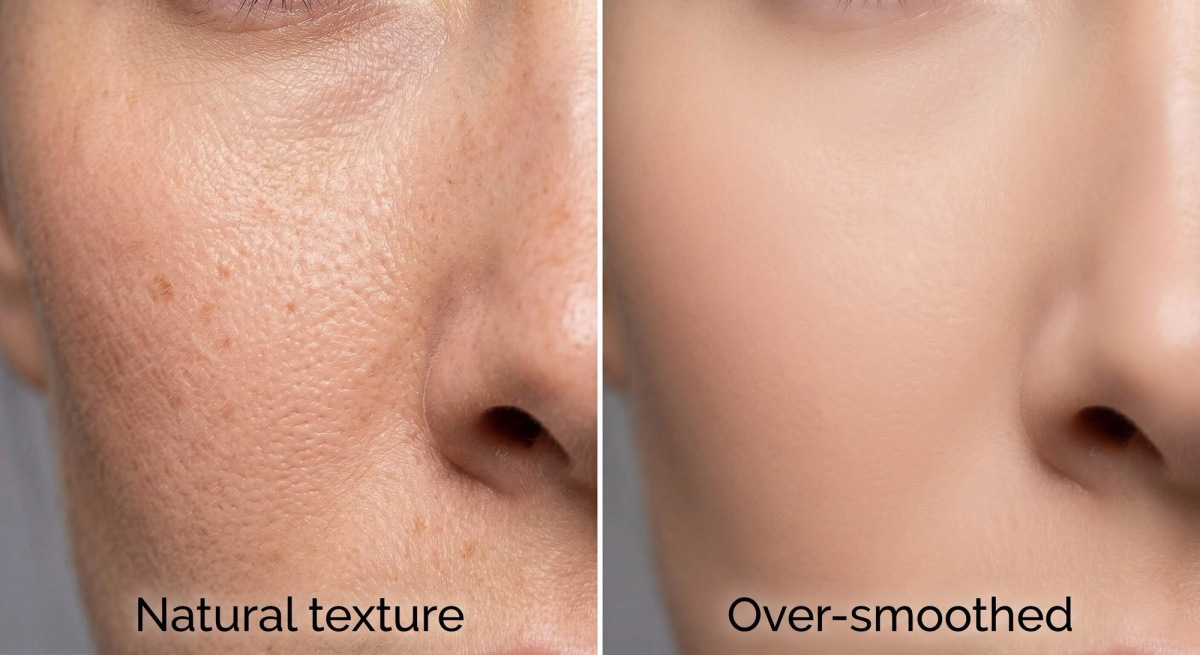
- ❌ Heavy skin smoothing: When pores disappear entirely and the face looks like a plastic surface. Skin should have visible texture.
The Trust Test
The practical test is simple: would someone recognize you in person if they'd only seen your headshot?
If the answer is no, the retouching has gone too far.
This matters most in client-facing contexts. A recruiter who interviews multiple candidates has already formed expectations from your photo. A significant mismatch creates a moment of uncertainty right at the start.
👉 Should your headshot match your real appearance covers this in detail.
How AI Headshot Tools Handle Retouching
AI headshot generators vary significantly on this.
Some tools prioritize aesthetics and produce results that are heavily smoothed. The skin looks flawless but artificial. The face often looks somewhat different from the source photos.
Better tools balance quality with realism. Skin retains texture. Distinctive features like glasses, facial hair, and bone structure are preserved accurately.
👉 How to check: Zoom to 100% on your AI headshot result. Look at the skin. If you can't see any pore texture at all, the smoothing has been overdone.
How to tell if an AI headshot looks real walks through the specific details to examine.
What makes an AI headshot look professional covers what good output actually looks like.
See professional headshot examples to calibrate what appropriate retouching looks like in final results.
For tool comparisons, best AI headshot generators notes which tools tend toward over-smoothing and which preserve natural texture.
Proshoot is built for realism, not perfection. Try Proshoot to see the difference between polished and plastic.
Frequently Asked Questions

Fazil
Content Writer